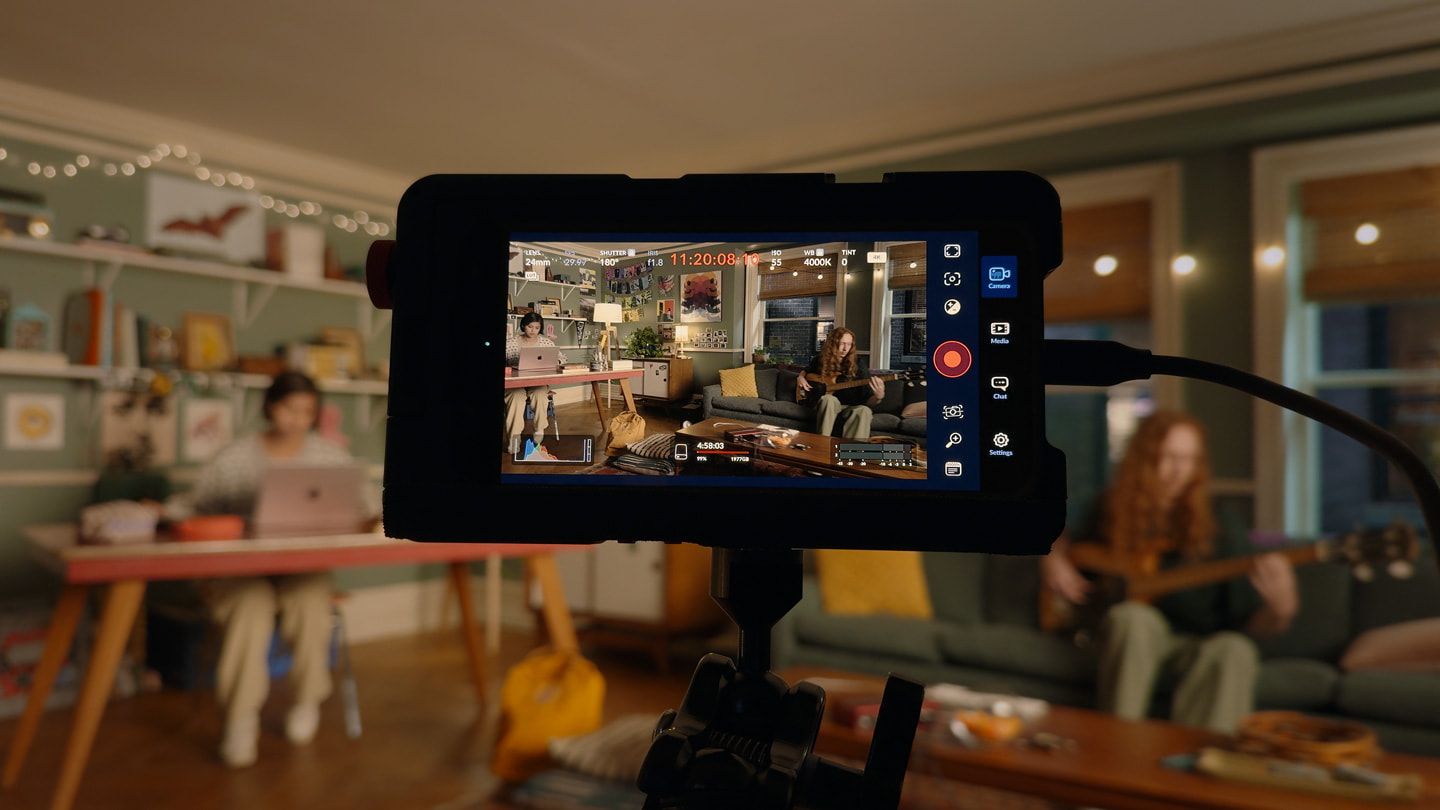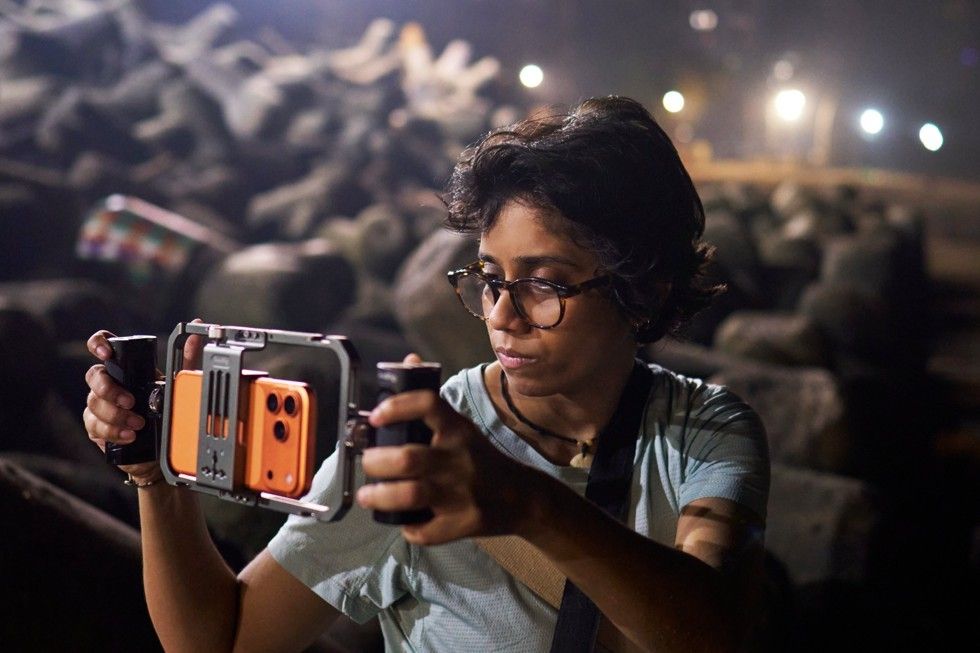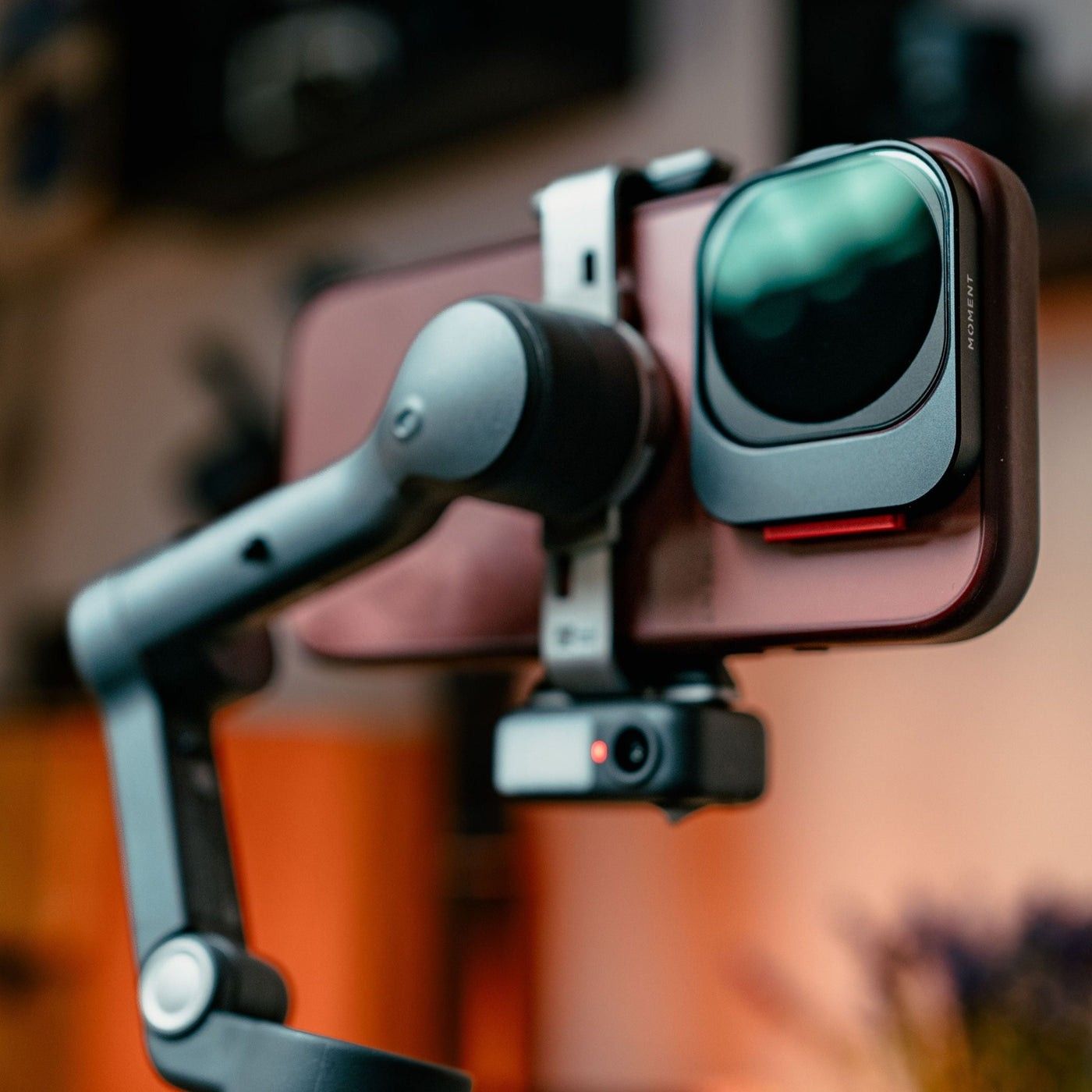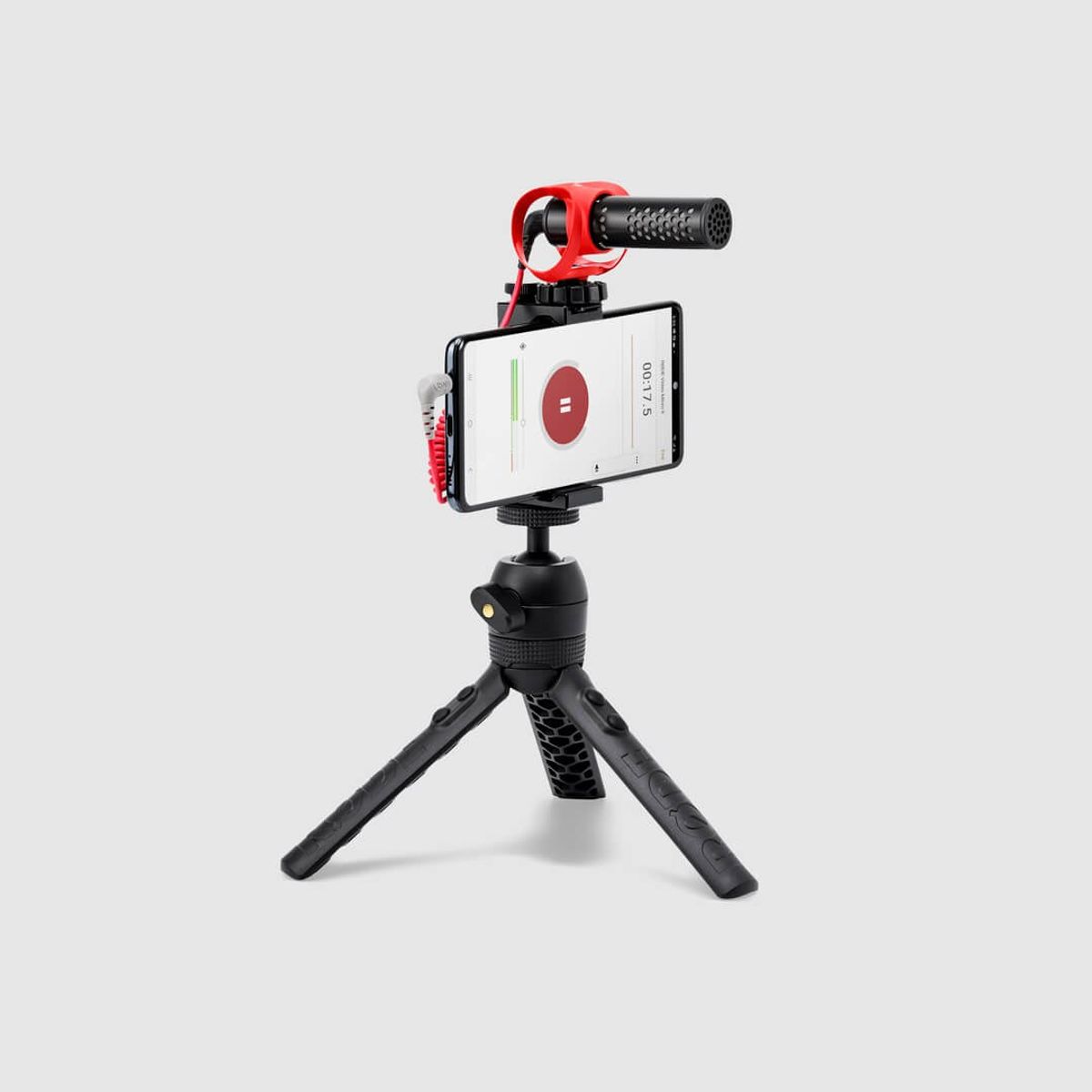
Move the microphone closer to the person speaking before turning up the gain. For a mobile interview, choose a quiet spot, keep the mic near the voice and record a short test in the app you will actually use. Listen back with headphones before filming the whole conversation.
Put the microphone where the voice is
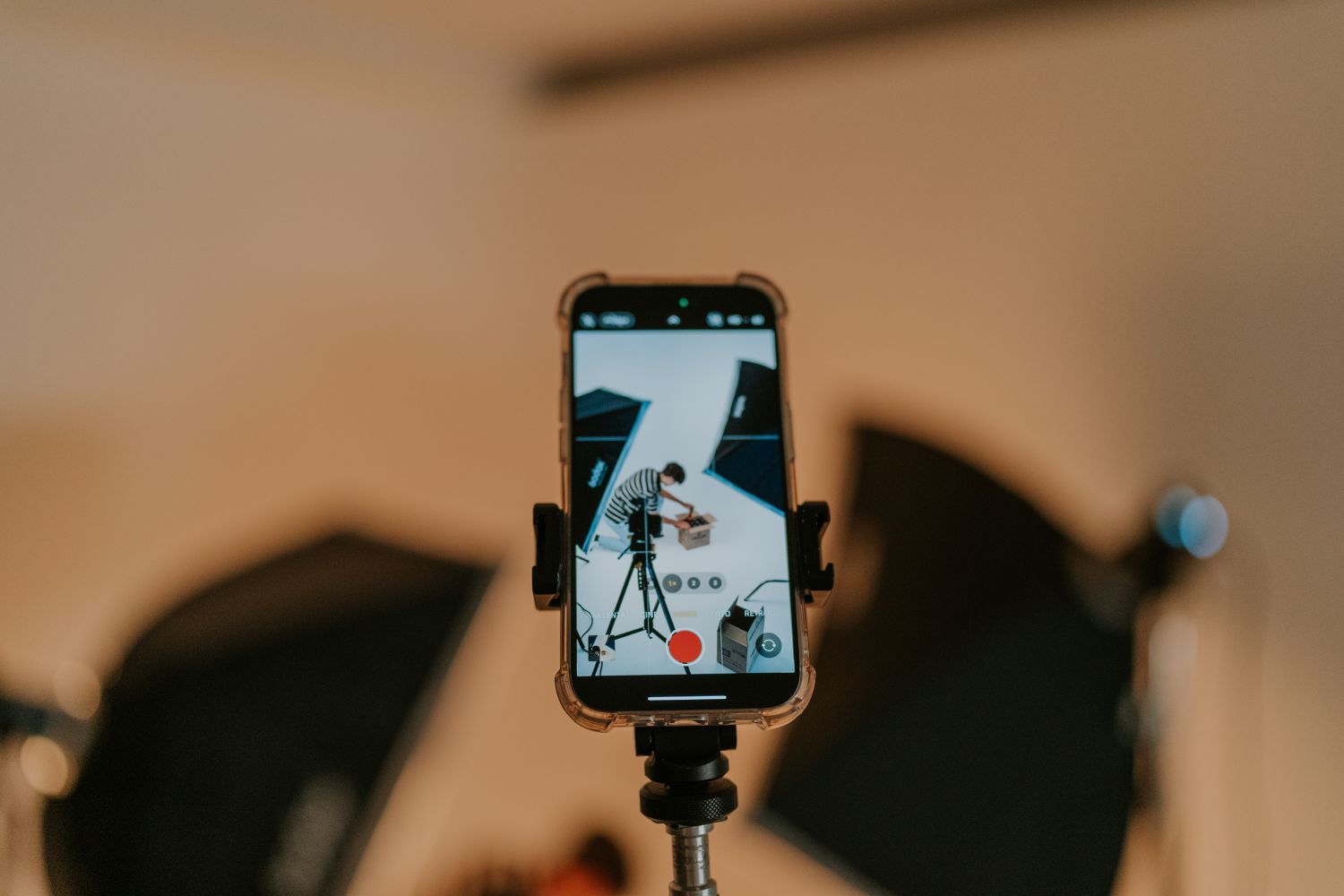
A microphone mounted on a phone moves farther from your speaker when you step back for a wider shot. A lavalier or a mic held just outside the frame can keep the audio distance short while the camera stays back. RØDE’s shotgun-microphone guidance makes the same distinction: directionality does not make a distant voice sound close. Its suggested distances vary by model, so use the manual for your microphone rather than treating every small shotgun alike.
Choose the room before adding gain
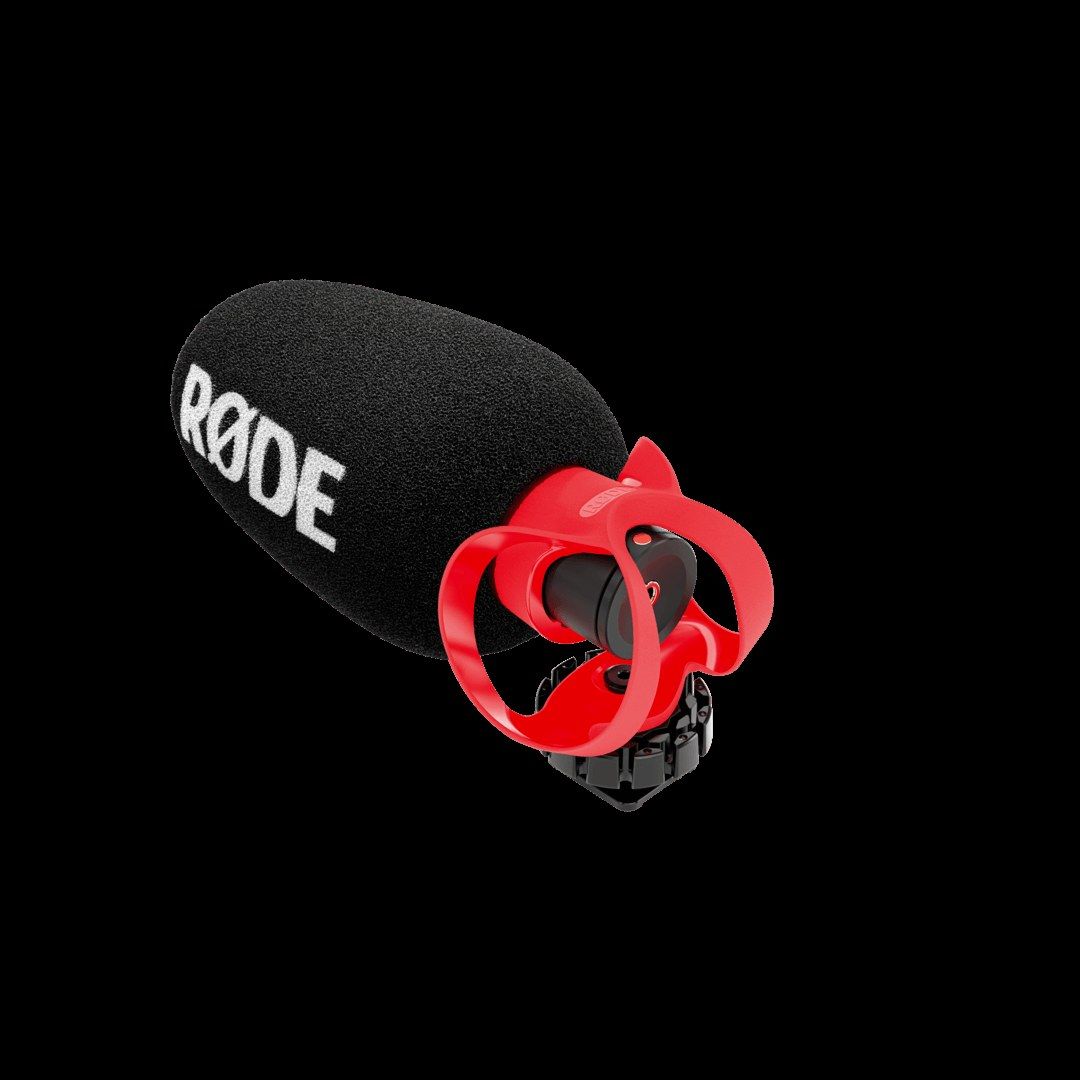
Listen for fans, traffic and hard reflections from bare walls. Move away from a noisy air conditioner or choose a softer room if possible. Outdoors, find shelter from the wind and fit a suitable windshield. The foam-covered microphone below illustrates one kind of protection; stronger wind may need a different cover. A filter in an app cannot reliably recover speech that wind or another sound has overwhelmed.
Check the actual recording path
Confirm that the app is using the microphone you connected. Check the phone port, cable and adapter requirements in the microphone’s own guide; a connector that fits is not proof the audio path works. Record the speaker at their normal level, then include a louder sentence. Listen for crackling, clothing rub and distortion. Leave room for a louder moment rather than setting the level at its limit.
Keep a little room tone
After the conversation, record a short stretch of the same space without speech, with the microphone and gain unchanged. That background can help an editor smooth a cut. Repeat the test when the location or microphone position changes. These are setup checks, not a claim that a particular phone and accessory combination has been tested.