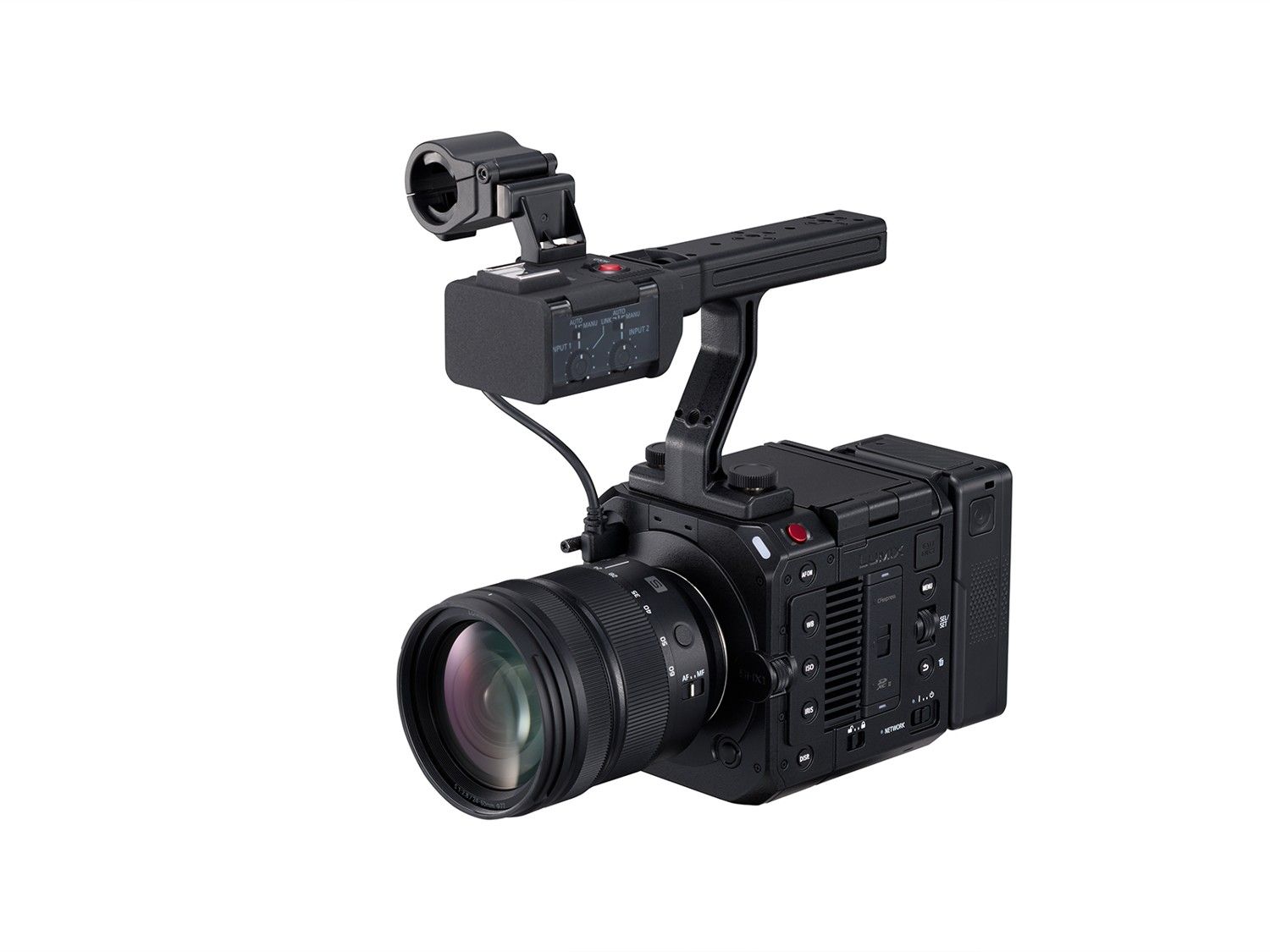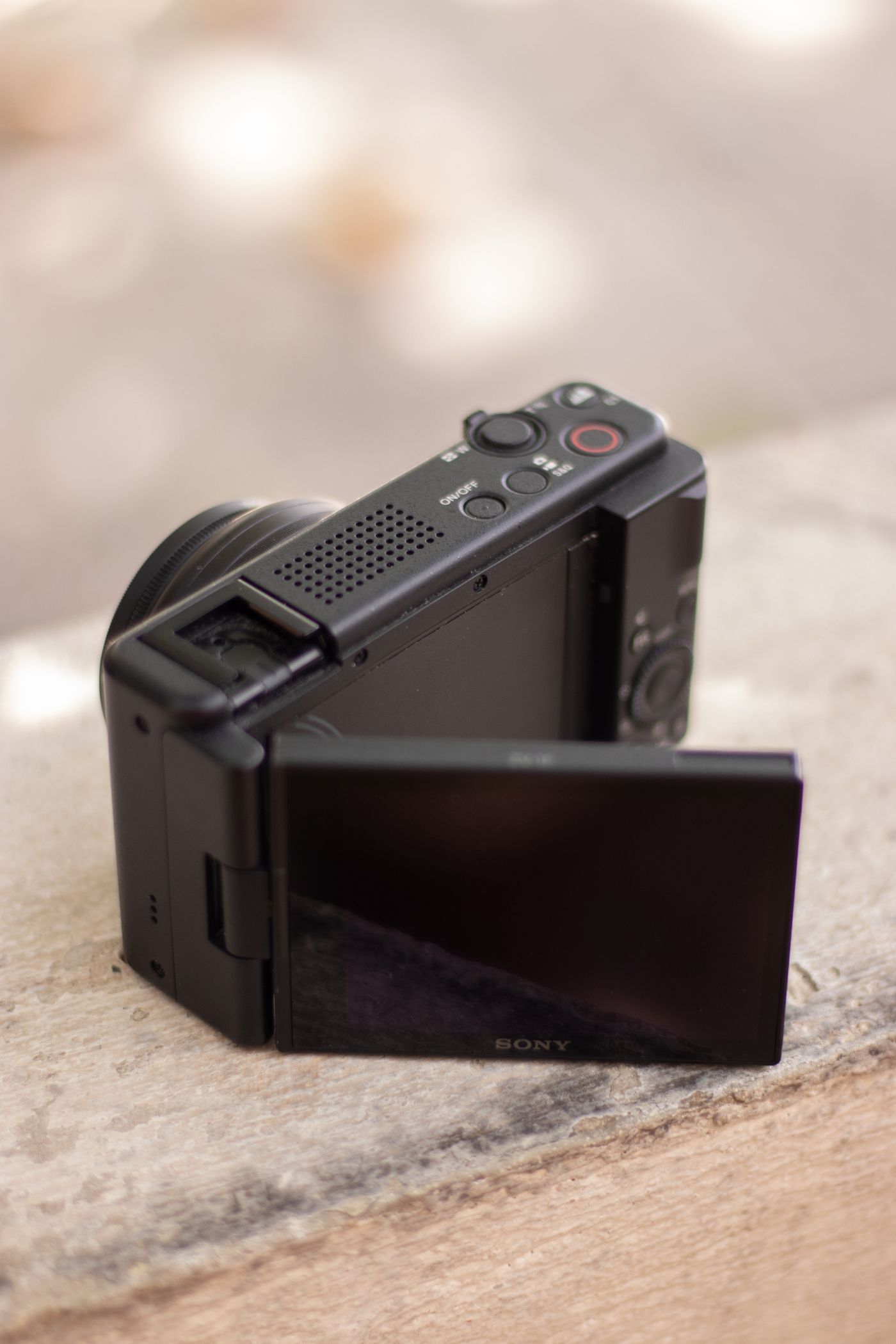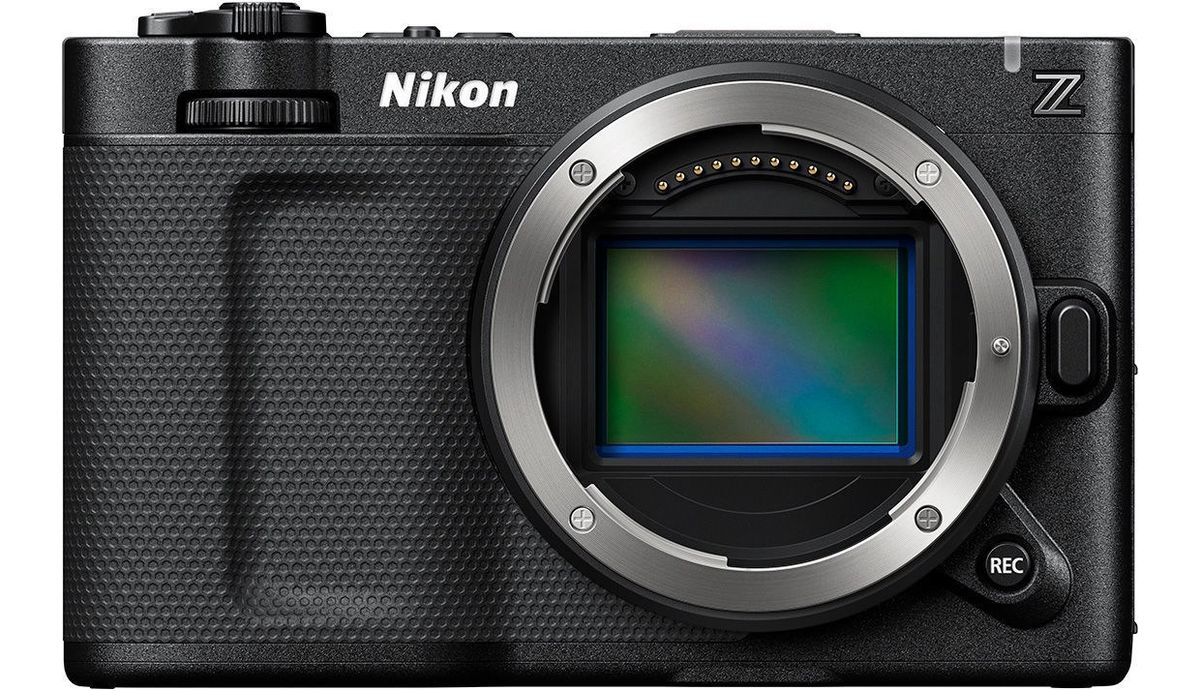
Nikon released ZR firmware 2.00 on November 24. The first major update for the Z CINEMA camera adds Log3G10 as a tone-mode option for H.265 10-bit MOV recording, along with monitoring, control and low-light changes. This is a specification overview based on Nikon’s release and download notes, not a hands-on test.
What changes for H.265 recording?
Log3G10 can now be paired with REDWideGamutRGB while recording the smaller H.265 10-bit MOV format. That gives ZR users a RED color-science path without requiring R3D NE for every shoot. It does not make H.265 RAW, and recording format, bit depth, color management and delivery still need to be planned together.
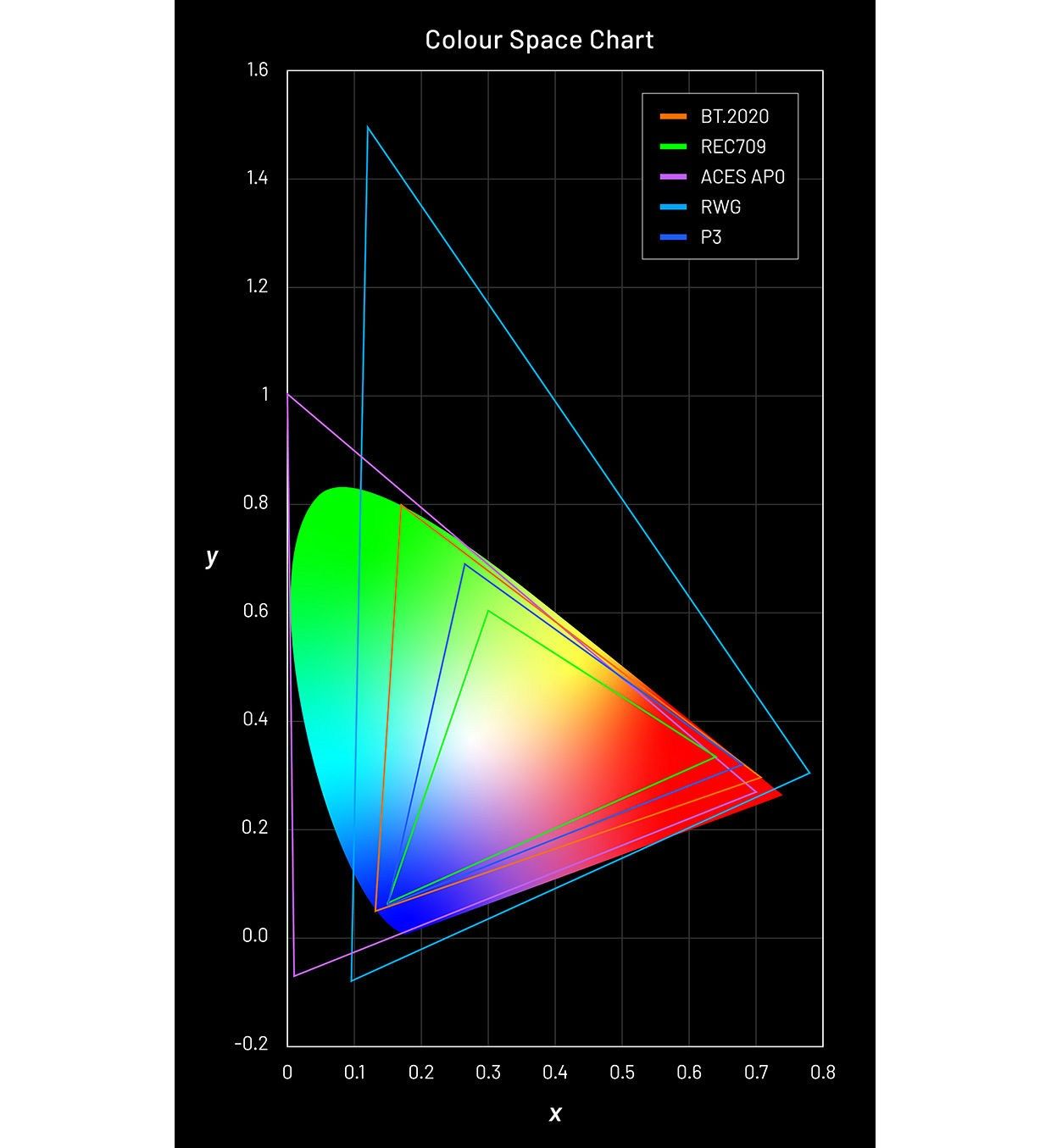
Nikon also adds four High ISO NR levels for Log3G10 or N-Log in H.265. The setting changes how aggressively the camera treats noise; it is not a promise of extra dynamic range. The release separately says the update reduces dark-area noise and suppresses frame-to-frame black-level fluctuation.
What changes for monitoring and controls?
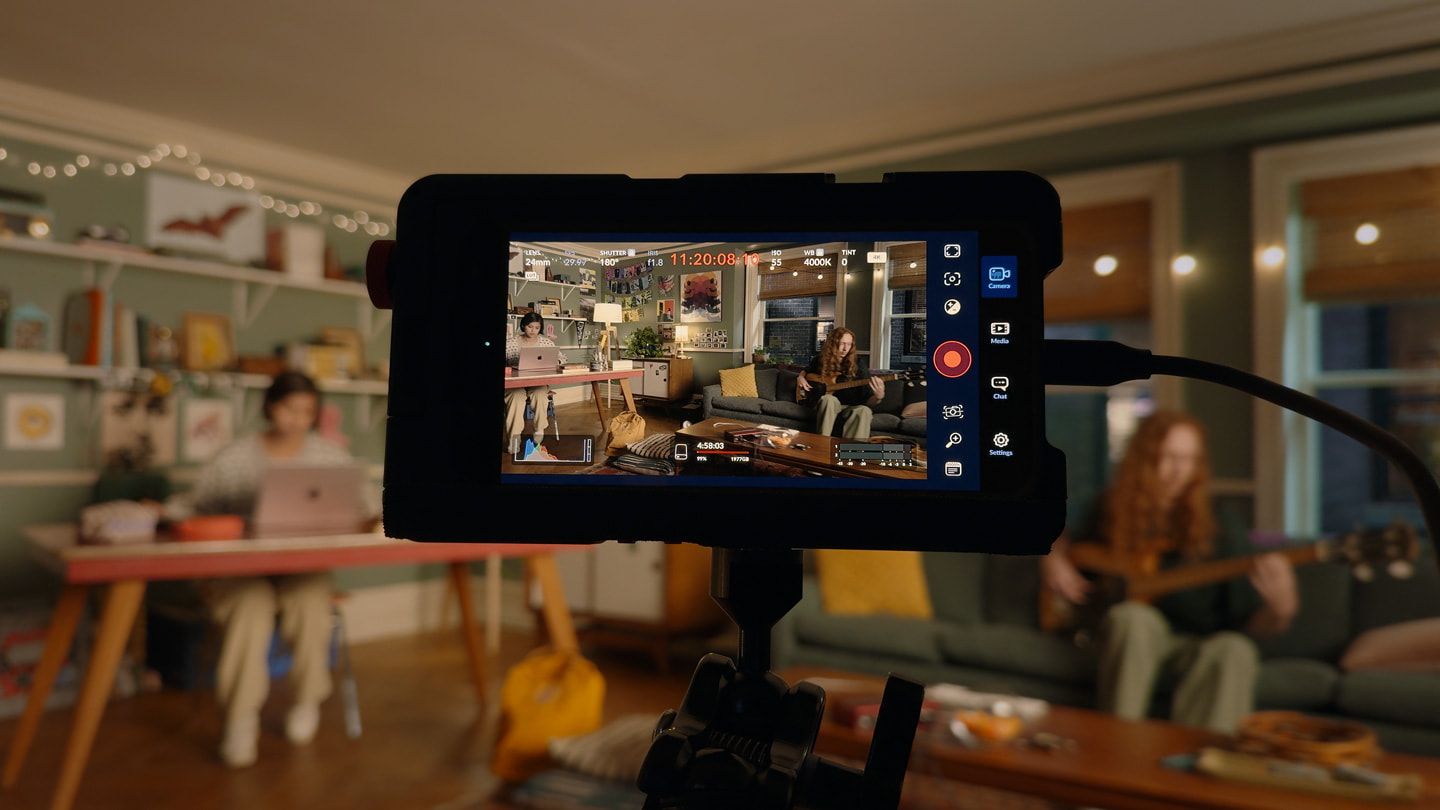
A 3D LUT can now be applied to the HDMI output, and focus peaking remains available when a 3D LUT is enabled. Operators can assign 3D LUT/View Assist to a function button. ISO, exposure, white balance and color temperature can also be assigned to command dials in manual mode, reducing the number of menu trips during a setup.

The still-photography side receives smaller changes: Cloud Picture Control is renamed Imaging Recipe, and Easy ISO joins the custom settings. The central reason to update is still the video workflow, especially for crews that want compact H.265 files with Log3G10.
Check the update instructions before installing
The Nikon Download Center lists version 2.00 for ZR bodies running firmware 1.01 through 1.11. Nikon says a computer and card reader are required. Its caution says to update only with a Z-mount NIKKOR lens, FTZ II or FTZ adapter attached; another lens or adapter could cause a malfunction. Check the camera’s current firmware first and follow the complete download-page procedure.