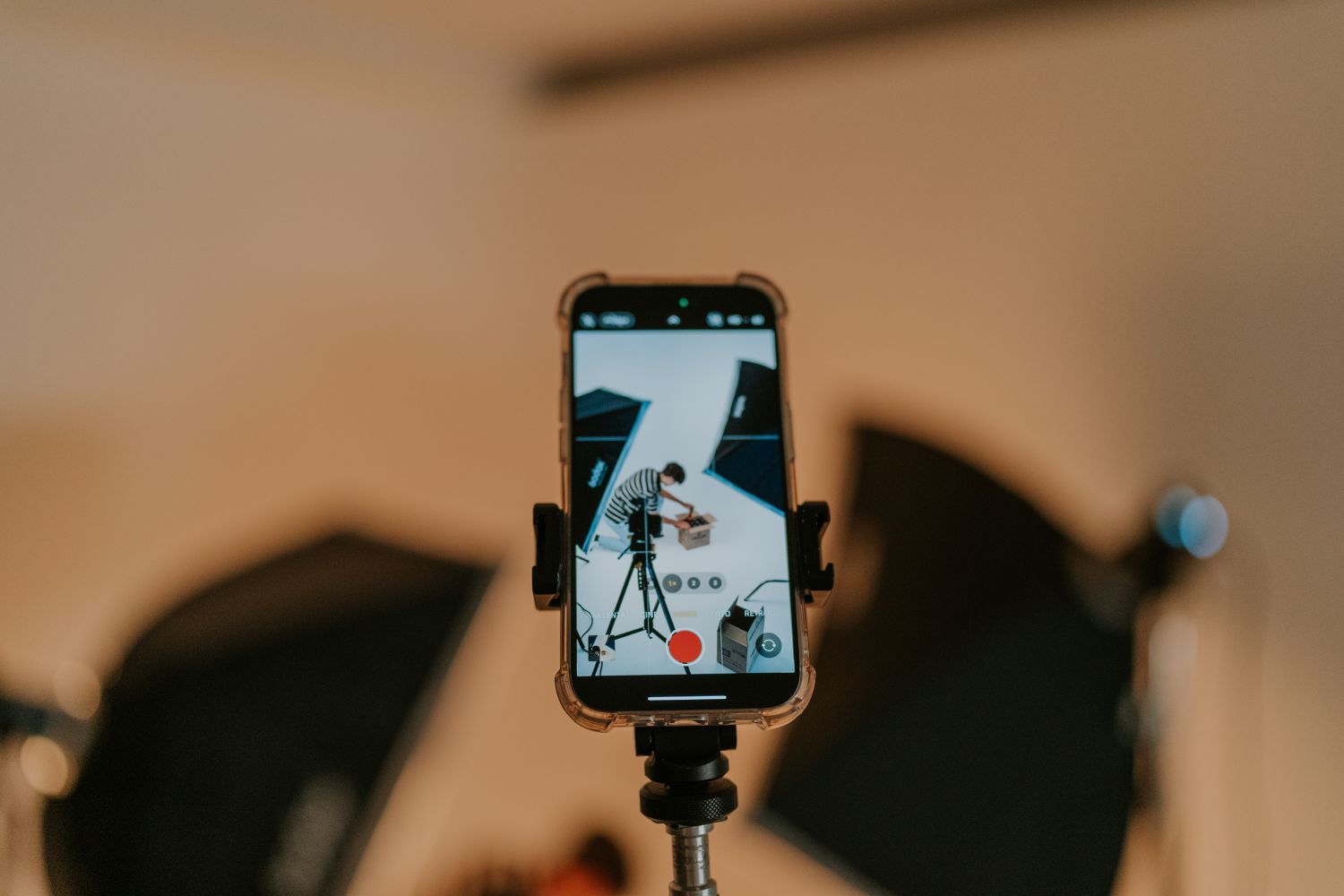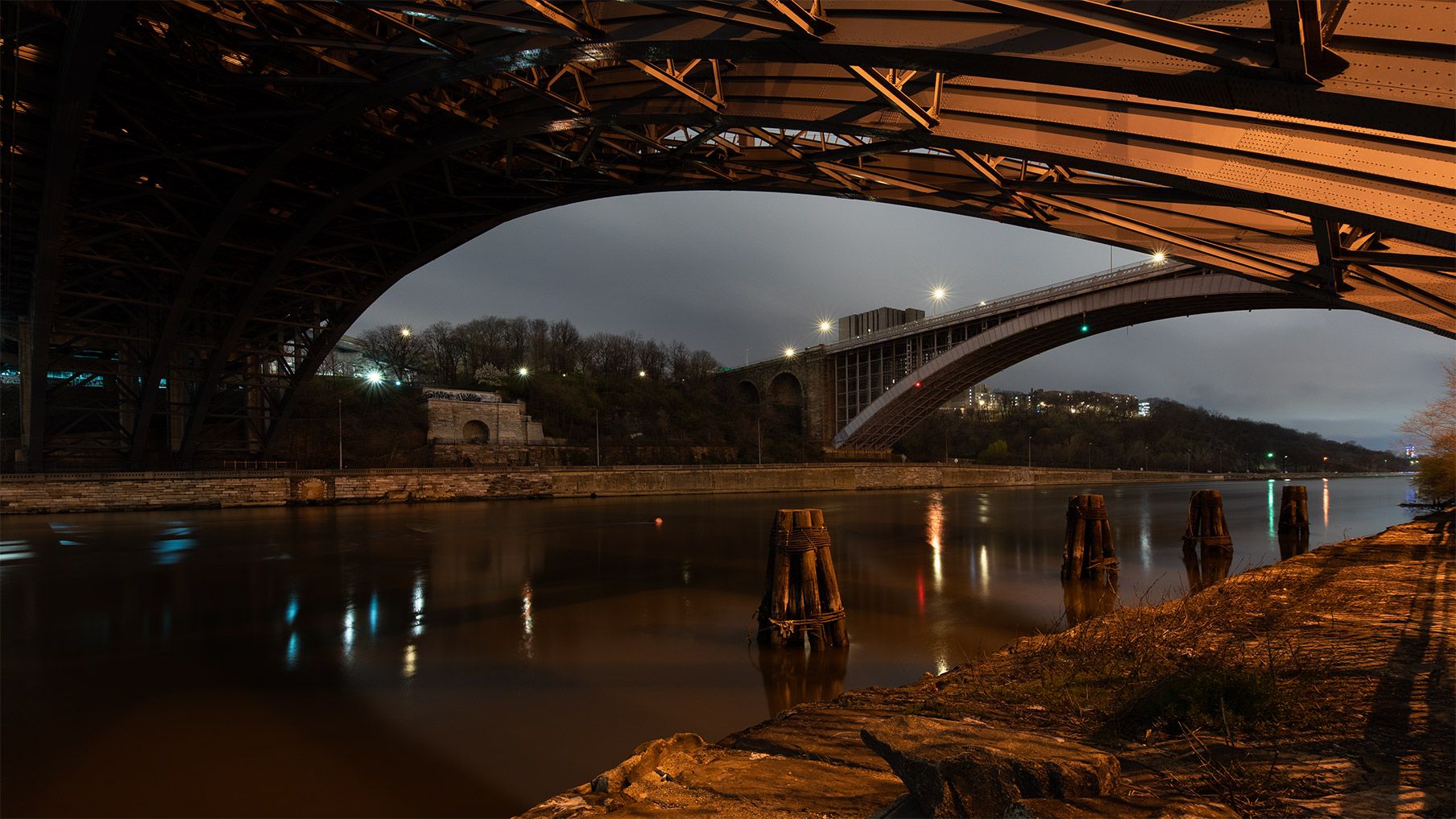
If your iPhone video has drifting dark bands or a brightness pulse, record five seconds under one light, switch it off, then record the same frame again. Play both clips back. Once you know which fixture is causing the problem, you can change the light or test a different camera setting before you record the whole scene.
Isolate the light that flickers
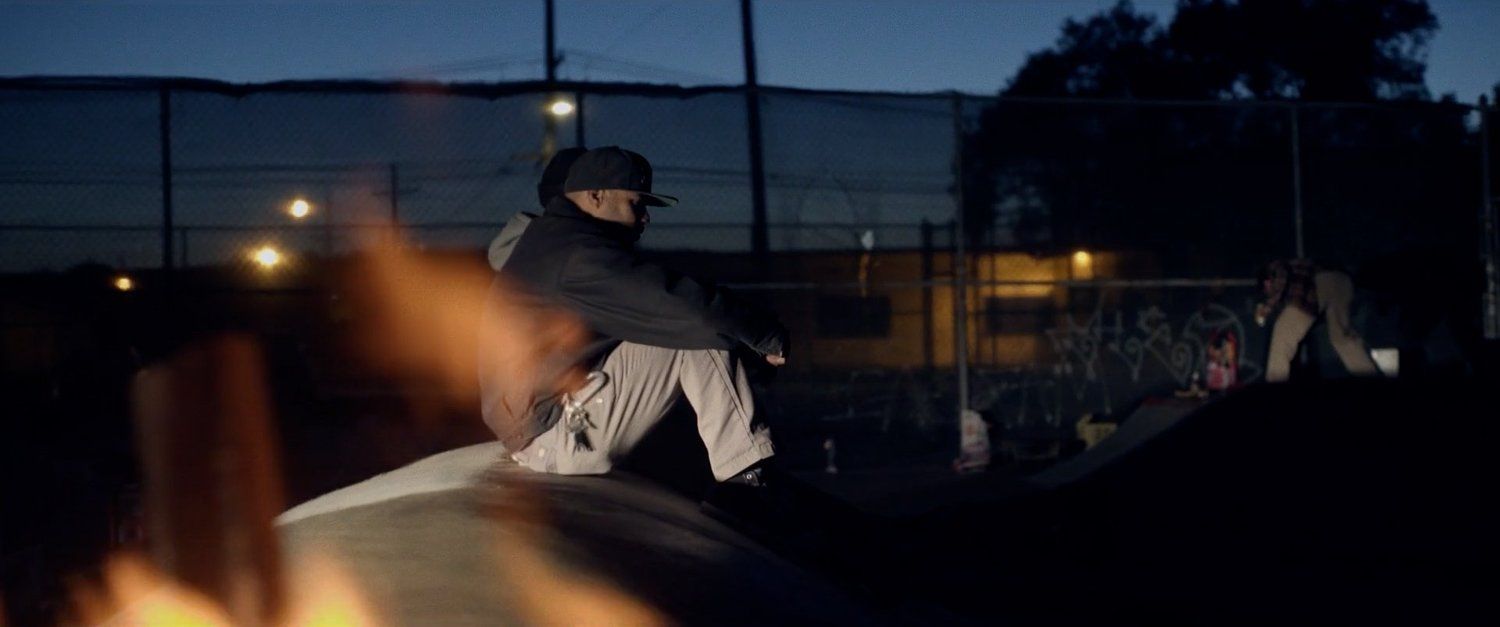
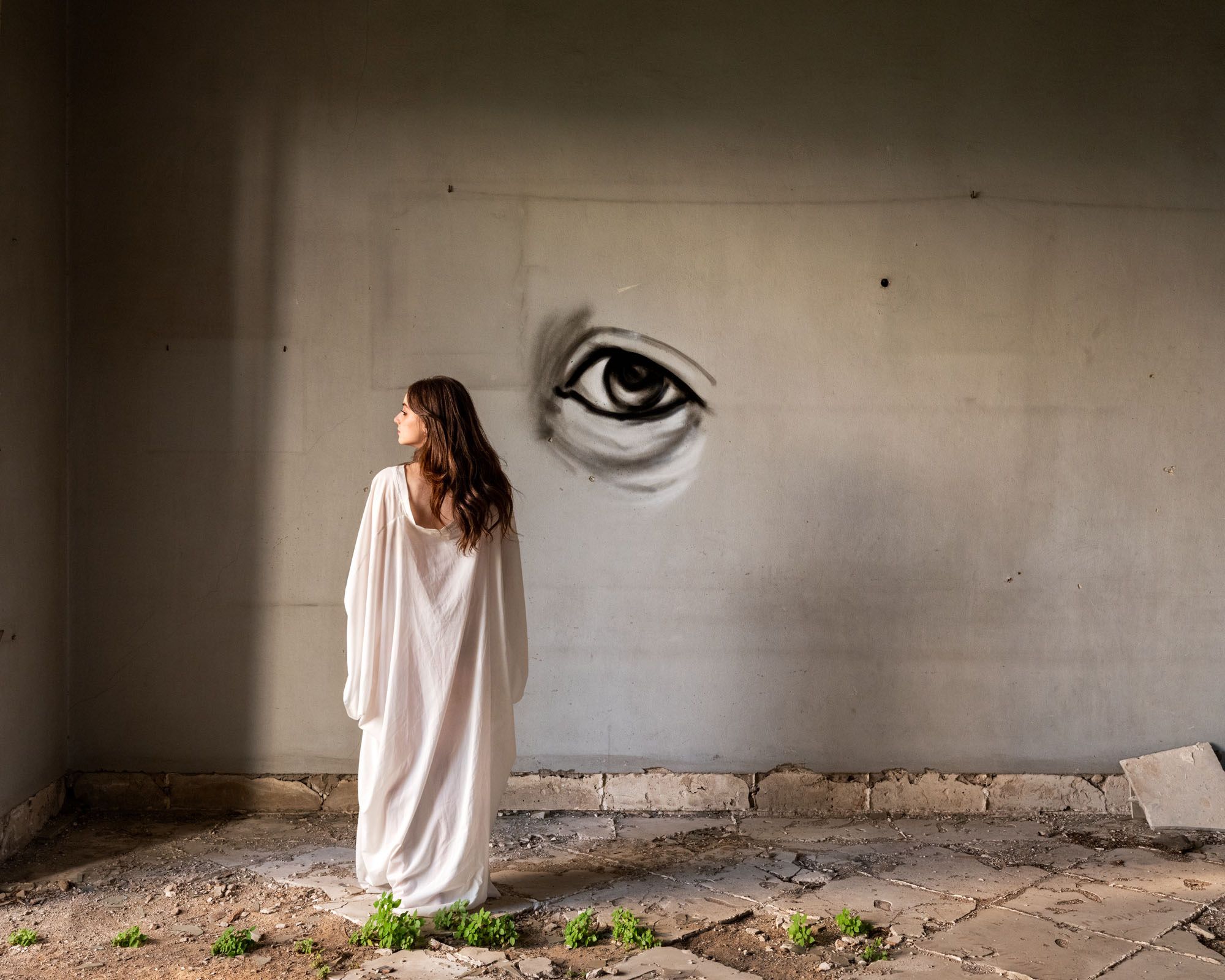
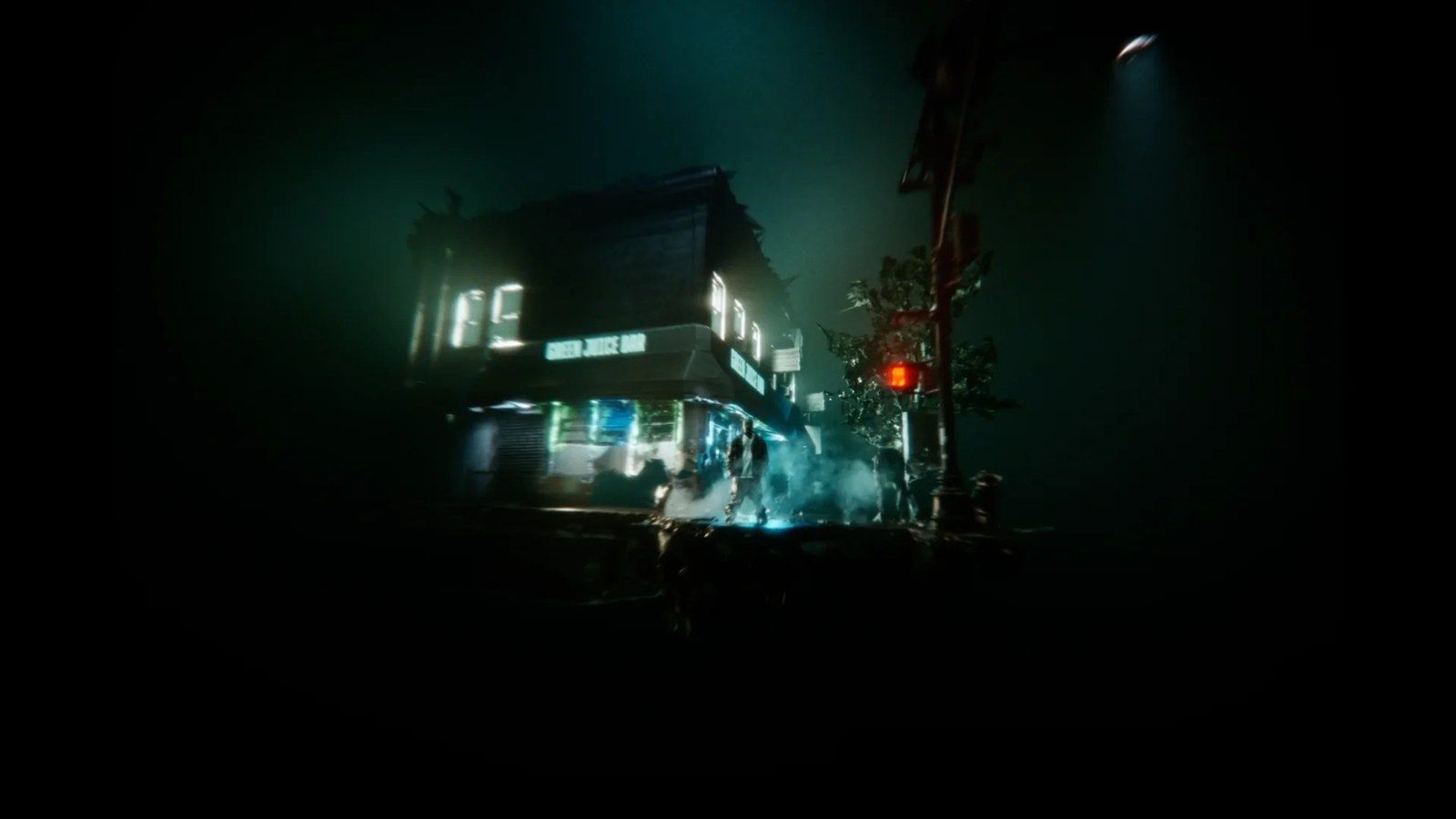
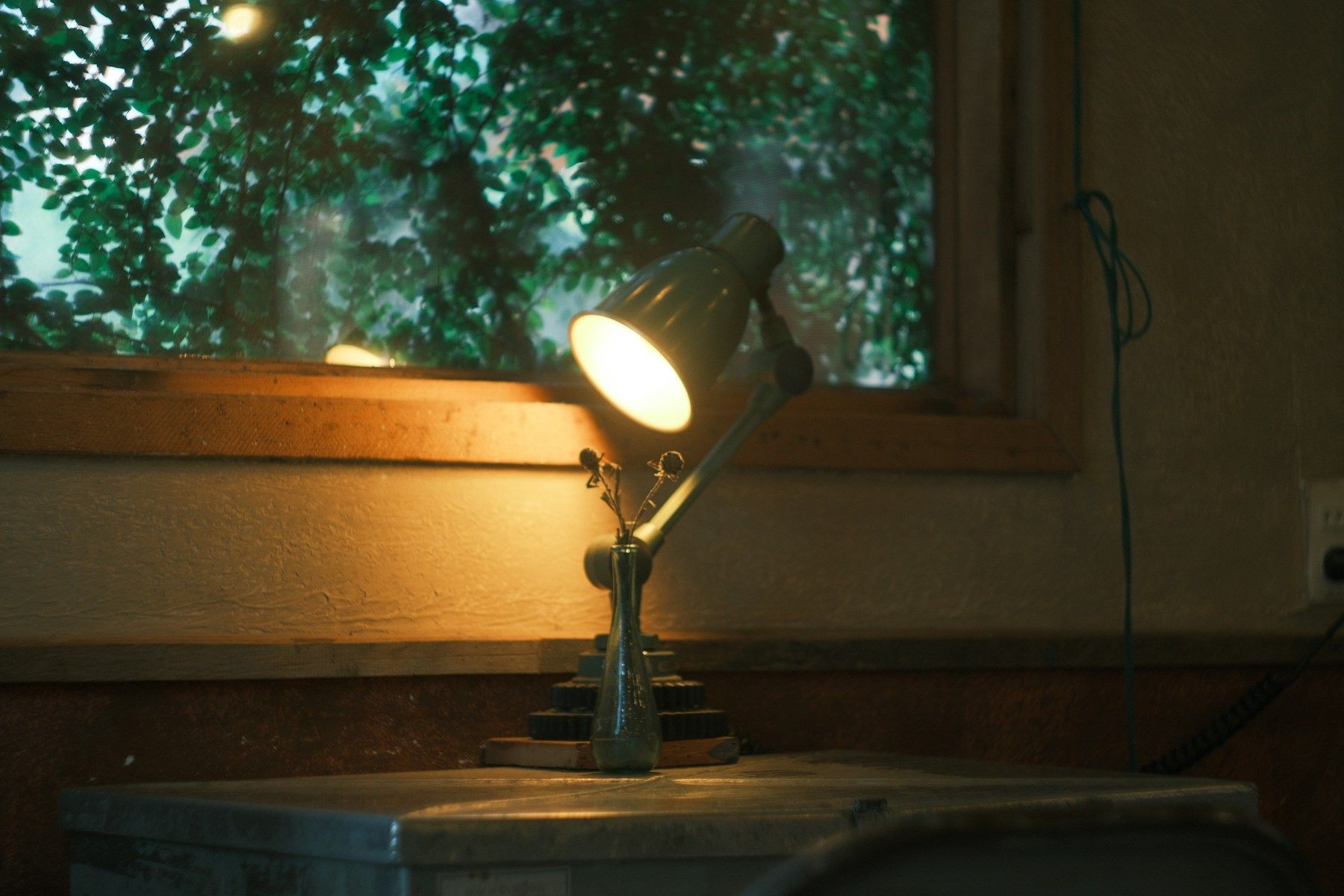
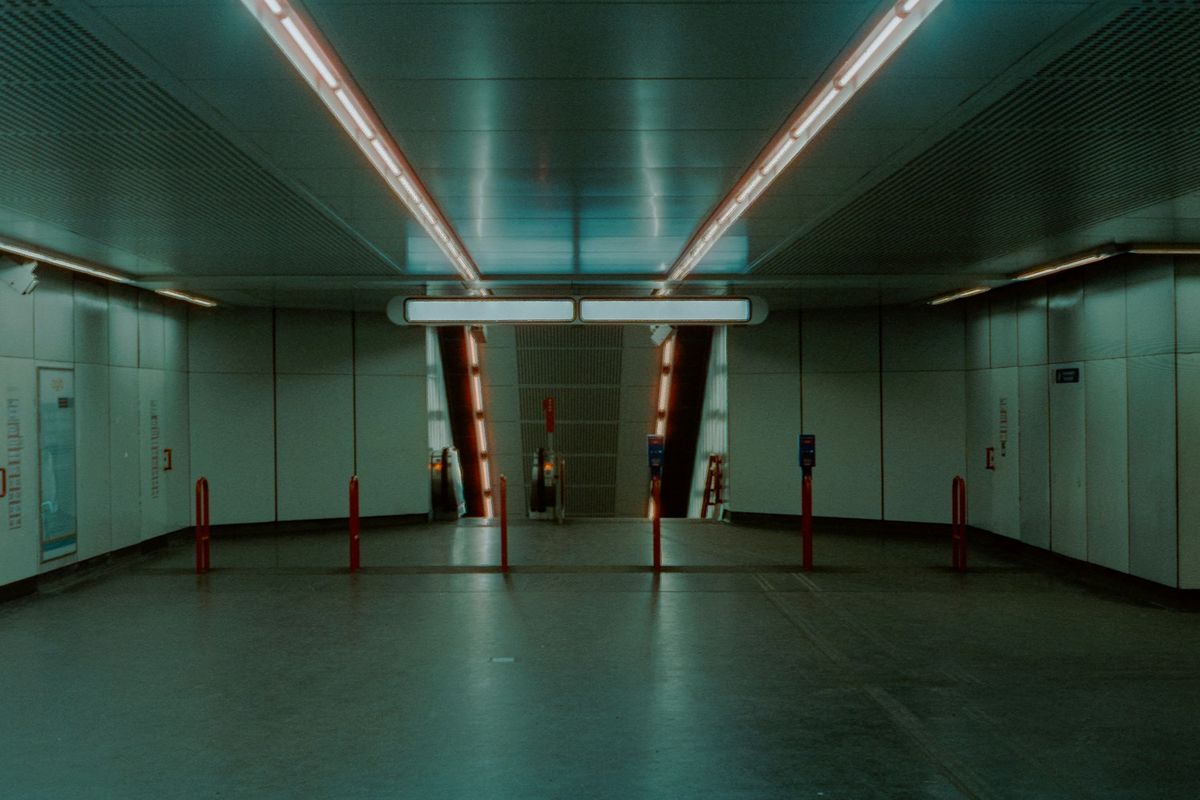
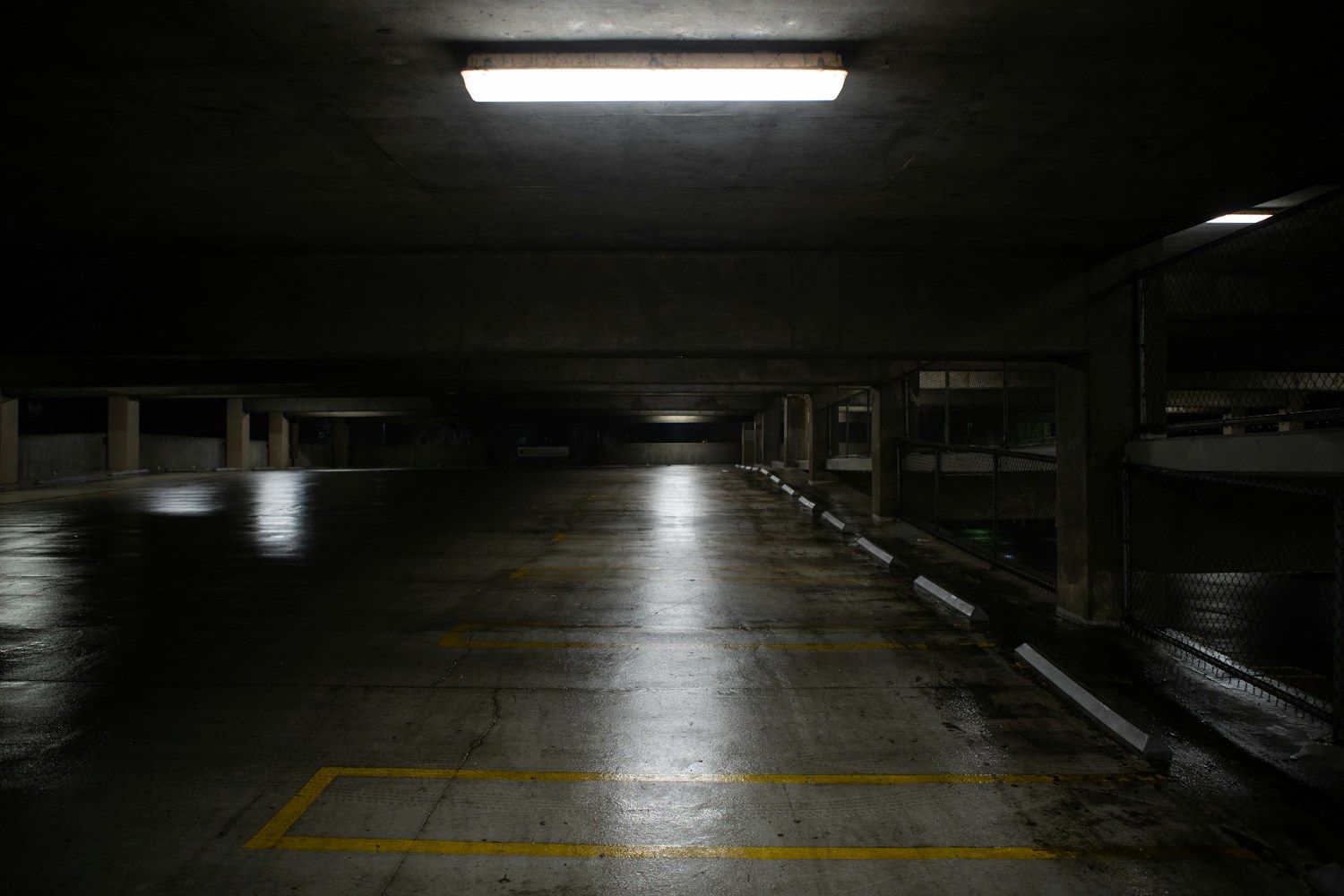
Keep the phone pointed at the same wall or floor for both takes. Include a flat surface or a reflection, where a change in brightness is easier to see. In the photo below, one fixture lights a patch of wet concrete. A patch like that gives you a place to watch for banding. Check one fixture at a time, including dimmed LEDs and any screen that lights the subject.
If a dimmer is involved, try changing its level and record again. When you need to keep the existing light, check the frame rates your iPhone offers and try 25 fps in a 50 Hz region or 30 fps in a 60 Hz region. On supported iPhones, look under Settings → Camera → Record Video for available PAL options. Compare the saved clips at normal speed.
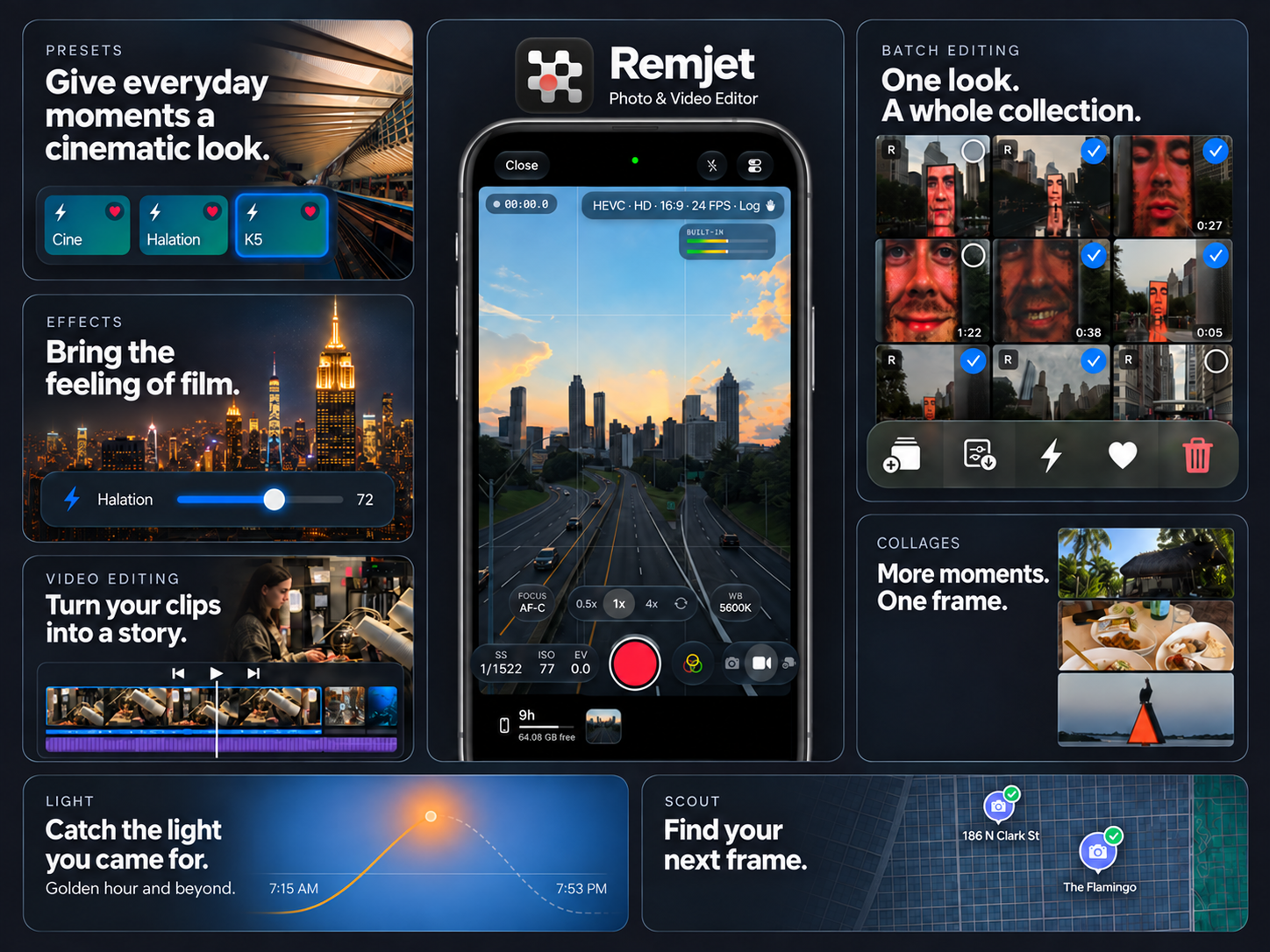
Set the shutter if your camera app lets you
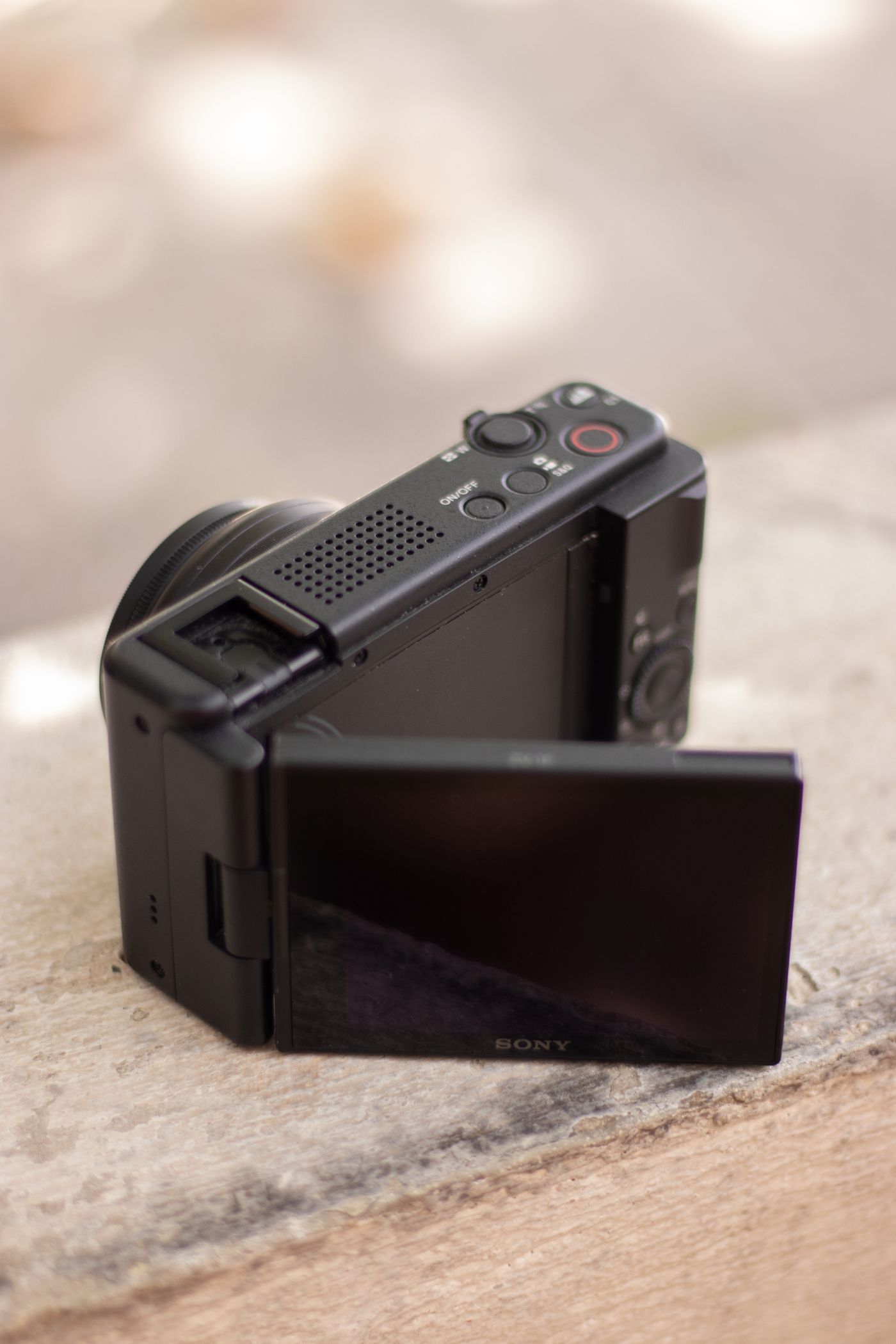
Frame rate tells you how many frames the phone records each second. Shutter speed controls how long each frame gathers light. For lights that cycle with the electrical supply, Sony’s flicker guide suggests starting at 1/50 or 1/100 in 50 Hz regions and 1/60 or 1/120 in 60 Hz regions. Treat those as test settings. An LED dimmer or a screen can pulse at a different frequency.
Watch the test before you shoot
With indoor light, check the actual recording for moving bands and slower brightness shifts. If changing the shutter softens movement more than you want, try moving the subject away from the problem light, turning it off, or replacing it. To see how that trade-off affects motion, read our guide to frame rate and shutter speed.