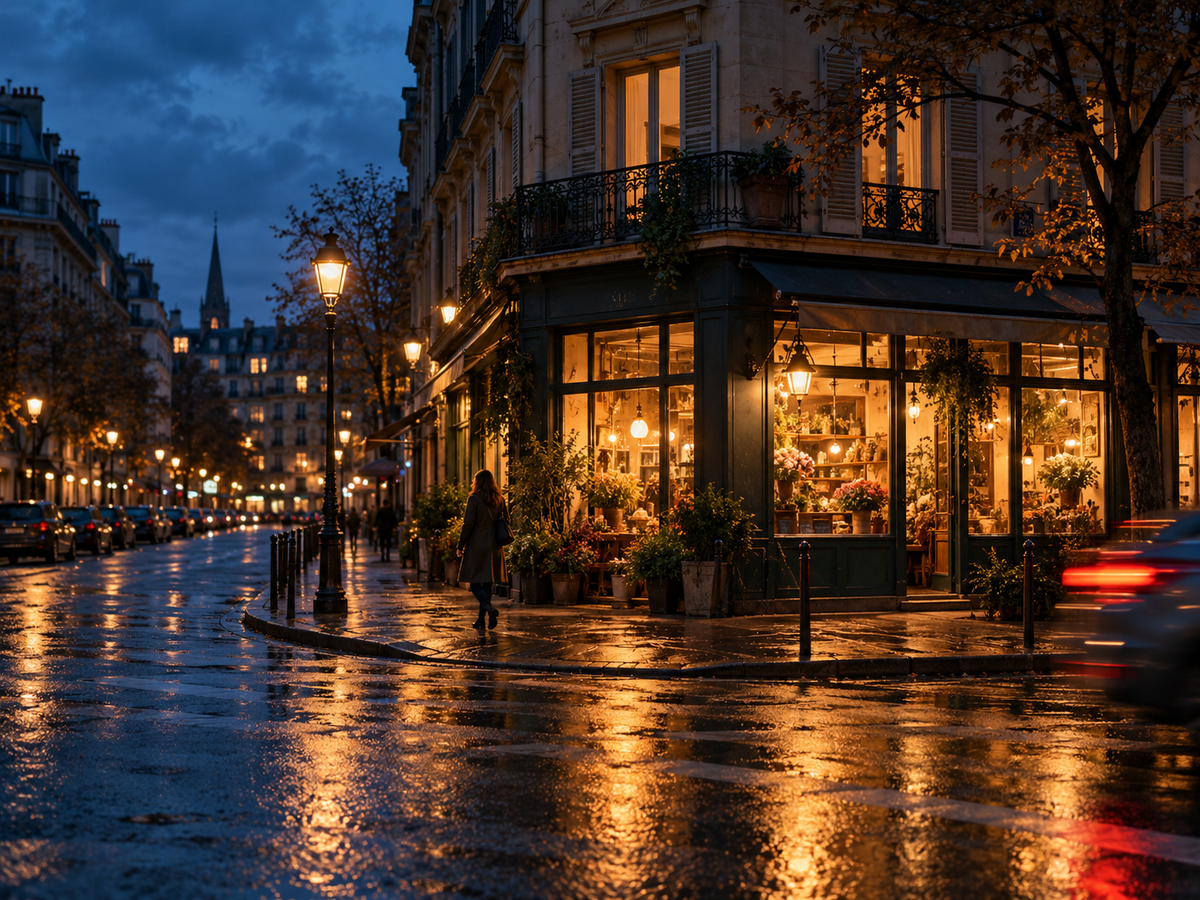
A night photo can look sharp on your phone and turn into a blur when you open it larger. Often, the camera moved during the exposure, or the person in the frame moved while the shutter was open. Those are different problems, and they need different fixes.
Start with a light source, keep the camera steady, and choose a shutter speed that suits your subject. Let some parts of the scene stay dark. You do not need to make midnight look like noon.
Find the light before changing the settings
Look for a shop window, a streetlamp, or light spilling from a doorway. A person standing near that light will usually be easier to photograph than someone in the middle of a dark street. Move a few steps and watch what happens to their face.
Pay attention to the background, too. A bright sign directly behind someone can pull your eye away from them. A small change in your position may separate the subject from the sign without losing the feeling of the street.
Work out what is moving
If the whole frame is smeared in the same direction, camera movement is a likely cause. Brace your arms against your body, lean against something solid, or use a tripod. A short timer can help you avoid moving a tripod-mounted camera when you press the shutter.
If the buildings are sharp but a person is blurred, holding the camera steadier will not freeze that person. You need a shorter exposure, more light, or a subject who can stay still. Image stabilization helps with camera shake; it does not stop someone walking.
Choose a starting shutter speed
With manual controls, try around 1/125 second for someone who is fairly still, or 1/250 second for a walking subject. These are starting points, not guarantees. Faster movement, longer lenses, and how large you show the photo all affect what looks sharp.
For a quiet street with no moving subjects, you can use a longer exposure if the camera is supported. On a tripod, a few seconds can turn passing cars into trails. The same setting will blur anyone who walks through the frame.
Open the aperture if your camera lets you, then raise ISO enough to get a usable exposure. A wide aperture gathers more light but can leave less of the scene in focus. Higher ISO can make noise more visible, but a little noise is often easier to live with than an unintentionally blurred face.
On a phone, check what night mode is doing
A phone’s night mode can combine several exposures to brighten a dark scene. It works especially well when you and the subject can stay still. Movement can leave soft details or odd-looking edges, so check faces and hands after the shot.
If your phone allows it, shorten the night-mode capture or try a regular photo when people are moving. You may get a darker image with a more natural-looking subject. Use the main camera as your starting point and compare results before switching lenses or zooming in.
Keep an eye on bright signs and lamps
The preview may look dark even when the important parts are exposed well. Do not brighten everything just to fill the screen. Check whether a face still has detail and whether a colored sign has turned into a white patch.
Lowering exposure can help preserve bright areas, but it also darkens the subject. Sometimes the better fix is to move the person closer to a light, change your angle, or leave the brightest lamp outside the frame. A clipped bulb is not automatically a ruined photograph.
Focus on something you can see
Autofocus can struggle with a flat, dark surface. Try an illuminated edge or a clear detail near your subject. On a phone, tap the subject and check focus again if the distance changes. With a camera, use the focus mode that matches whether the subject is still or moving.
Before leaving, enlarge a frame and inspect the part that matters. If the eyes are soft, another ten nearly identical shots may not fix it. Change one thing: the shutter speed, your support, the focus point, or where the person is standing.
Edit without removing the night
Start with small changes to exposure and white balance. You can lift a face a little while leaving an alley dark. Pulling every shadow up can reveal noise and make the scene look flat.
Mixed light will not always look neutral everywhere. A warm window and a cool sky can belong in the same picture. Choose a balance that keeps the subject believable, then decide how much of that color contrast you want to keep.
Give yourself a simple first shoot
Pick one well-lit block and make three photos: a still scene, a person near a window, and something moving. Check each result before moving on. You will learn more from fixing one clear problem than from changing every setting between shots.
For the change from daylight to evening, Remjet’s Light view shows sunset and golden-hour timing for your location. Check those times before heading out, then leave yourself time to find a frame while there is still some light in the sky.
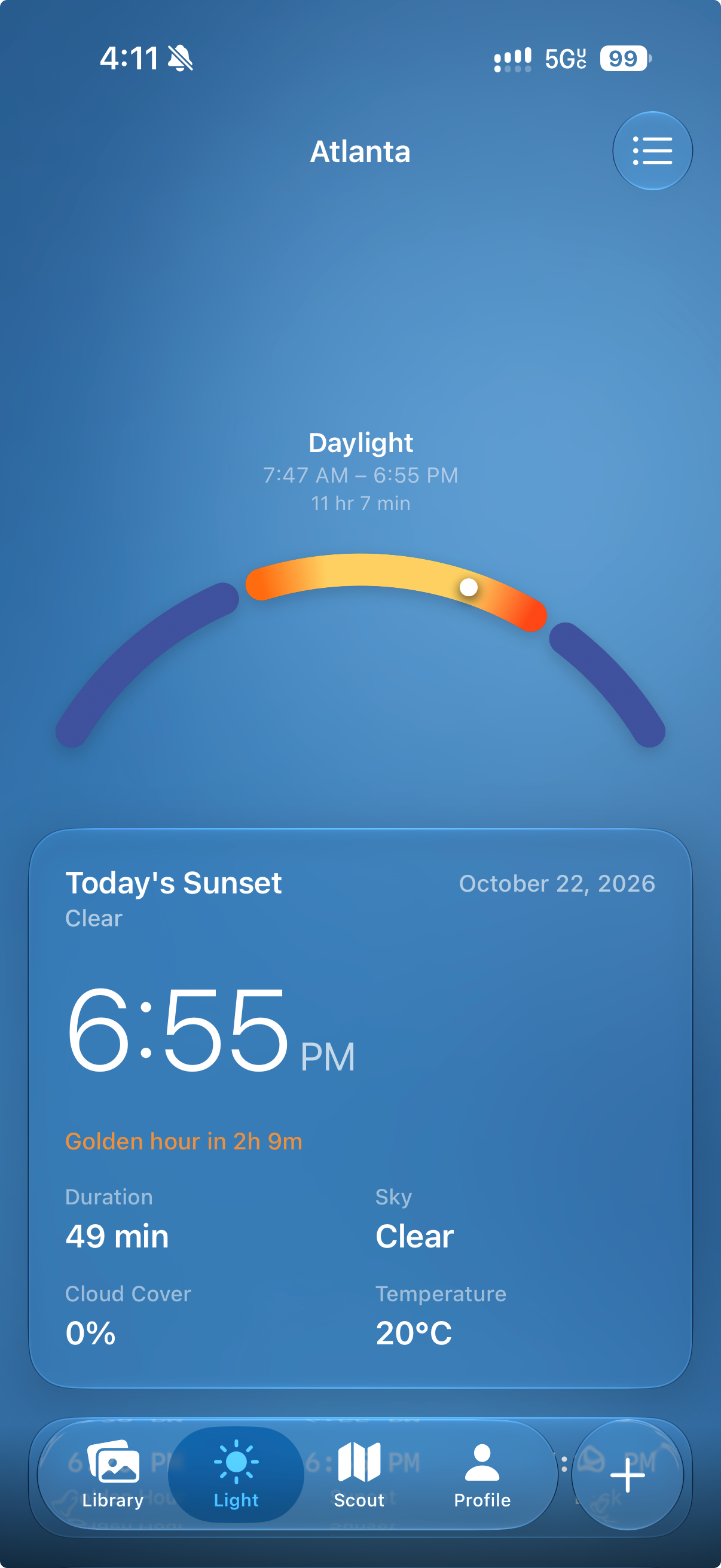
If you want to plan a location and work on the photos afterward, see what Remjet includes. The release guide walks through Scout, Light, and the editing tools so you can see what fits your process.