Adobe’s November releases add Color Mode to Premiere and tethered Live View to Lightroom on desktop. The first gives video editors a dedicated workspace for color. The second lets photographers see what a compatible camera sees from a tethered computer before taking the shot. Read Adobe’s announcement.
Premiere gets a dedicated color workspace
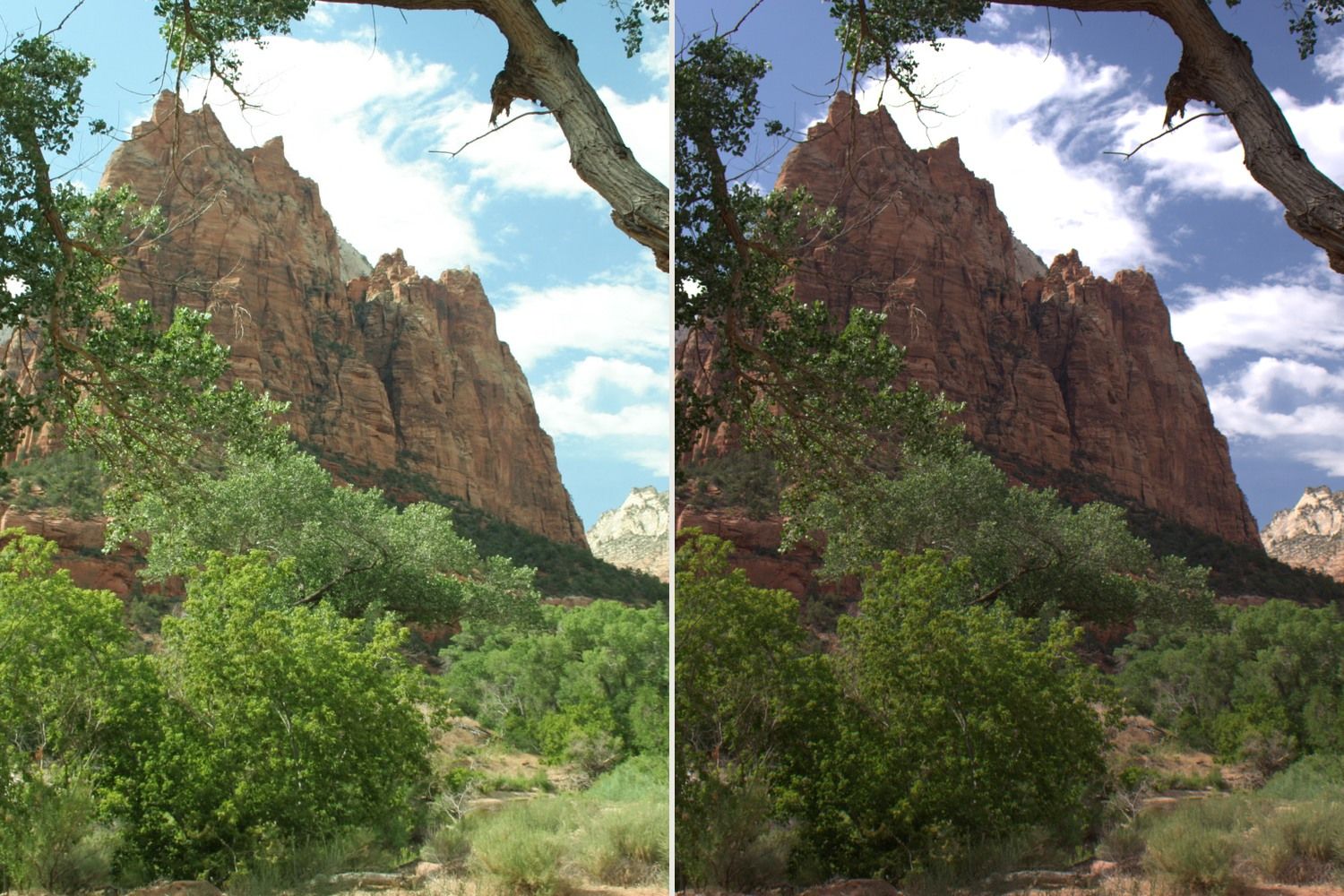
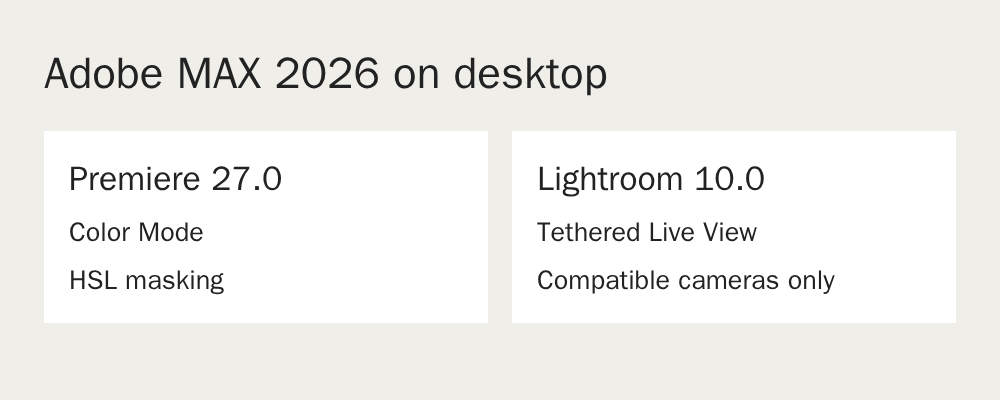
Color Mode appears in the November release of Premiere 27.0. It puts grading tools in a dedicated workspace inside Premiere, so editors can move from cutting to color without leaving the project. Adobe also lists HSL masking in this release. That lets you target a range based on hue, saturation and lightness, such as part of the blue in a sky, before making an adjustment. See the Premiere release notes.
Lightroom on desktop gets tethered Live View
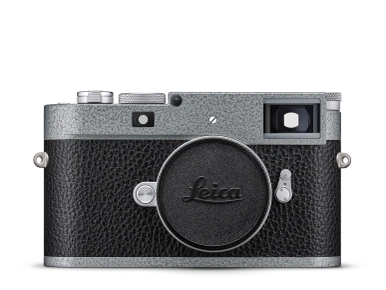
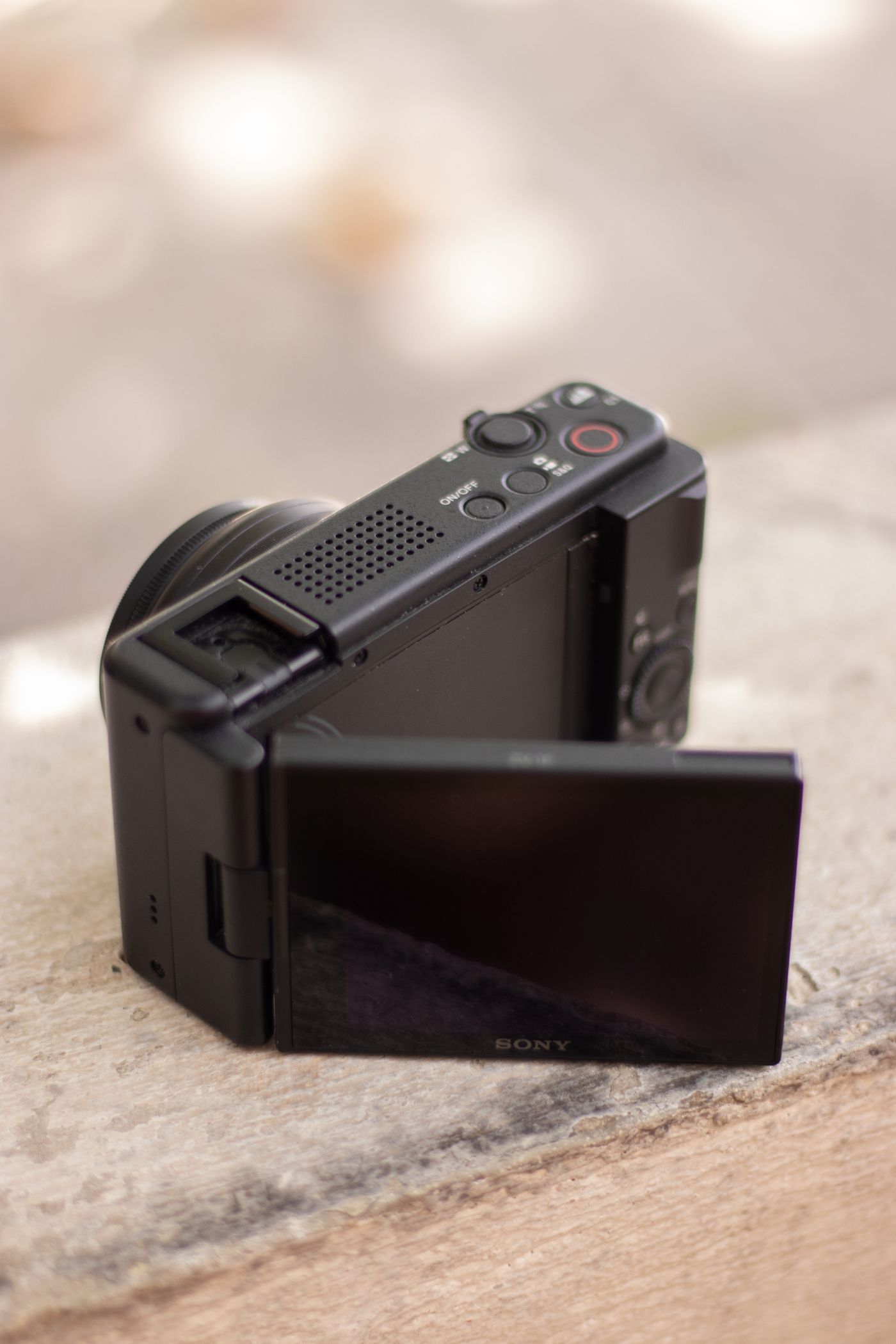
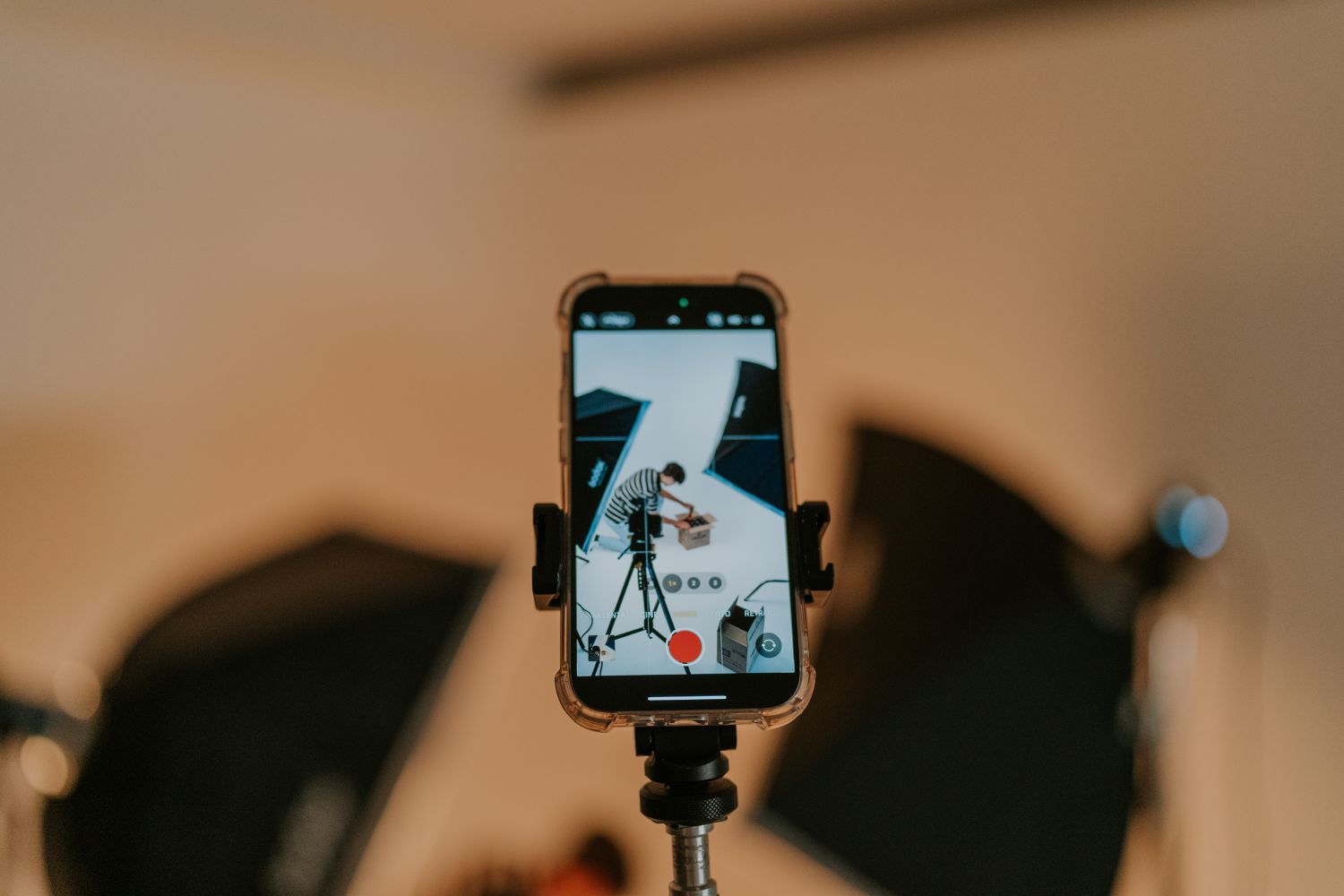
In Lightroom 10.0 on desktop, tethered Live View lets you preview the camera feed in Lightroom. That’s useful on a product shoot when you’re moving a light or adjusting a reflection and want to check the change on a larger screen. Adobe lists support for selected cameras from Canon, Nikon, Sony and Fujifilm. Check the list for your exact model before planning a shoot around it. See the Lightroom release notes.
The Lightroom notes also list tethering in Local mode, which matters if the files for a shoot are staying on the computer. These release notes describe Lightroom on desktop. Check your app and device before trying to reproduce the setup on a tablet.
Premiere on iPhone adds a music library
Premiere on iPhone also added tracks from Universal Music Group and Warner Music Group for personal, noncommercial videos. Adobe says Android support is planned. If you cut paid work on a phone, check the terms for your project before choosing a track. See the Premiere mobile announcement.
If the Premiere update is what brought you here, our iPhone Log guide covers the earlier step of choosing a capture profile and checking that it makes it to the edit. Read when to use Log video on an iPhone.