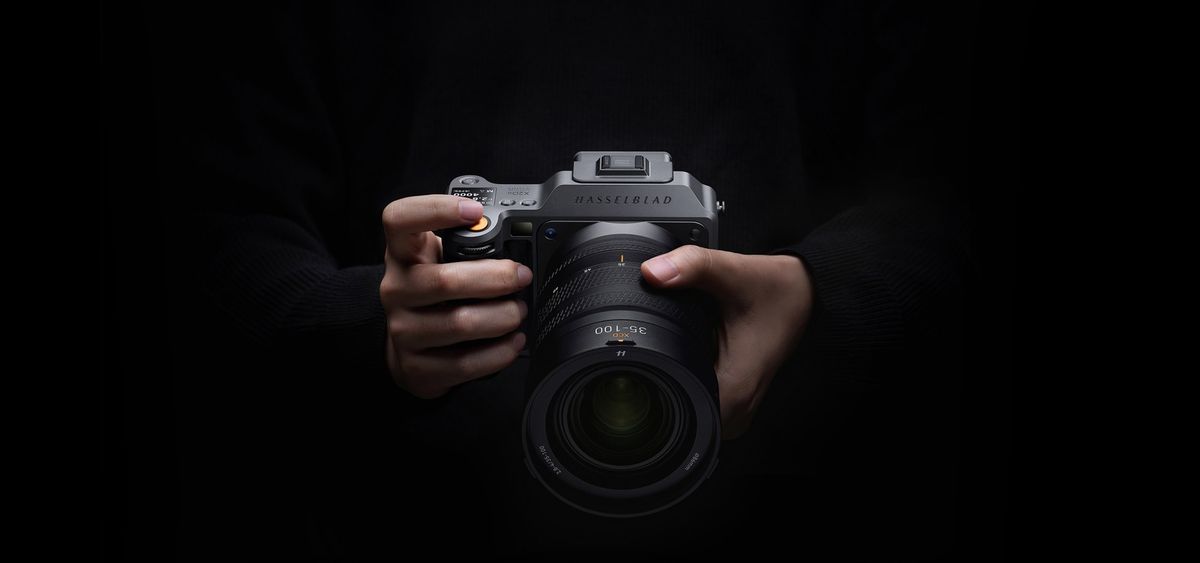
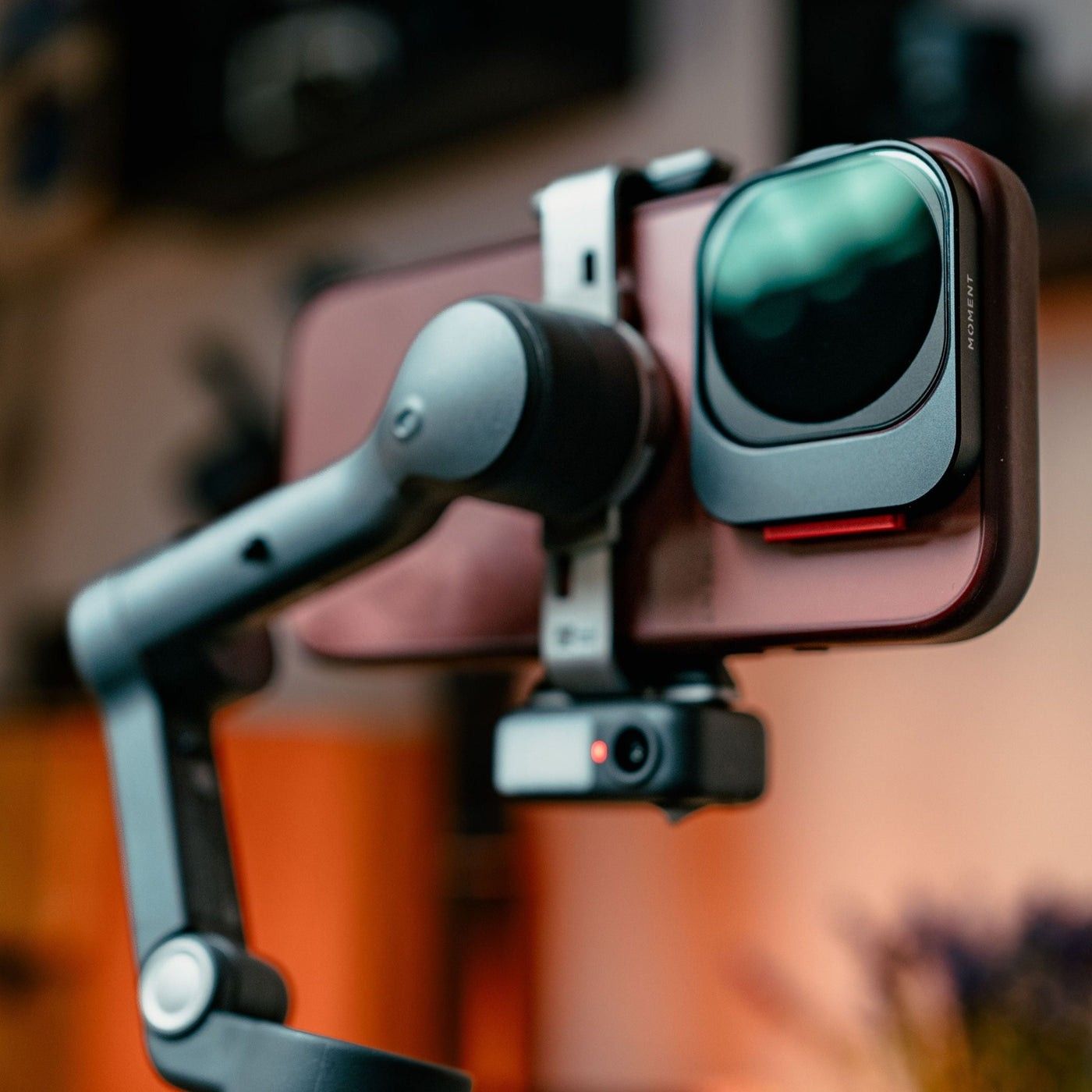
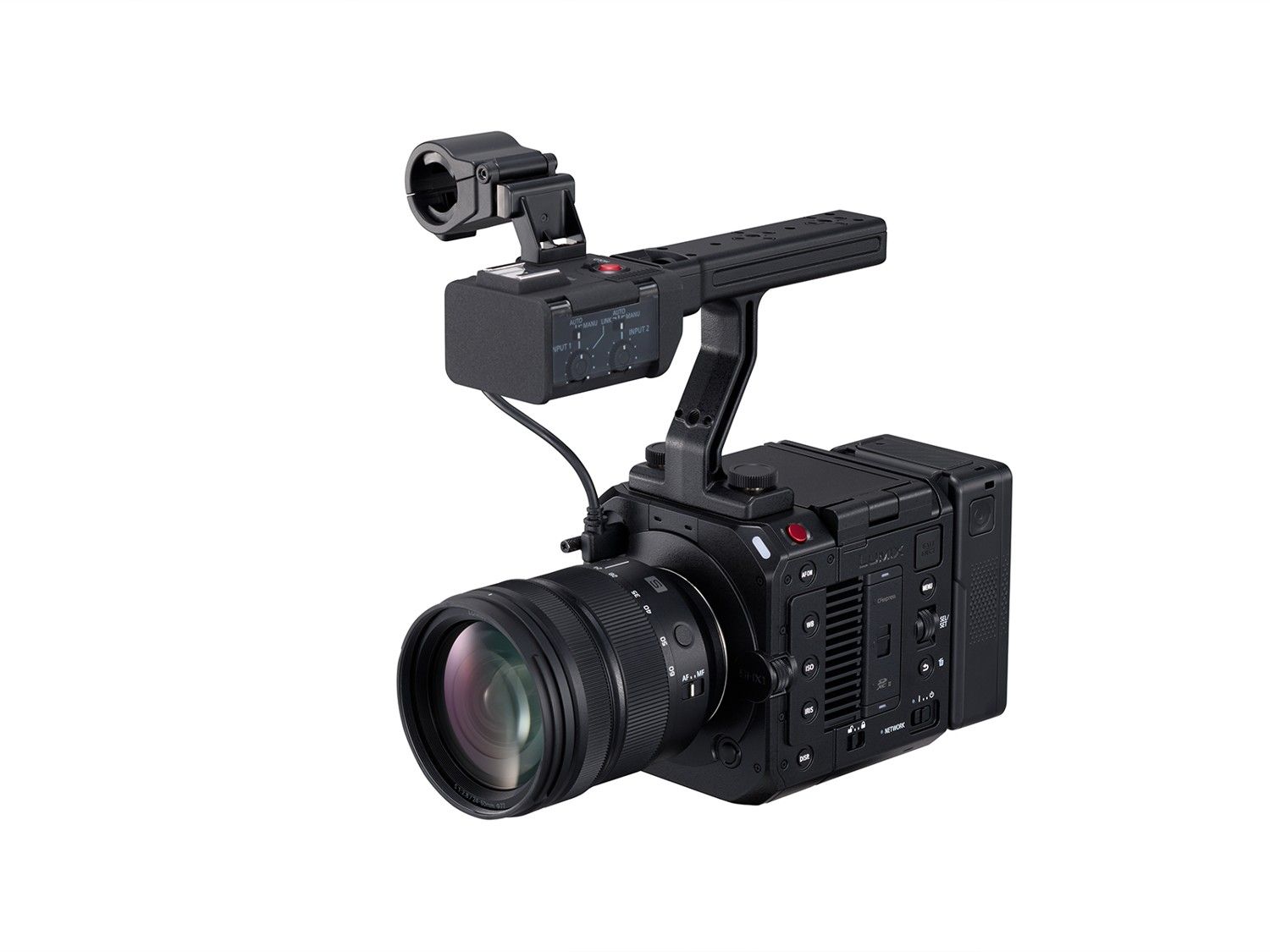
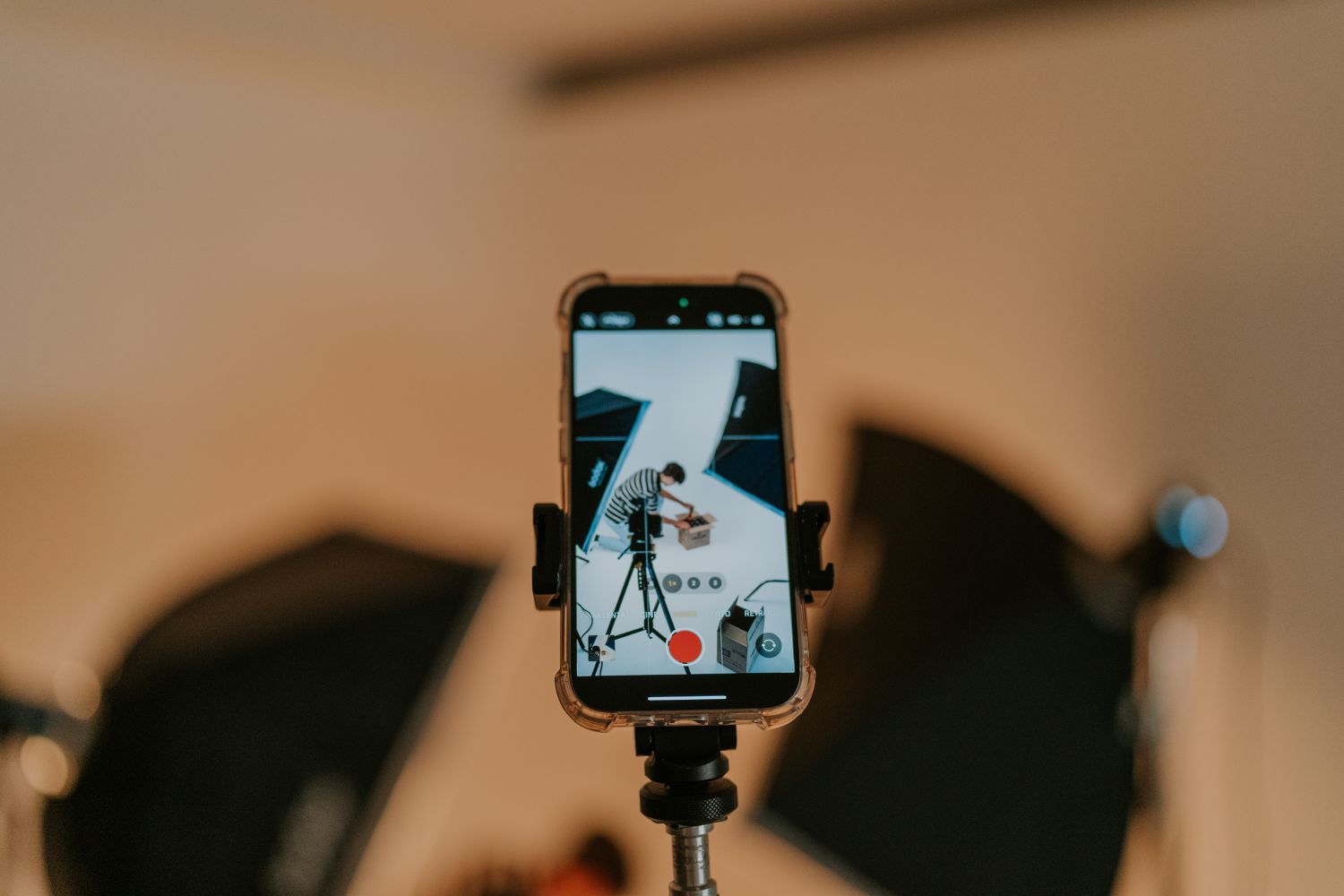
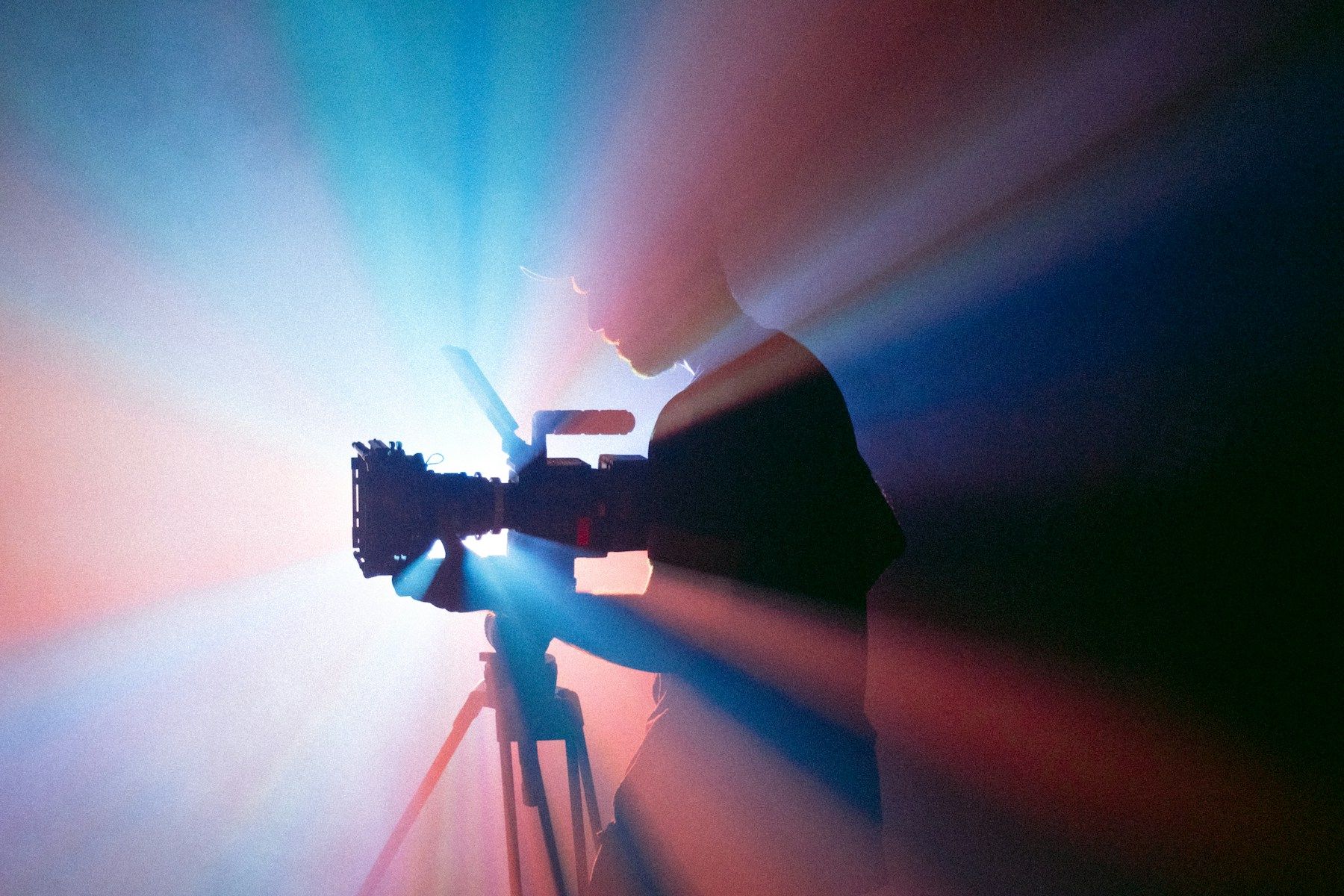
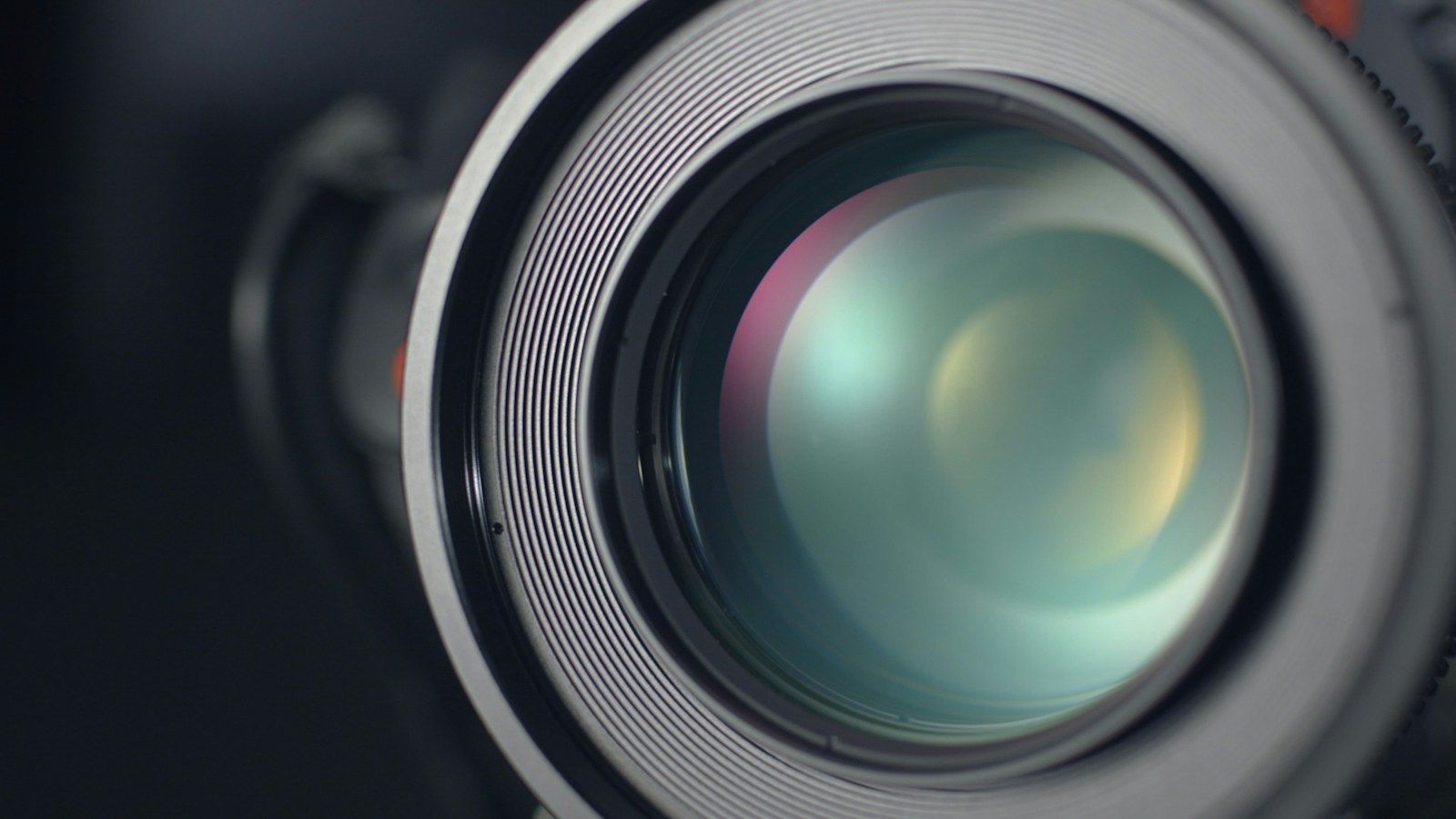
Wired capture arrives with firmware 1.4.15.7, Capture One 16.9.1 for desktop and version 4.3.0 on mobile.
Source: Hasselblad
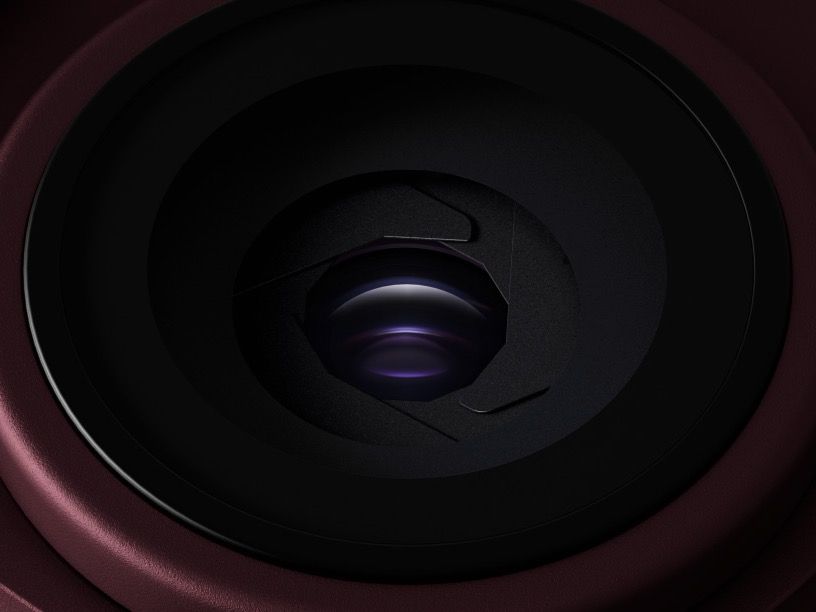
Hasselblad and Capture One added wired tethering for the X2D II 100C on November 18, 2026. The update lets photographers send new captures into Capture One over USB while the shoot is in progress. It follows the native RAW editing support introduced through the companies’ partnership in July.
The requirements are specific: X2D II 100C firmware 1.4.15.7 and Capture One 16.9.1 on desktop, or Capture One mobile 4.3.0. This announcement concerns the X2D II 100C and a wired connection; it does not establish wireless tethering or support for every Hasselblad body.
For a studio session, the practical change is being able to review a capture in the editing environment before moving the lights or subject. Check the camera firmware and software version together before setting up a shoot. Capture One also says Sessions and Catalogs from versions before 16.9.0 need upgrading to open in 16.9.1. Keep a backup before upgrading an existing job.
Something worth opening.
Photography, film, technology, art and culture. Get new stories from Remjet Magazine in your inbox.
Follow the St. Petersburg waterfront from Spa Beach to the First Flight sculpture and the Fishing Deck. Each stop gives you a different way to frame Tampa Bay.
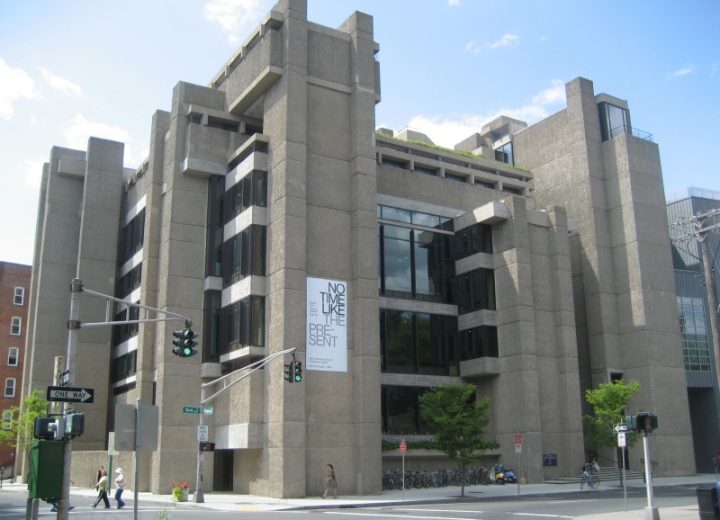
The ridges of Rudolph Hall cast narrow shadows. The Kimbell’s smooth concrete vaults spread daylight. Two buildings give photographers different ways to frame light.
Check the museum’s visitor policy, then look for signs in the exhibition. A handheld photo, a tripod and a planned shoot can each follow different rules.
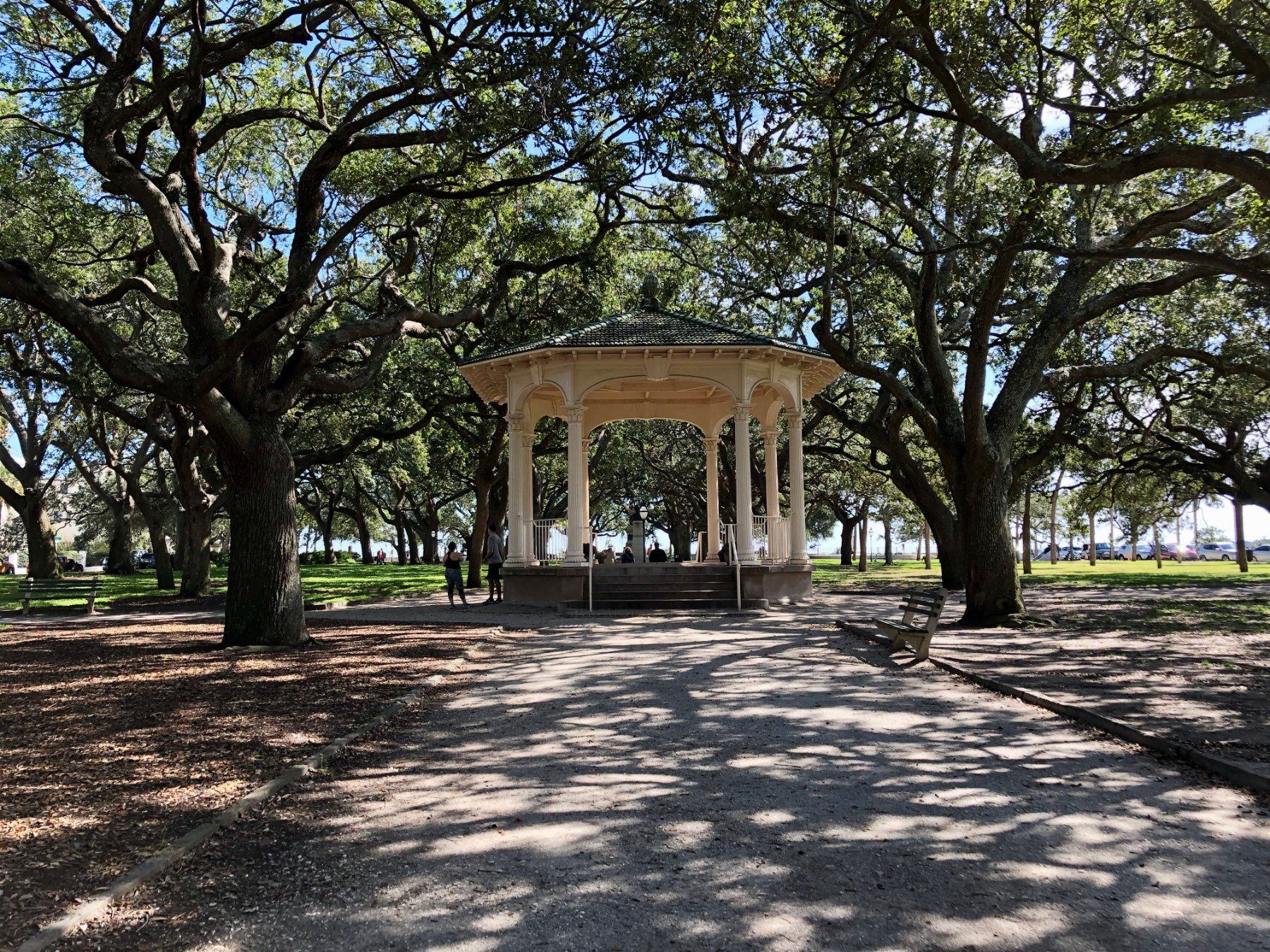
Walk from Charleston’s Waterfront Park to White Point Garden via Rainbow Row. Look for open harbor light, repeated facades, and the contrast between the oak canopy and the seawall.
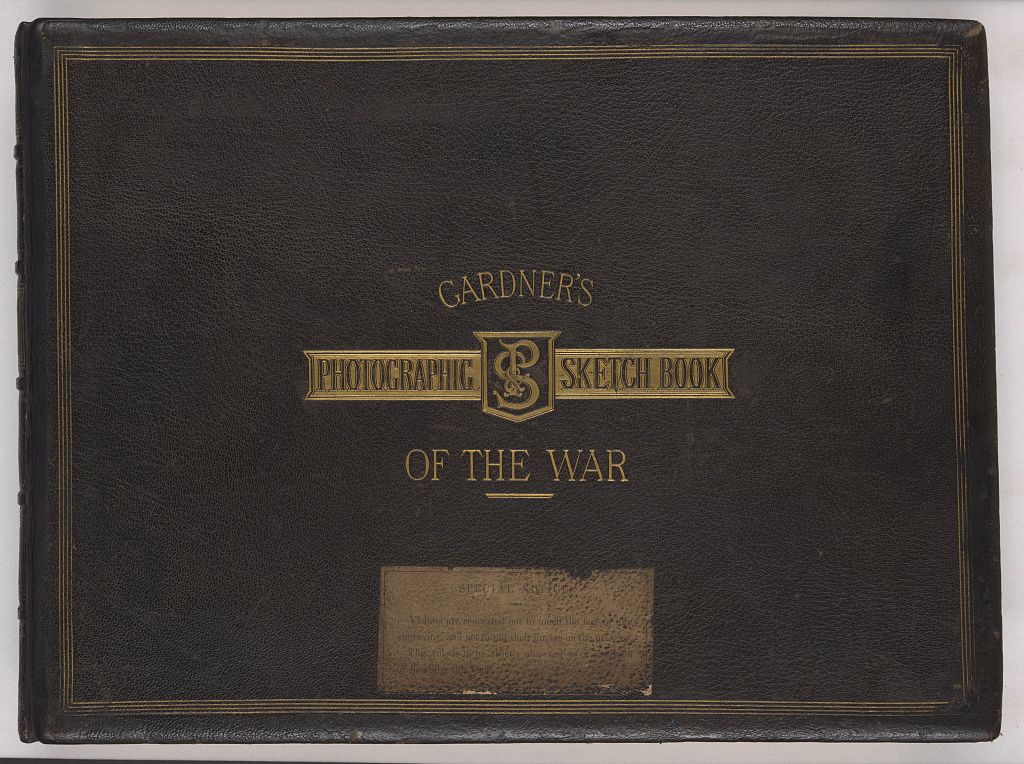
Read a photobook through its page turns, captions, scale and sequence. A practical looking exercise, with an 1866 book showing how text and photographs work together.
Depth of field describes the range that looks acceptably sharp. Learn how aperture, focus distance and background separation affect a picture, with a repeatable exercise.
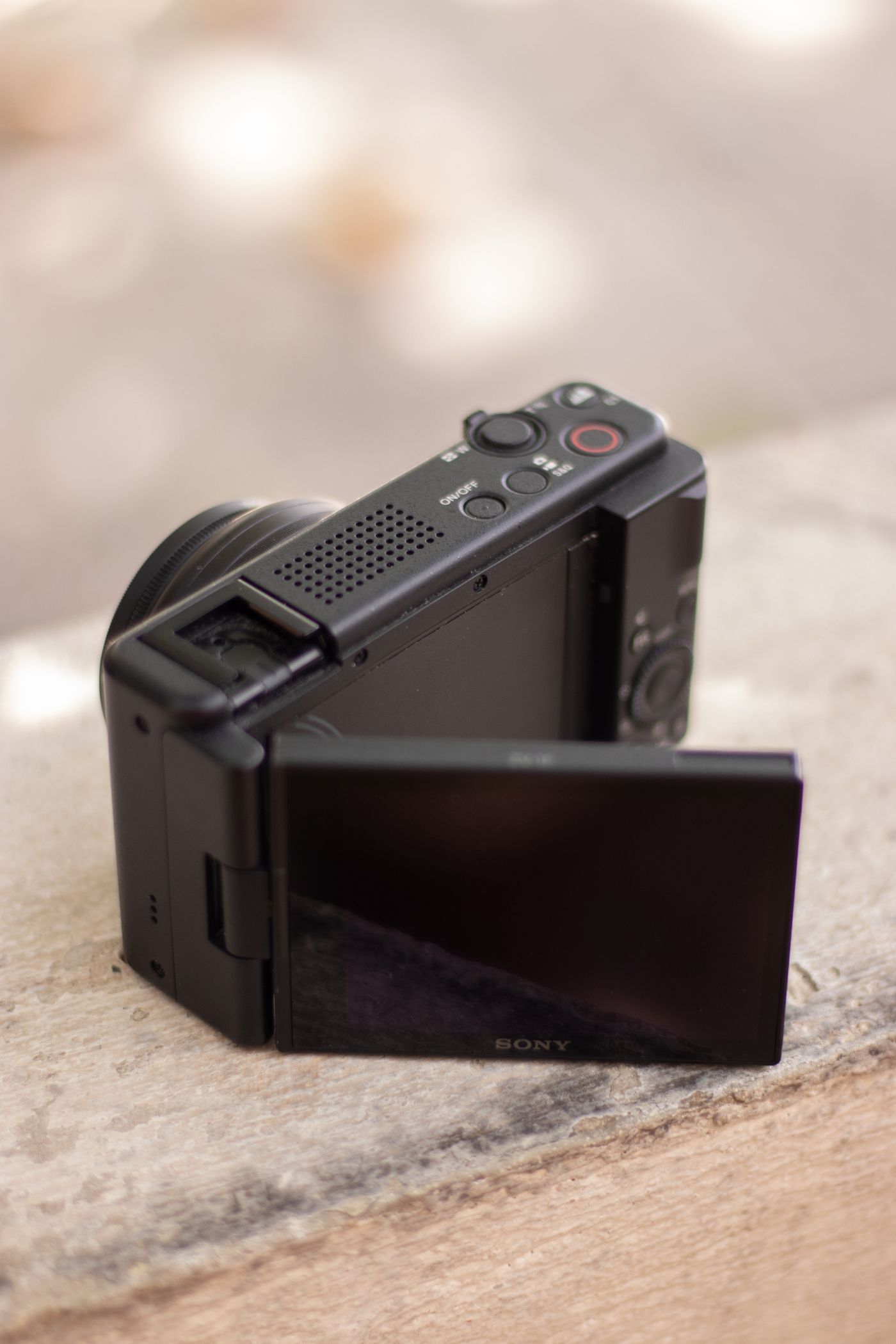
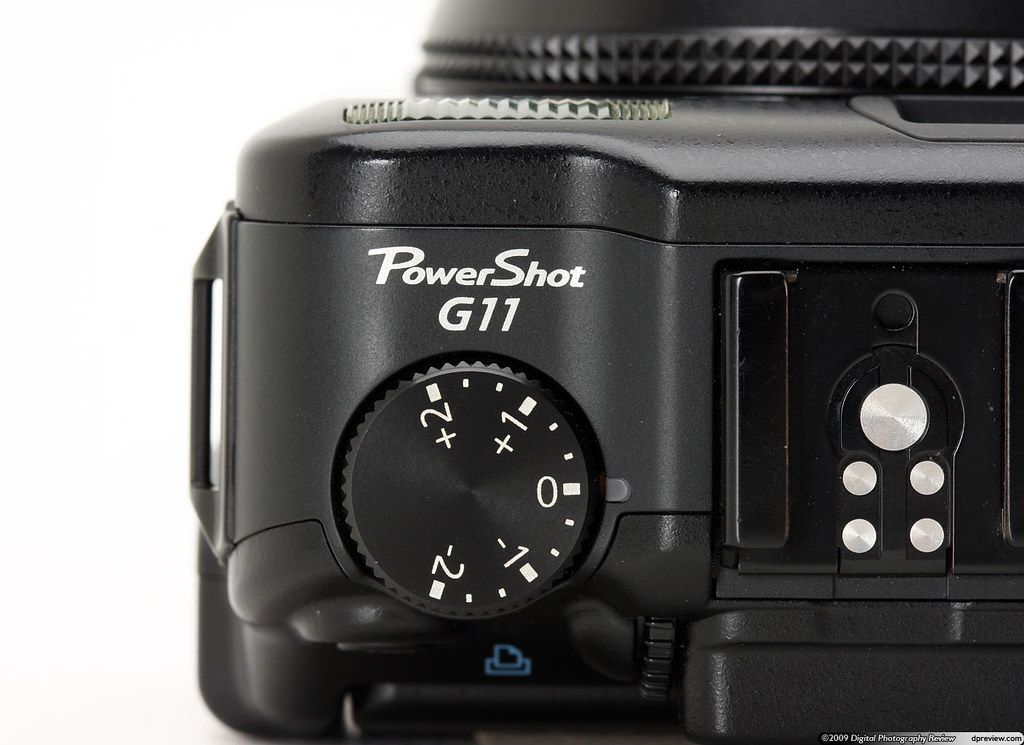
A separate camera needs a reason to leave the house. Compare framing, handling and the file workflow before assuming any compact is an upgrade from your phone.
Street life, railway stations and an imagined New York reveal how postcards could picture a place, sell an idea and change from one printing to the next.
Find the viewpoint, check the light and work out how to get there. A practical scouting plan for a photo walk, a day trip or somewhere you have never visited.
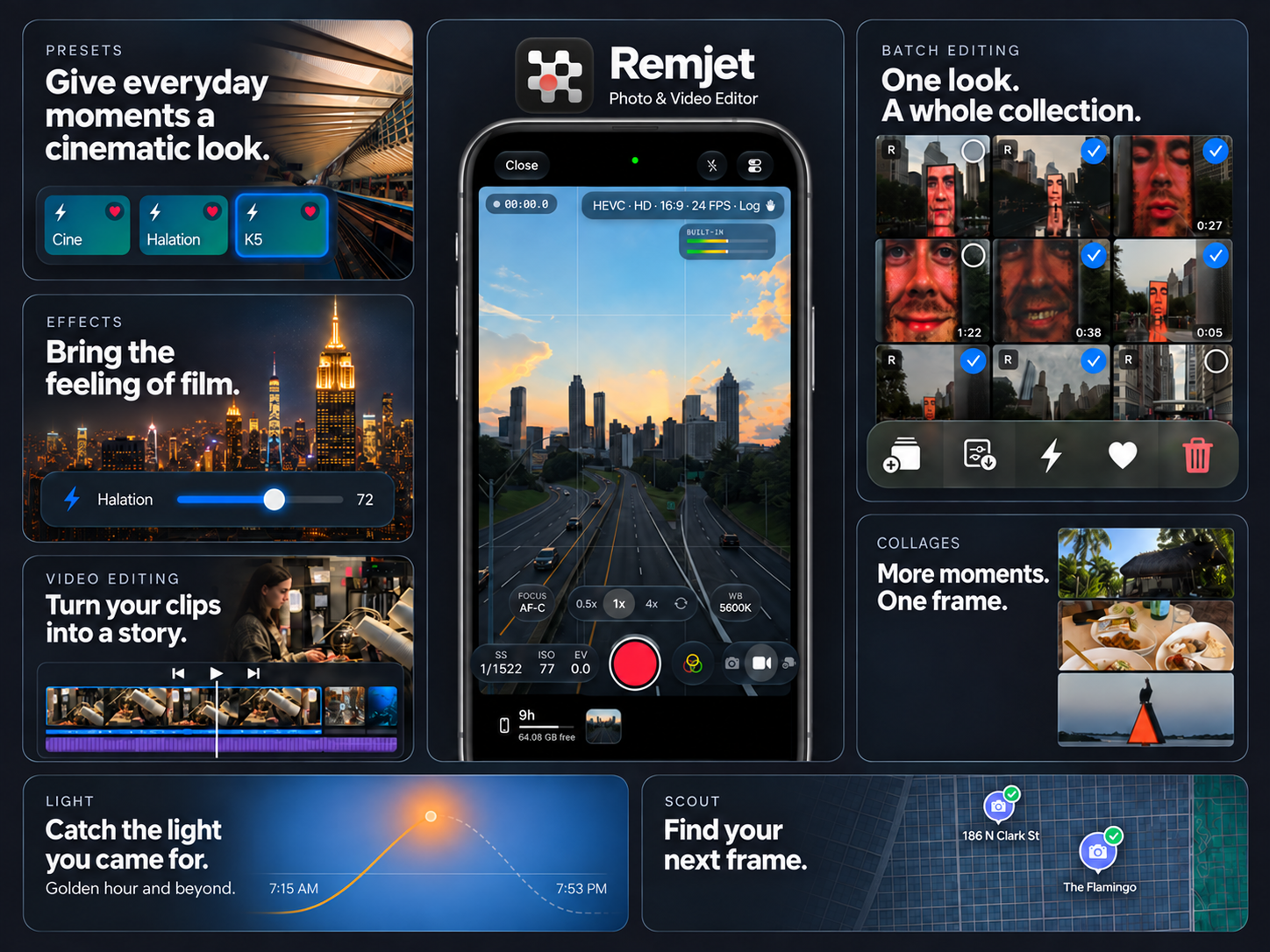
Explore Remjet 1.0 feature by feature: camera controls, RAW photos, video projects, color grading, audio, collages, exports, location scouting, and light planning.