An 8 × 10 print has a different shape from a 4 × 6. If the original photograph fits a 4 × 6 exactly, filling an 8 × 10 requires cutting away part of the image. Increasing the resolution will not bring those edges back.
Start with shape
Aspect ratio describes width compared with height. A landscape 4 × 6 print is 3:2. An 8 × 10 is 5:4. Turn either print upright and the numbers reverse, but the physical shape stays the same. WHCC’s crop guide groups common print sizes by ratio, which is more useful than memorizing each size separately.
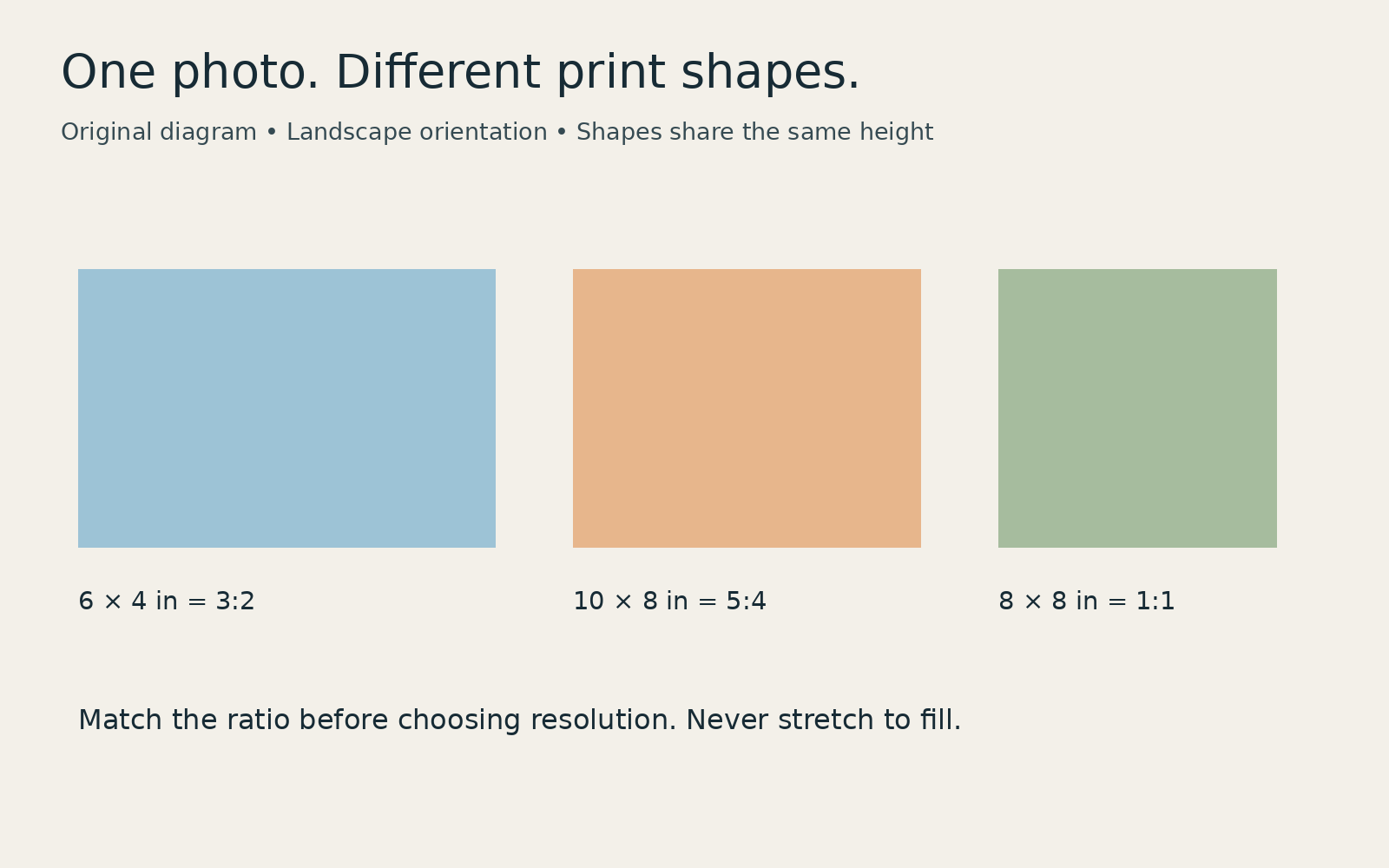
A 3:2 photograph fits 4 × 6, 8 × 12 or 12 × 18 without a shape change. A 5:4 crop fits 8 × 10 or 16 × 20. A square image fits a square print. A 5 × 7 needs its own 7:5 landscape crop. Paper size and image size can differ if you leave a border.
What an 8 × 10 removes
Take a 6000 × 4000-pixel landscape image. Keeping its full height while changing to 5:4 leaves a width of 5000 pixels: 4000 × 5 ÷ 4. That removes 1000 pixels across the width, or about 16.7 percent. A centered crop loses 500 pixels from each side.
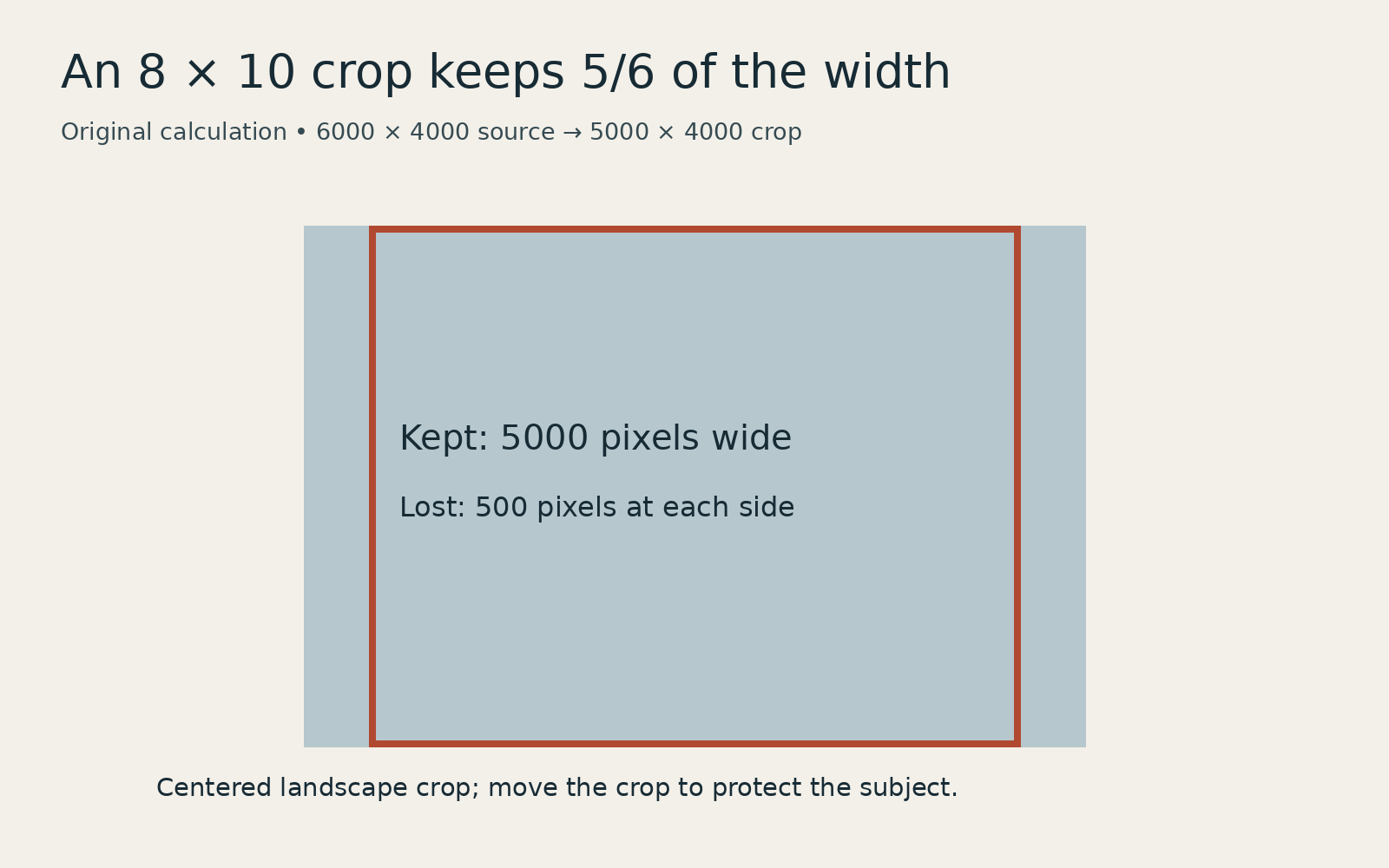
Move the crop rather than automatically accepting its center. A face near the edge or a hand reaching across the frame may matter more than an equal border on either side. For a group portrait with people at both edges, choose a matching print shape or fit the complete picture inside a larger sheet with borders.
Crop first, then check resolution
Resolution answers a separate question: how many pixels will describe each inch of paper? At 300 pixels per inch, an 8 × 10 image needs 2400 × 3000 pixels. Multiply each physical dimension by the requested pixels per inch to check another size. The 5000 × 4000 crop above has enough pixels for a 10 × 8 at that setting.
Three hundred is a useful preparation example, not a universal quality threshold. Confirm the lab’s requirements, especially for a large print viewed from farther away. Upsampling creates additional pixels by estimation; it cannot restore a missing subject or recover detail that was never recorded.
Check the actual order preview
Keep the full-resolution original. Save a separate version for the print size, choose a fixed-ratio crop and inspect all four edges. In the lab’s preview, confirm whether the service is filling the paper or fitting the complete image. Check any border, bleed or trimming guidance before ordering.
Avoid changing width and height independently to force a fit. That stretches the photograph. If you need every edge, a border is usually a better compromise than distorted faces.