A longer lens can make a distant detail fill the frame without moving your feet. Walk closer with a wider lens to make that detail equally large, and the relationships around it change. Those are two different decisions. Knowing which one you are making is more useful than memorizing a list of lenses for every subject.
Start with the frame
Focal length is an optical measurement expressed in millimeters, not the length of the lens barrel. With the same sensor and viewpoint, a longer focal length gives a narrower angle of view and greater magnification. A shorter one includes more of the scene. A zoom lets you change focal length; a prime has one fixed focal length.
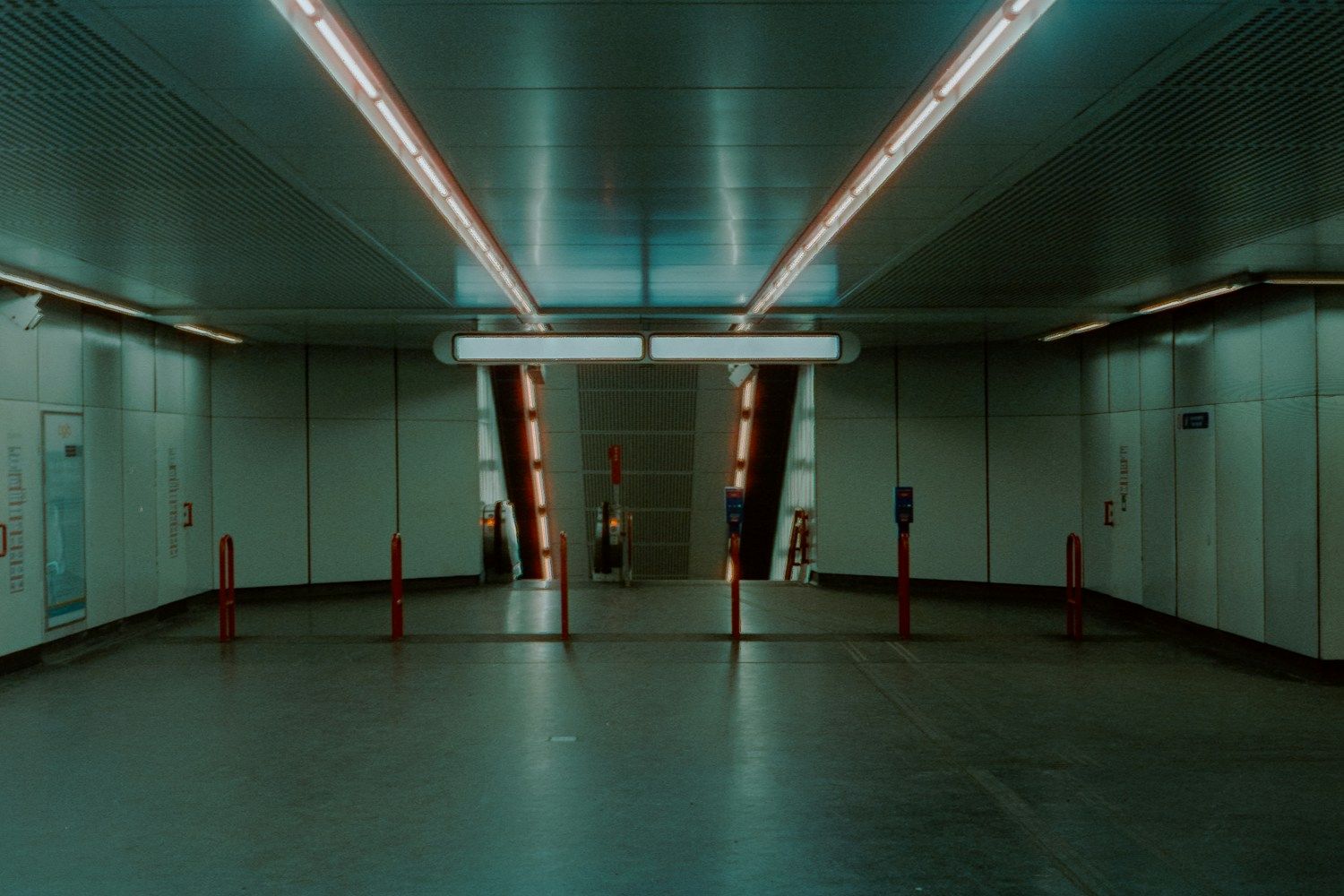
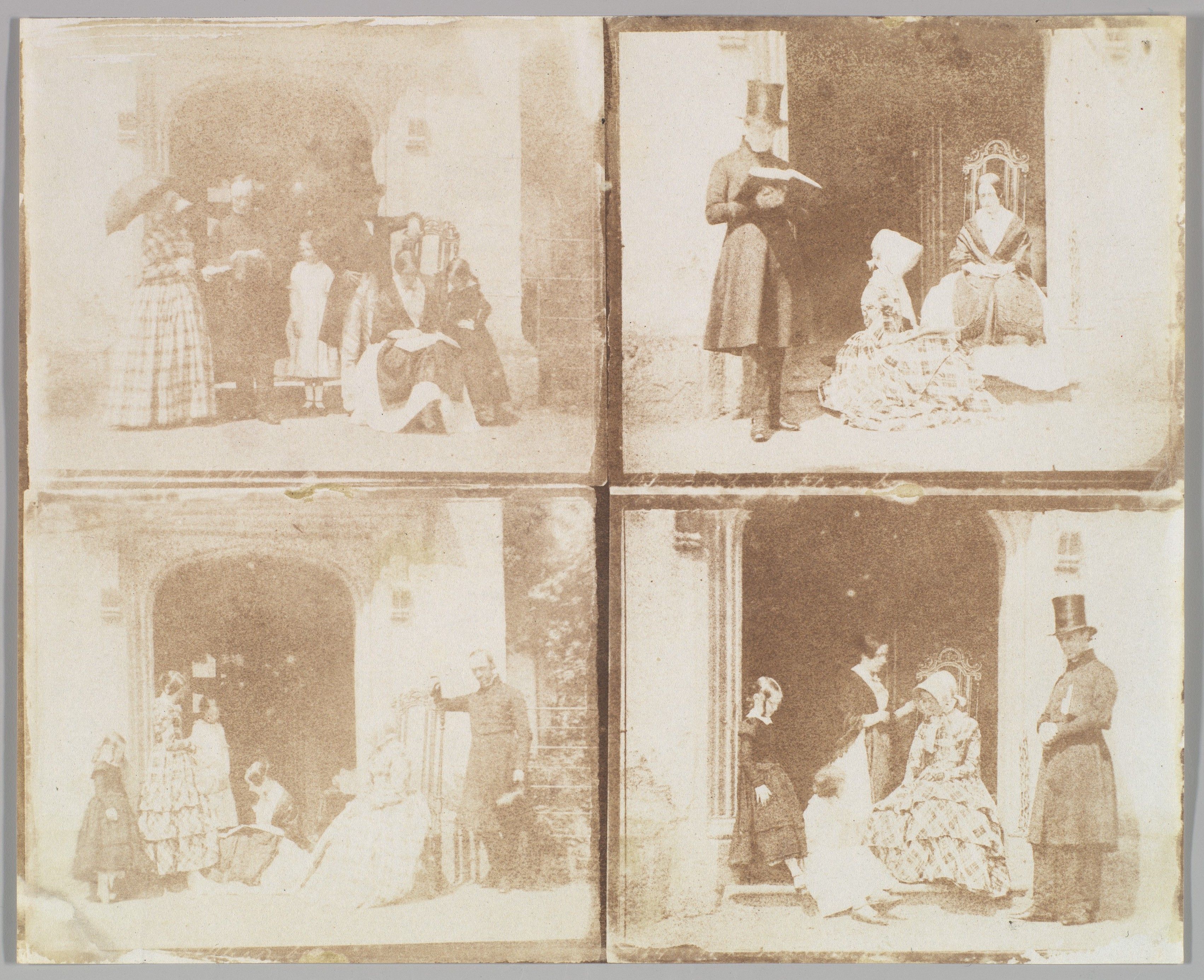
Imagine standing at one marked spot opposite a building. A wide view includes the doorway and its neighbors. A tighter view isolates the doorway. The camera has not moved: you have changed the boundaries of the picture while keeping the same viewpoint.
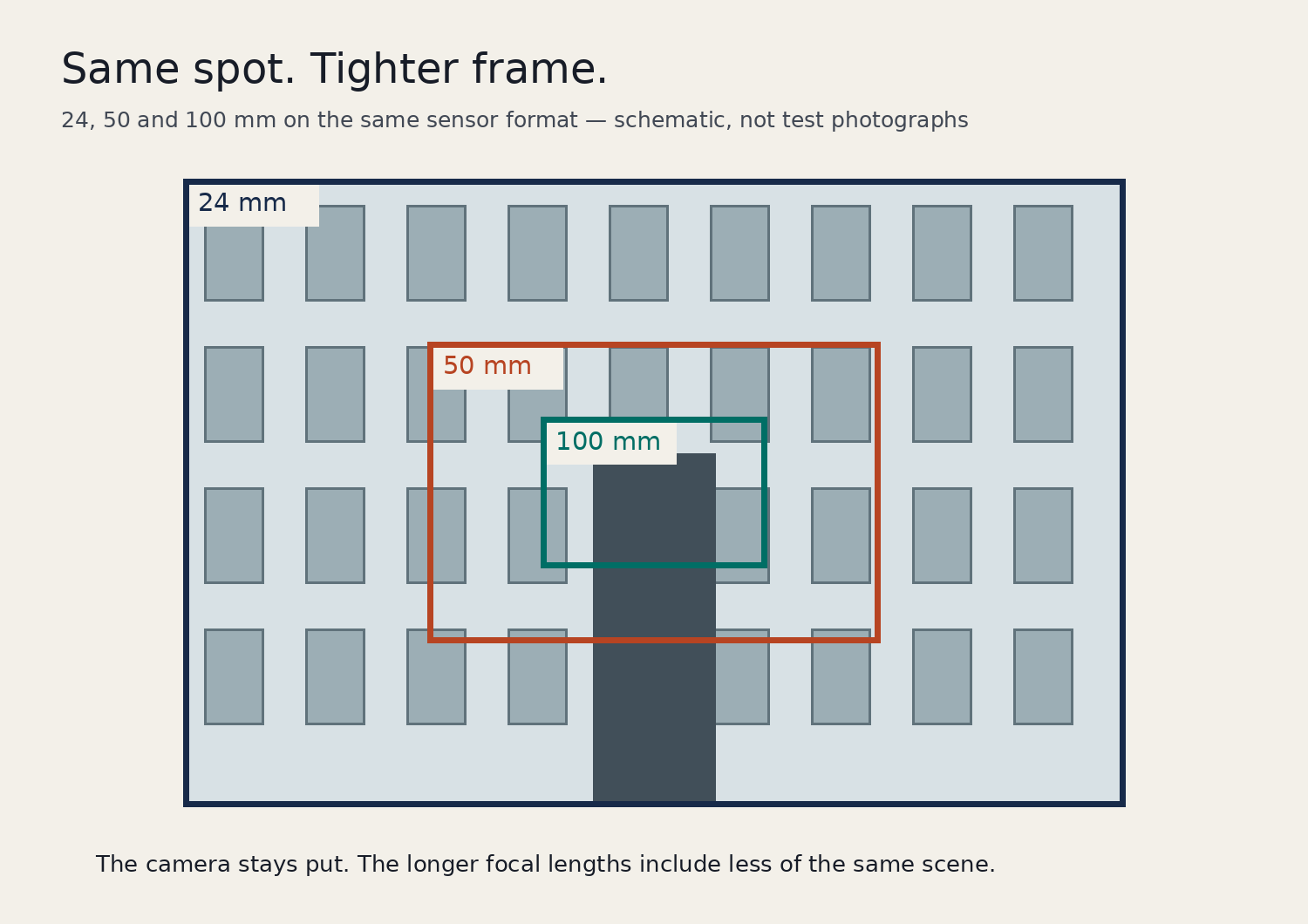
The diagram makes that choice visible. The doorway stays in the same relationship to the windows around it. Only the amount of the facade inside each frame changes. It does not demonstrate distortion, sharpness or the look of a particular lens.
Check the format before comparing numbers
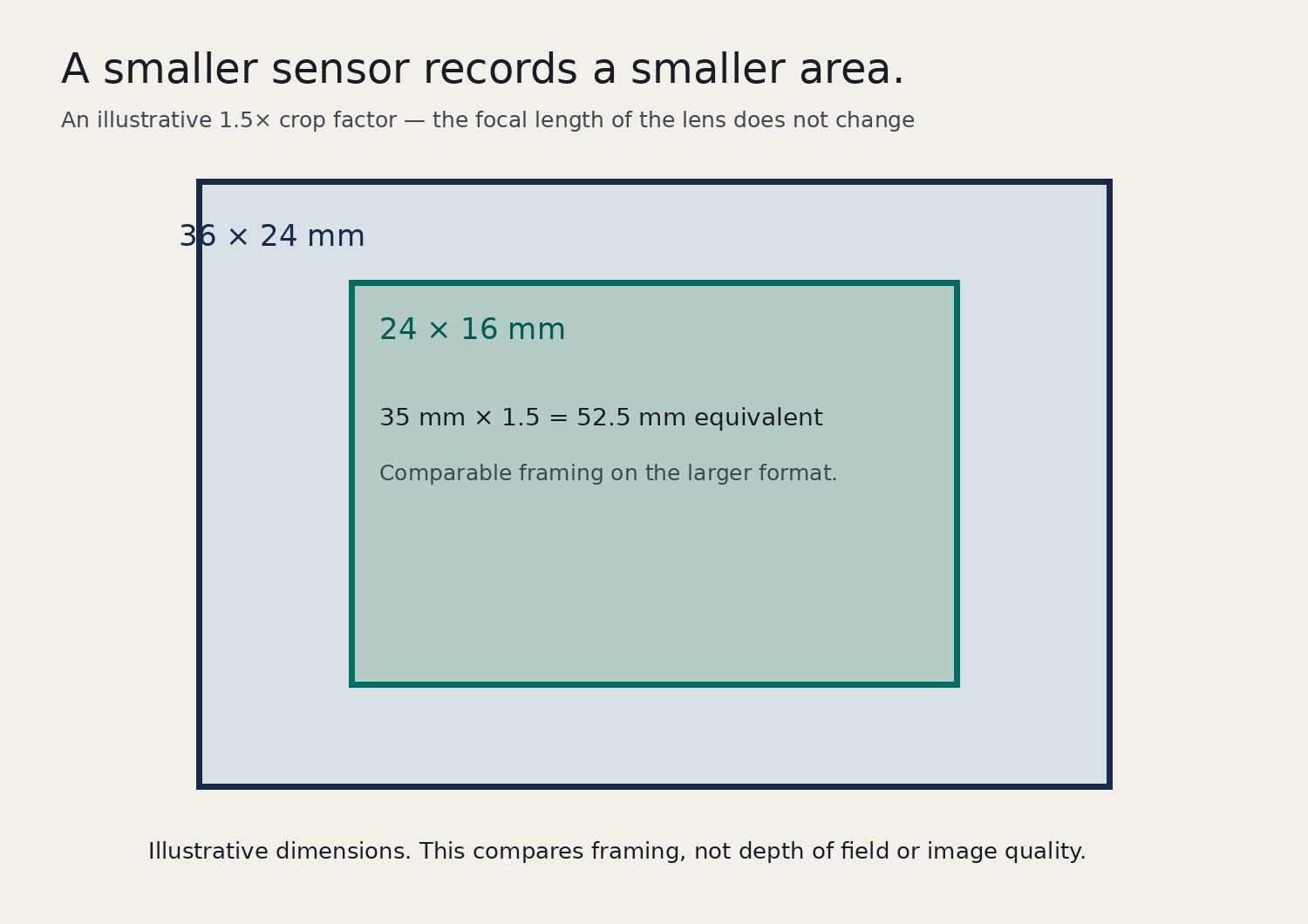
Sensor size also affects what fits in the picture. A smaller sensor records a smaller area of the image projected by a compatible lens. Equivalent focal lengths give you a common reference for comparing that framing with the 35 mm full-frame format.
For a 1.5× crop factor, a 35 mm lens gives framing comparable to a 52.5 mm lens on full frame: 35 × 1.5 = 52.5. The actual lens remains 35 mm. Other sensor formats use other crop factors, so check your camera rather than applying 1.5 to everything.
Before comparing a camera specification with a phone specification, check whether both numbers are actual focal lengths or both are 35 mm equivalents. Mixing the two makes an ordinary framing difference look like a mystery.
Does focal length change perspective?
Try this with a doorway and an object visible behind it. From a safe, permitted position, keep the camera still and take a wider and a tighter view. Then move closer and use a wider setting to restore the doorway’s size in the frame. Compare the background around the doorway. Moving changes the relative distances from the camera to the doorway and to the background; zooming from one spot does not.
Record your camera position, sensor format and lens setting if you want to compare the results later. Two unrelated pictures labeled “wide” and “telephoto” cannot show which difference came from the lens and which came from where the photographer stood.
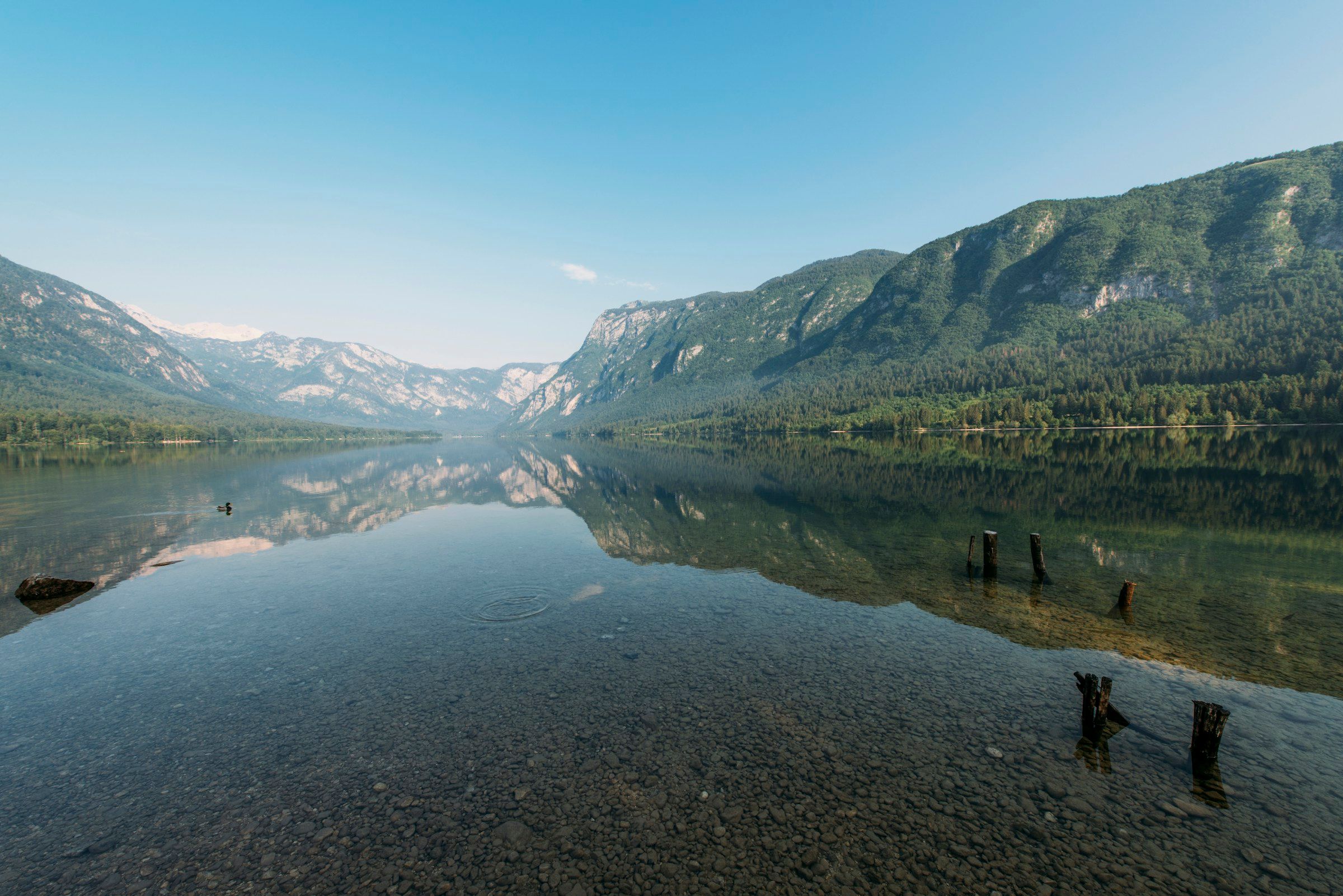
Choose where to stand first. If you are planning a visit, our location-scouting guide covers access and light before the shoot. Then choose the focal length that keeps what matters inside the frame.
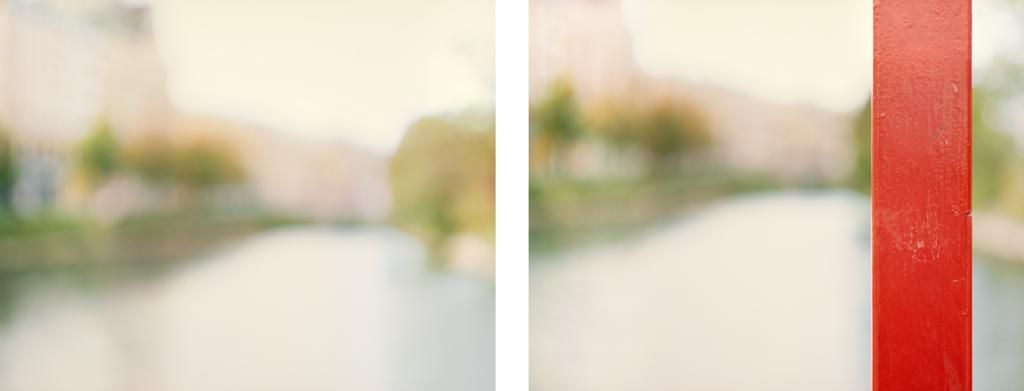
If you want to soften what’s behind your subject, try the distance exercise in our depth-of-field guide.
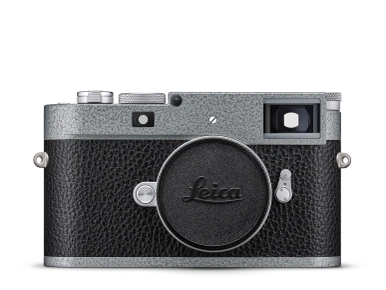
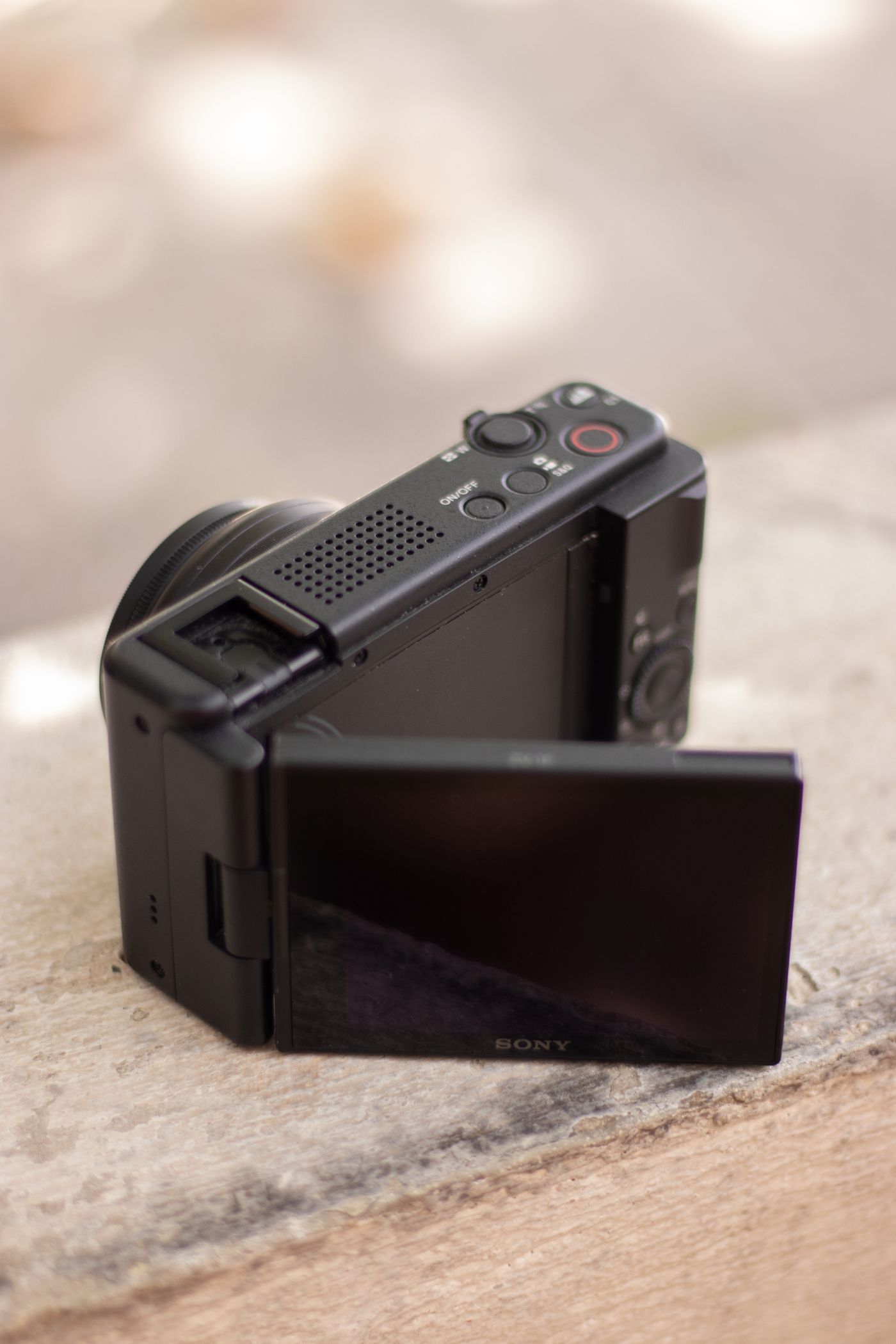
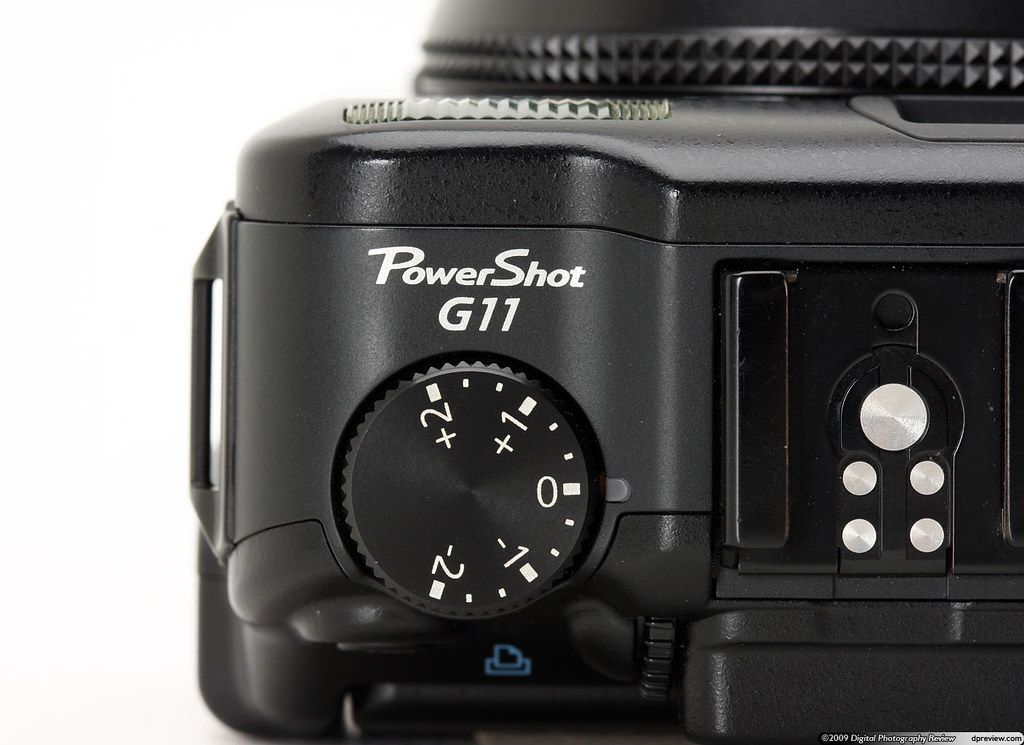
If you’re deciding which lenses and controls are worth carrying, use these three checks to compare a compact camera with your phone.
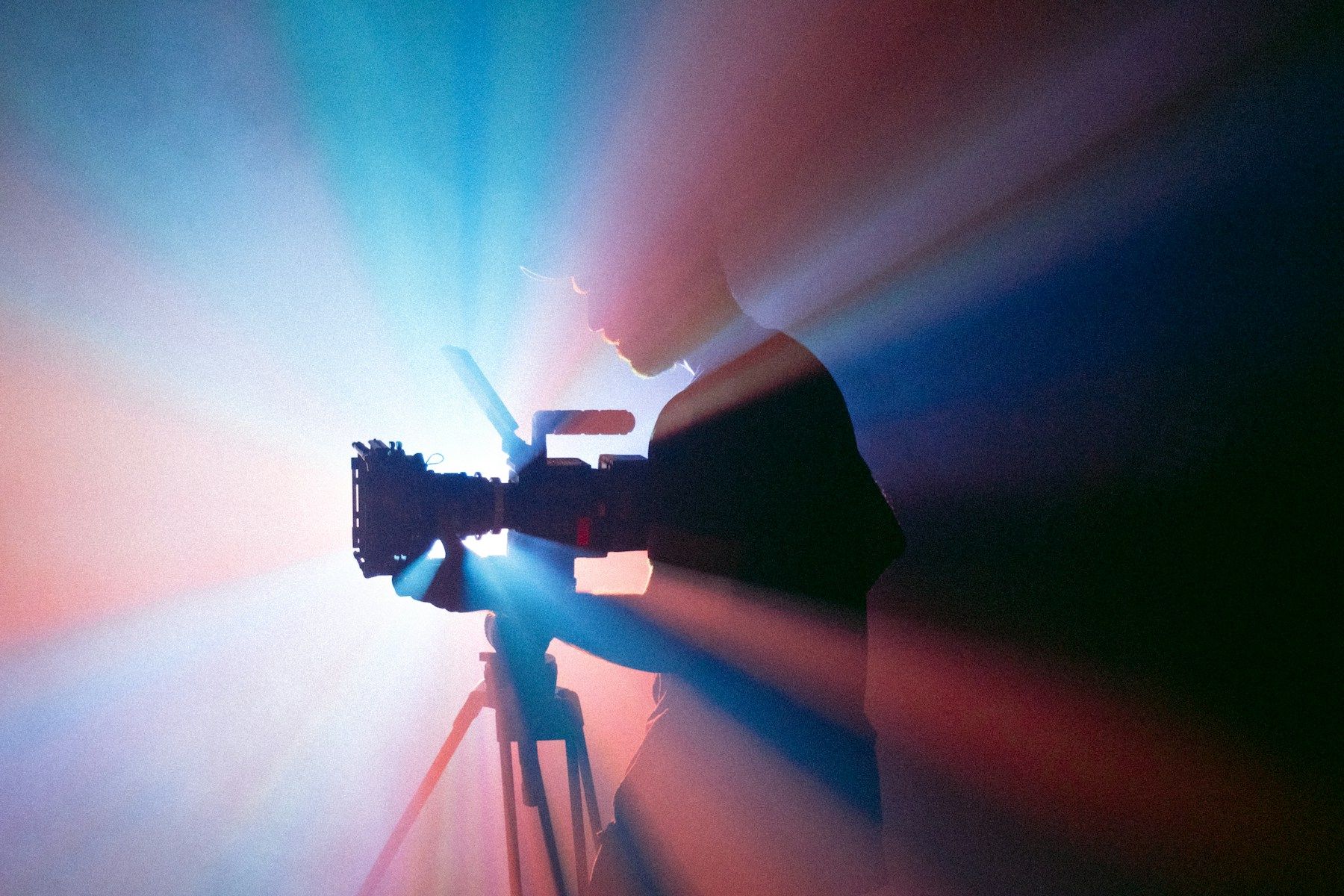
Featured photograph: Brent Barbano / ShareGrid on Unsplash (Unsplash License).