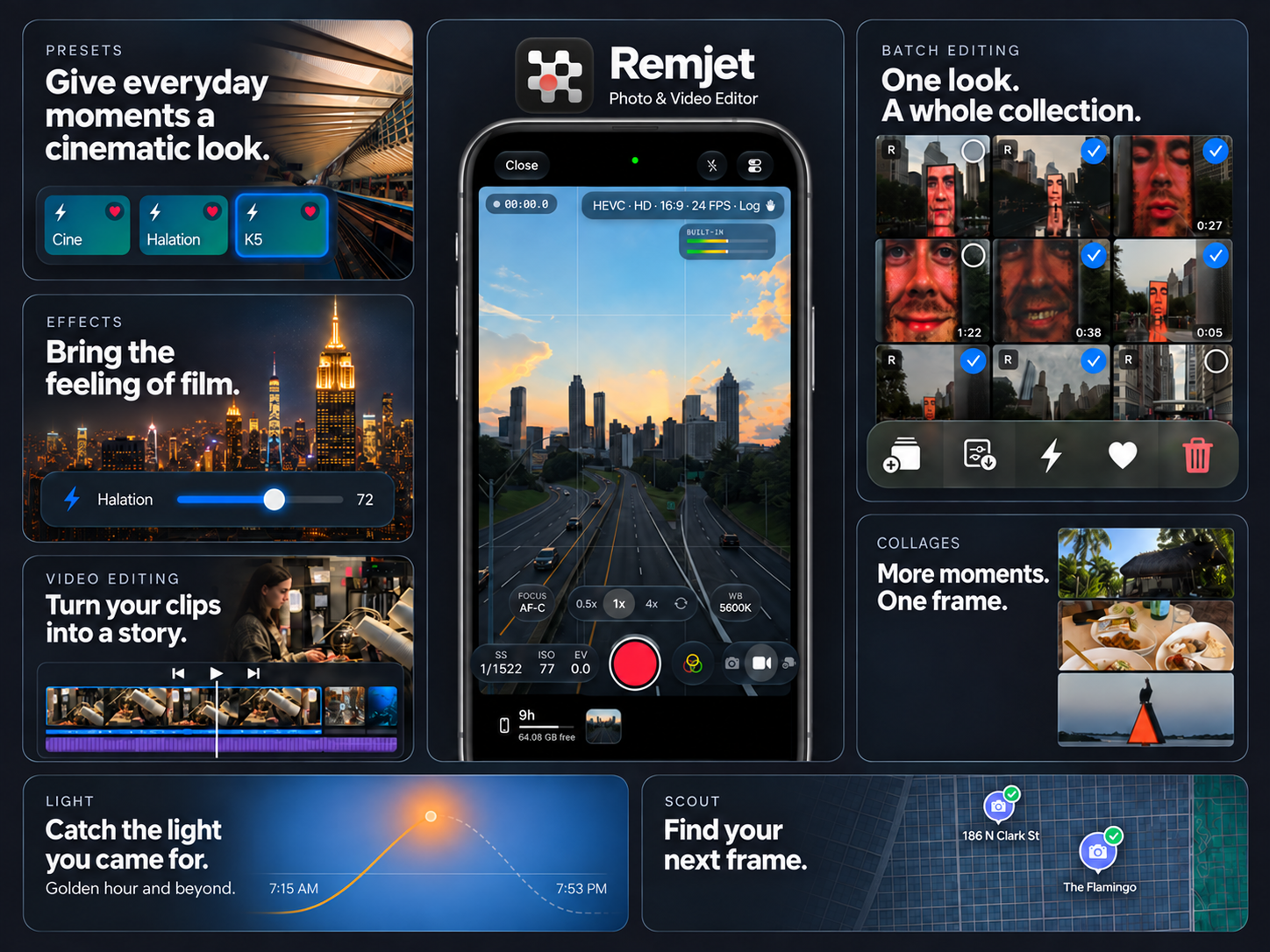
A camera menu can put HEVC, ProRes and Log beside one another, but they answer different questions. The codec determines how the video is encoded and compressed. The color encoding describes how scene tones and colors are represented. Choosing ProRes does not automatically mean choosing Log, and a Log image does not tell you which codec was used.
What does the codec change?
HEVC is designed for efficient compression. ProRes is a family of codecs designed for production and editing; its frames are encoded independently. Actual file sizes depend on the codec variant, resolution, frame rate and recording settings. Avoid choosing by the filename alone. A .mov file is a container, not proof of ProRes or Log. Check the recording metadata and the camera’s exact format menu.
What does Log change?
Log encodes tones using a logarithmic curve, generally as part of a camera-specific color workflow. The unconverted picture often looks low in contrast on an ordinary display. In an editor, identify the exact camera curve and gamut, then use the correct input transform for the project. A creative LUT and a technical conversion serve different purposes. Applying a conversion twice can give you an unexpectedly harsh picture.
Which settings should you choose first?
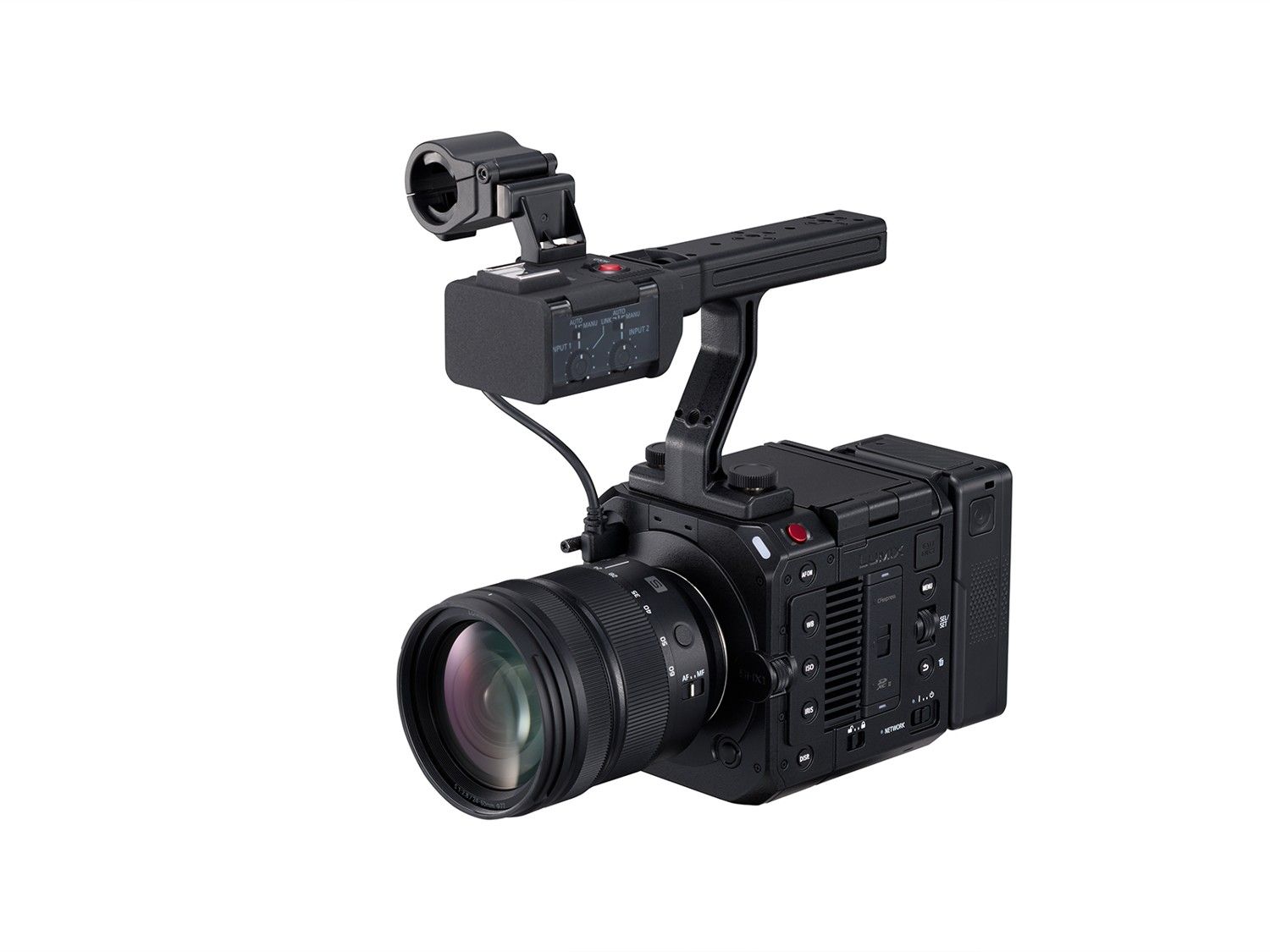
Start with delivery and editing. For a quick turnaround, a supported standard or HDR workflow may save a separate conversion step. For a planned grade, check that the editor recognizes your camera’s Log format, then choose an available codec, resolution and frame rate that fit your storage and computer. The SHX1 pictured below illustrates why the labels matter: Panasonic lists separate RAW recording paths as well as Log options. RAW is another capture workflow, not simply a stronger Log preset. Check its exact supported combinations rather than carrying settings across cameras.