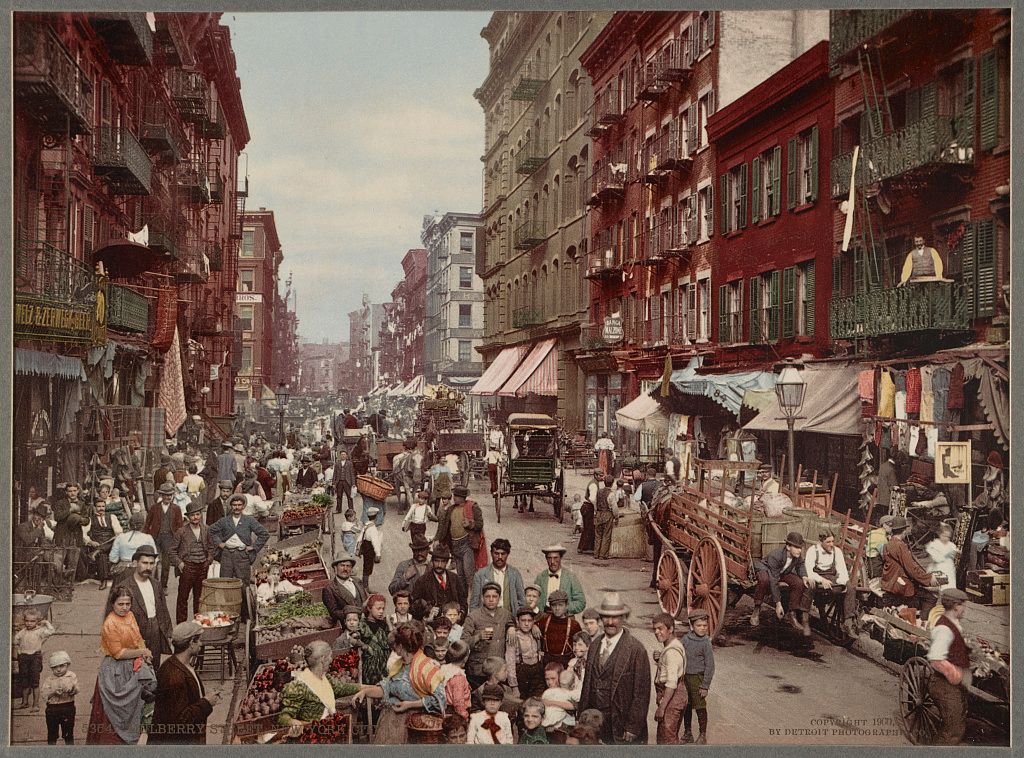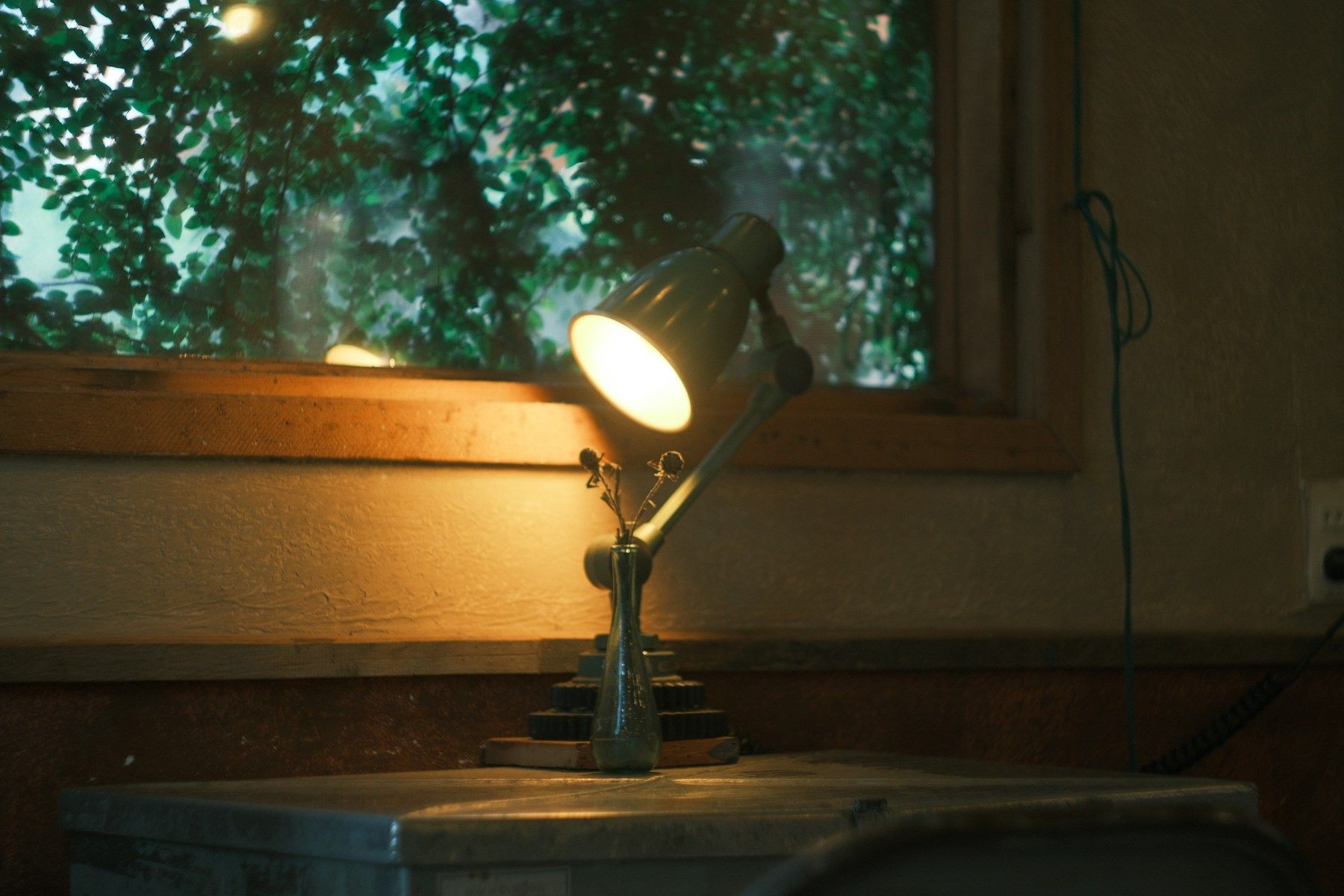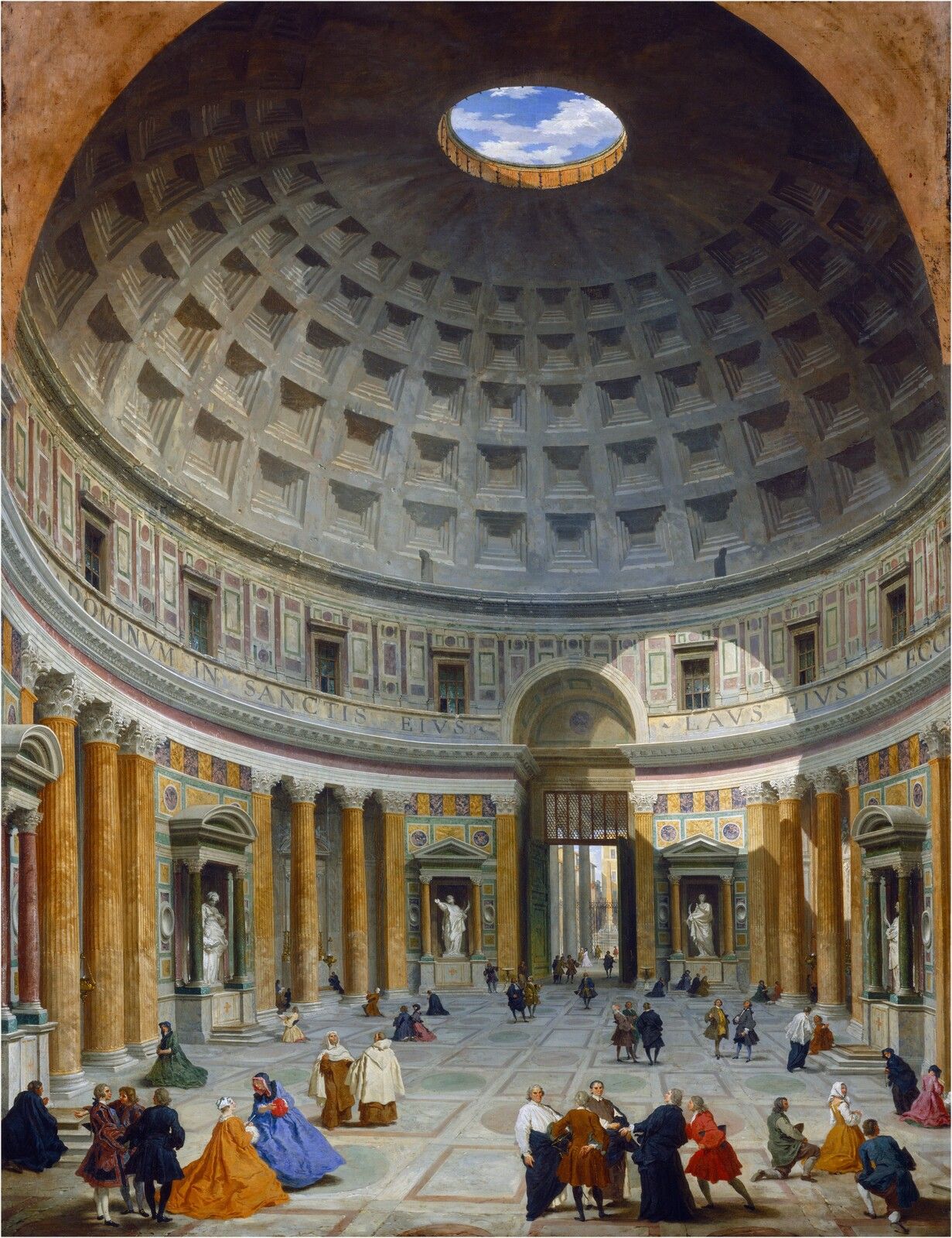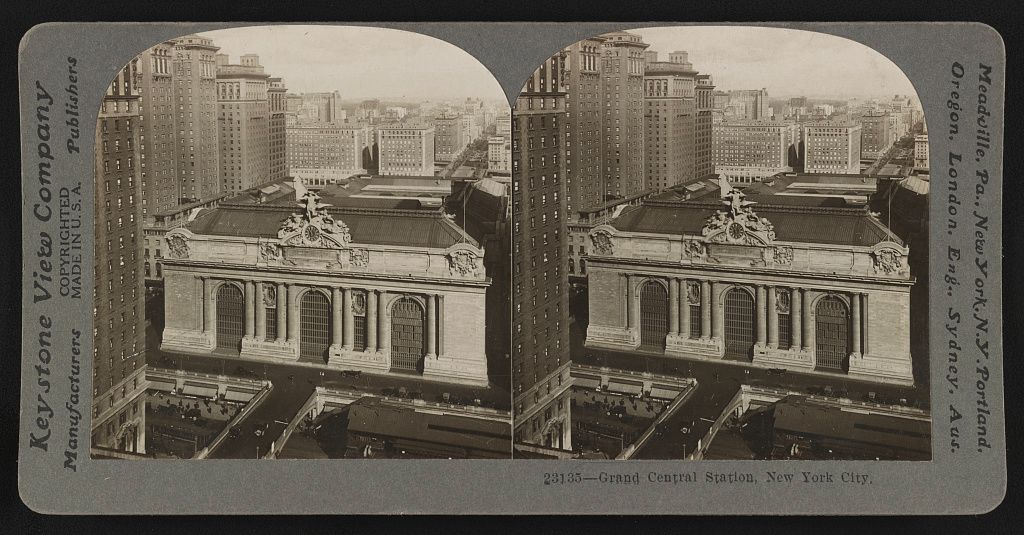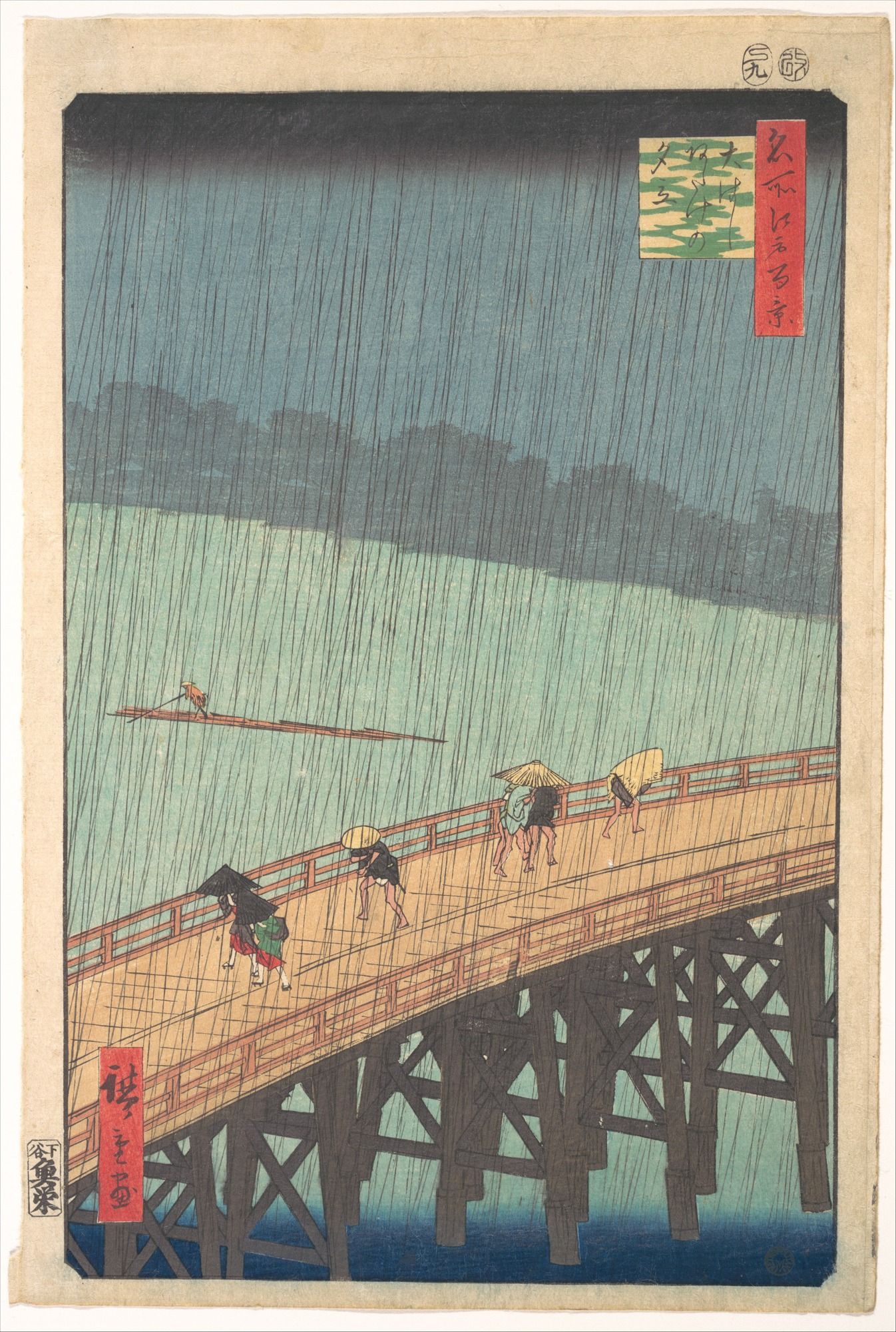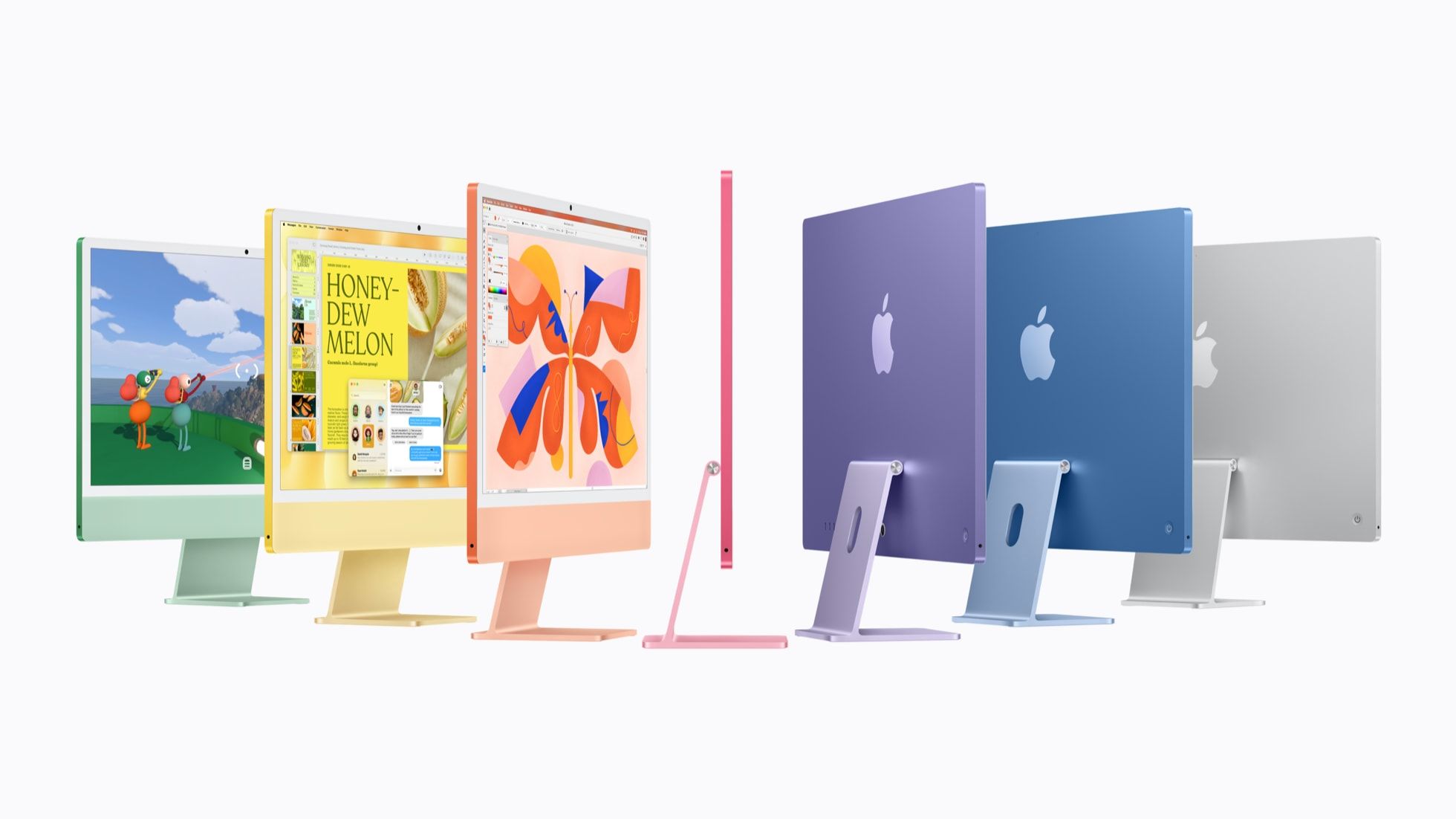
Keep the RAW file if you expect to edit the photo again. Keep the JPEG if it is the finished picture you want to share or print. Keep both for important photos when you want a copy of the finished edit and room to make another version later.
What changes between a RAW file and a JPEG?
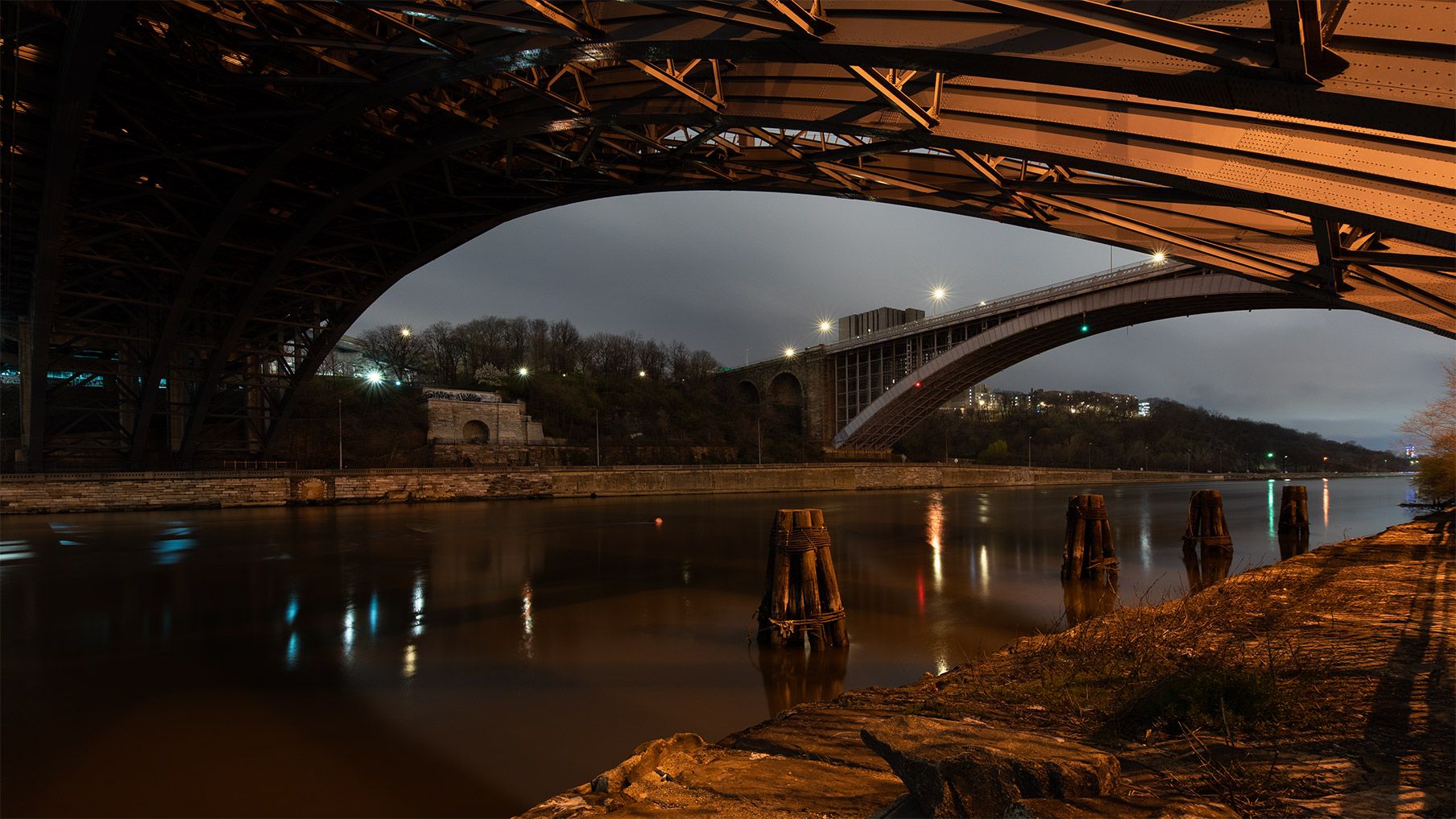
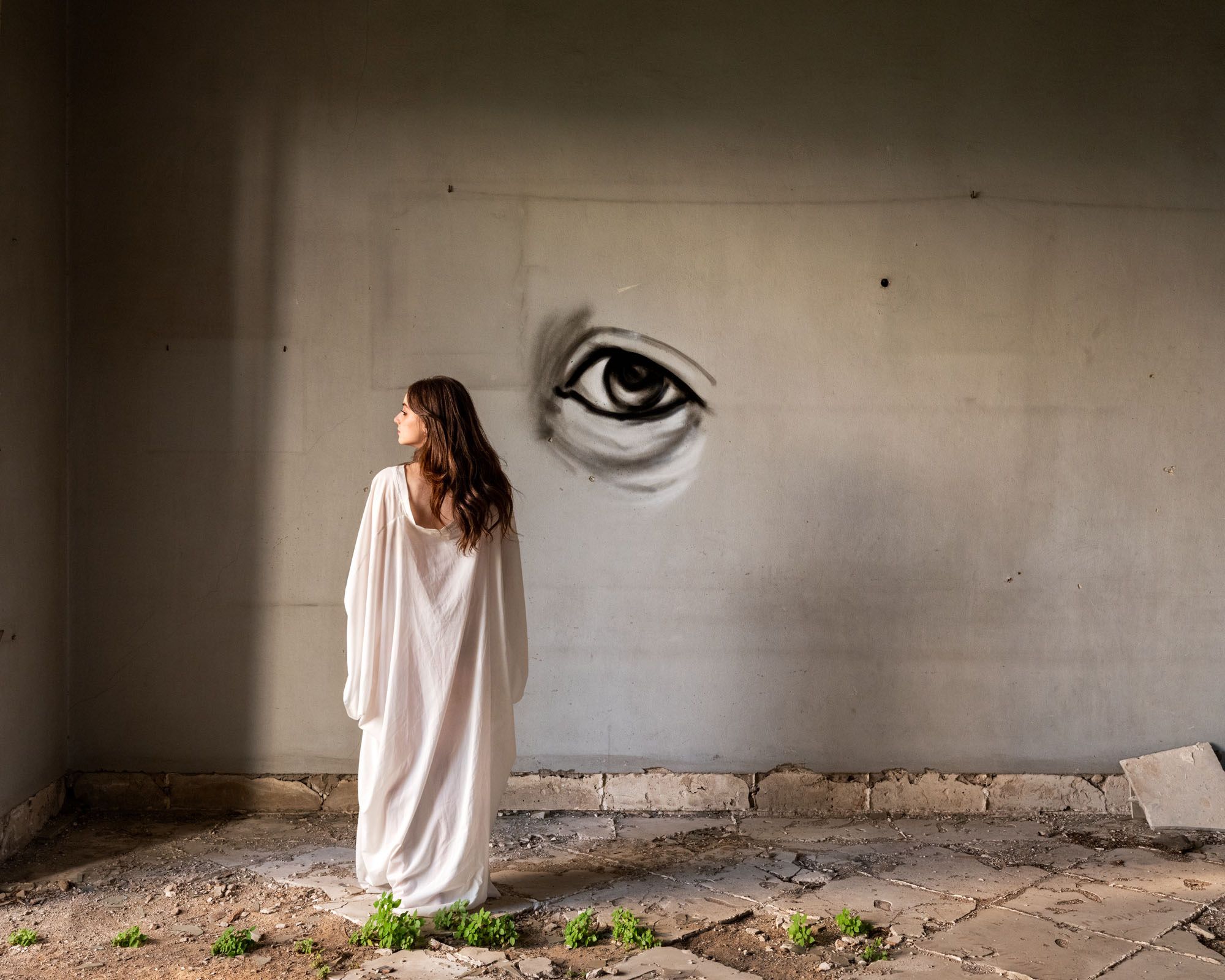
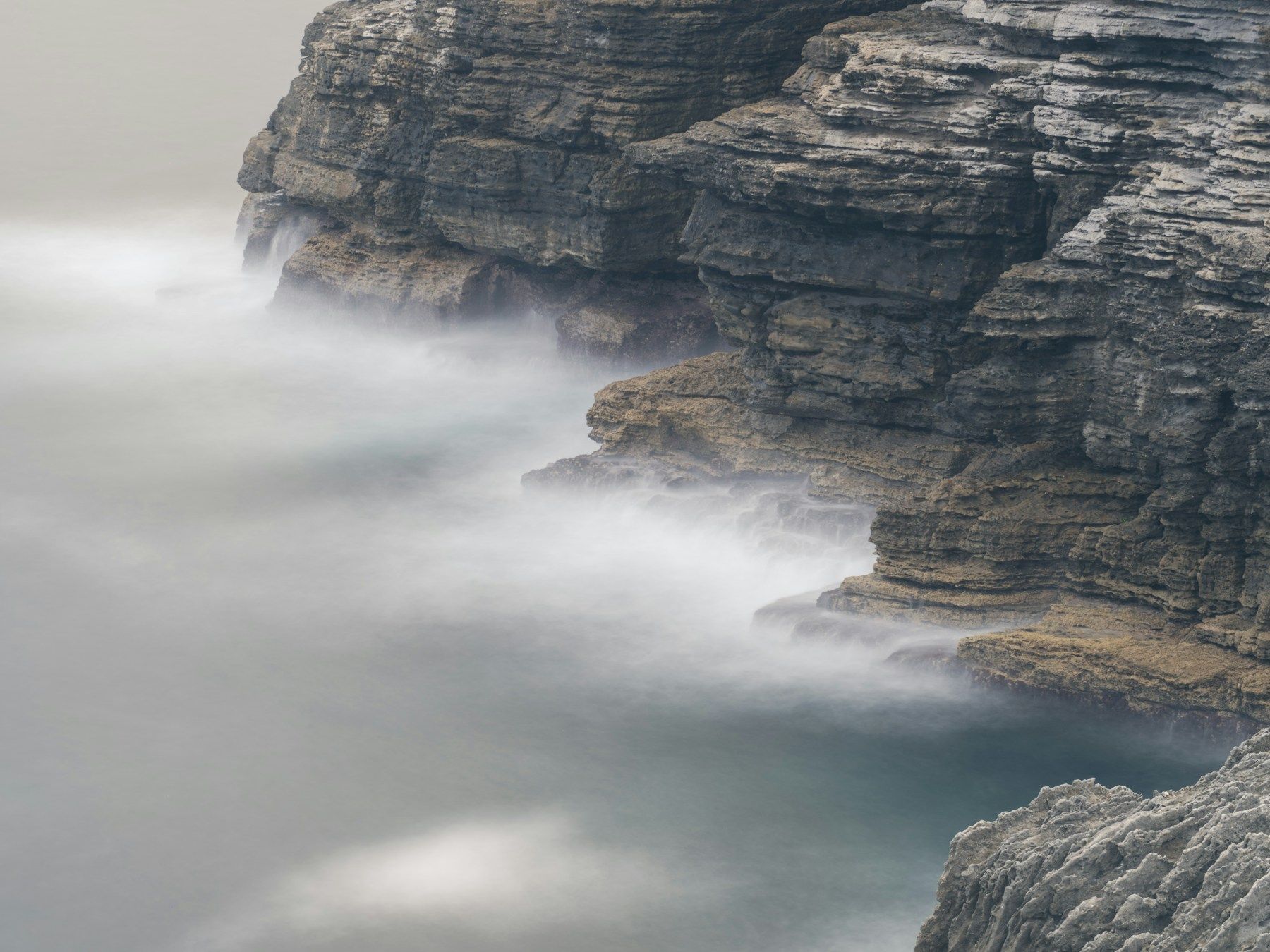
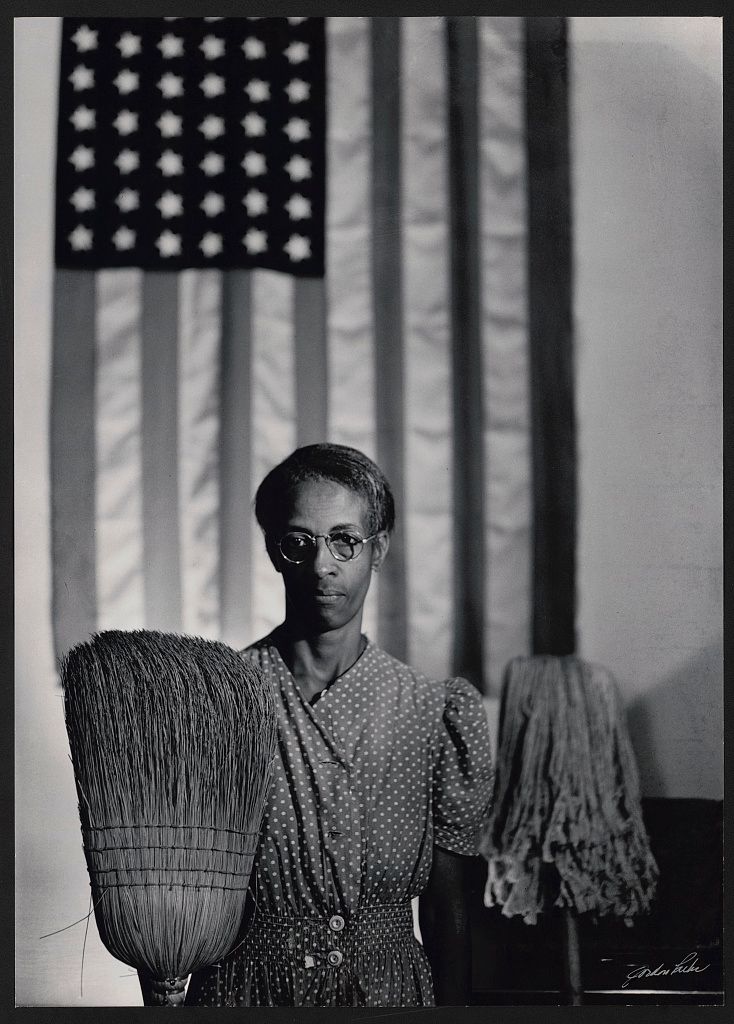
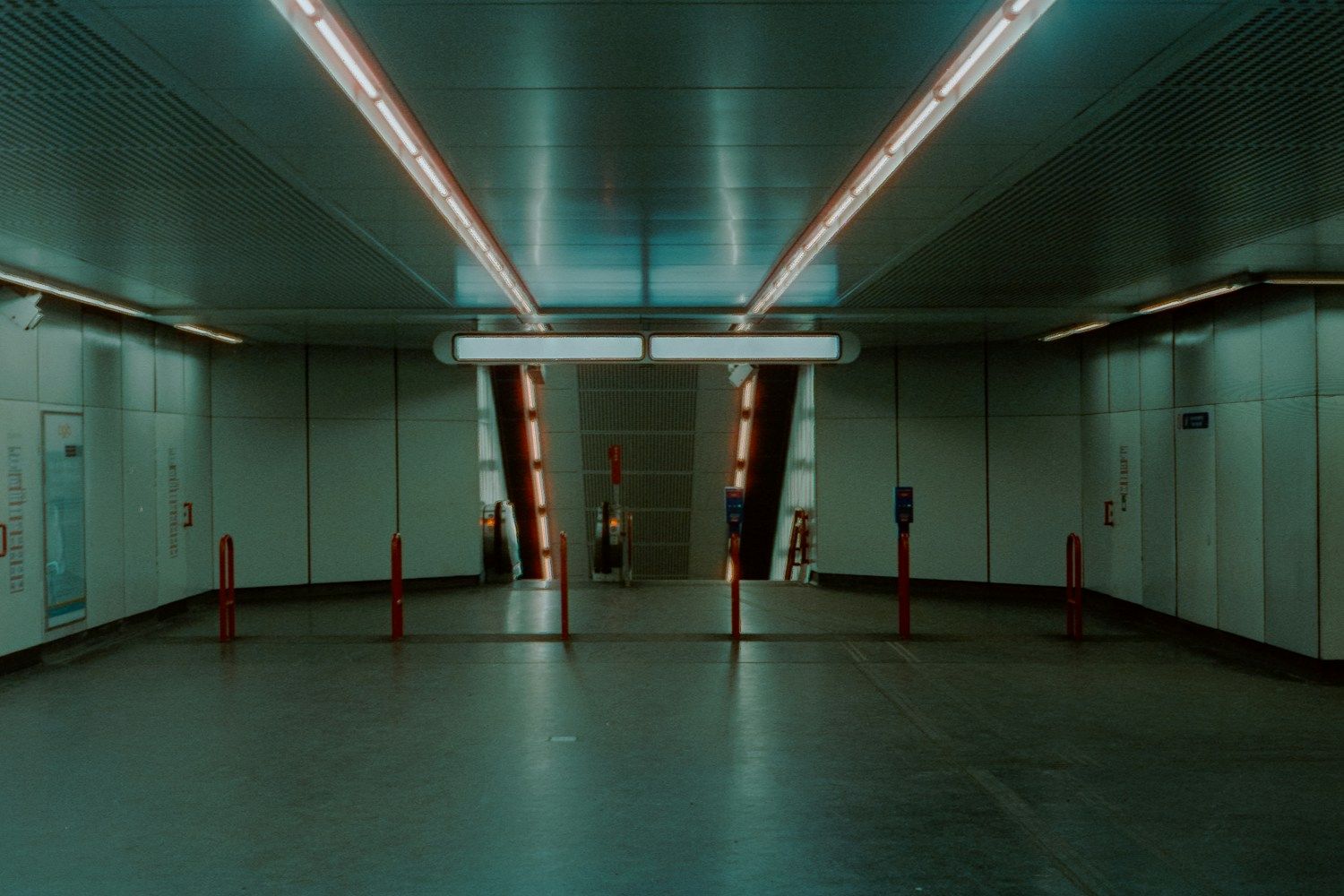
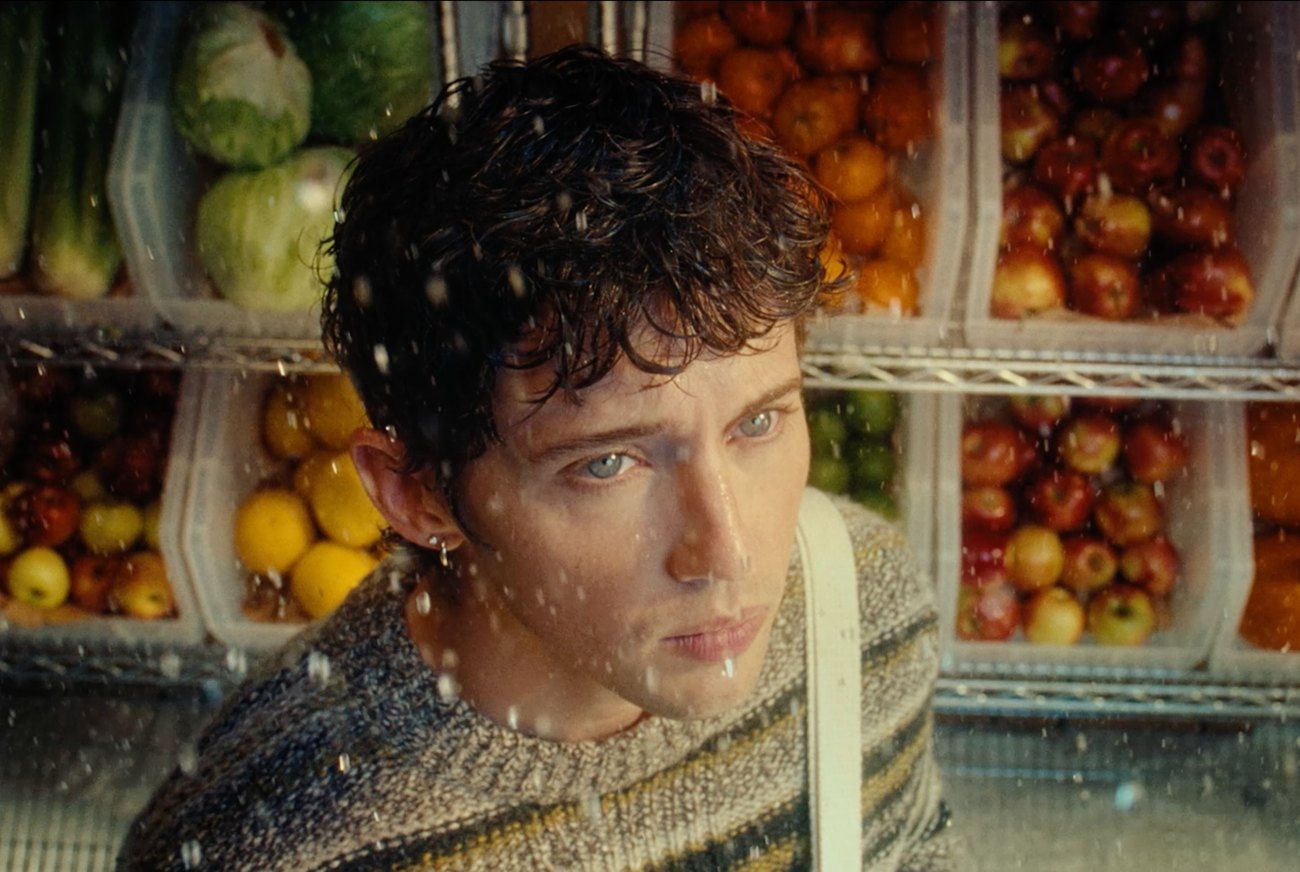
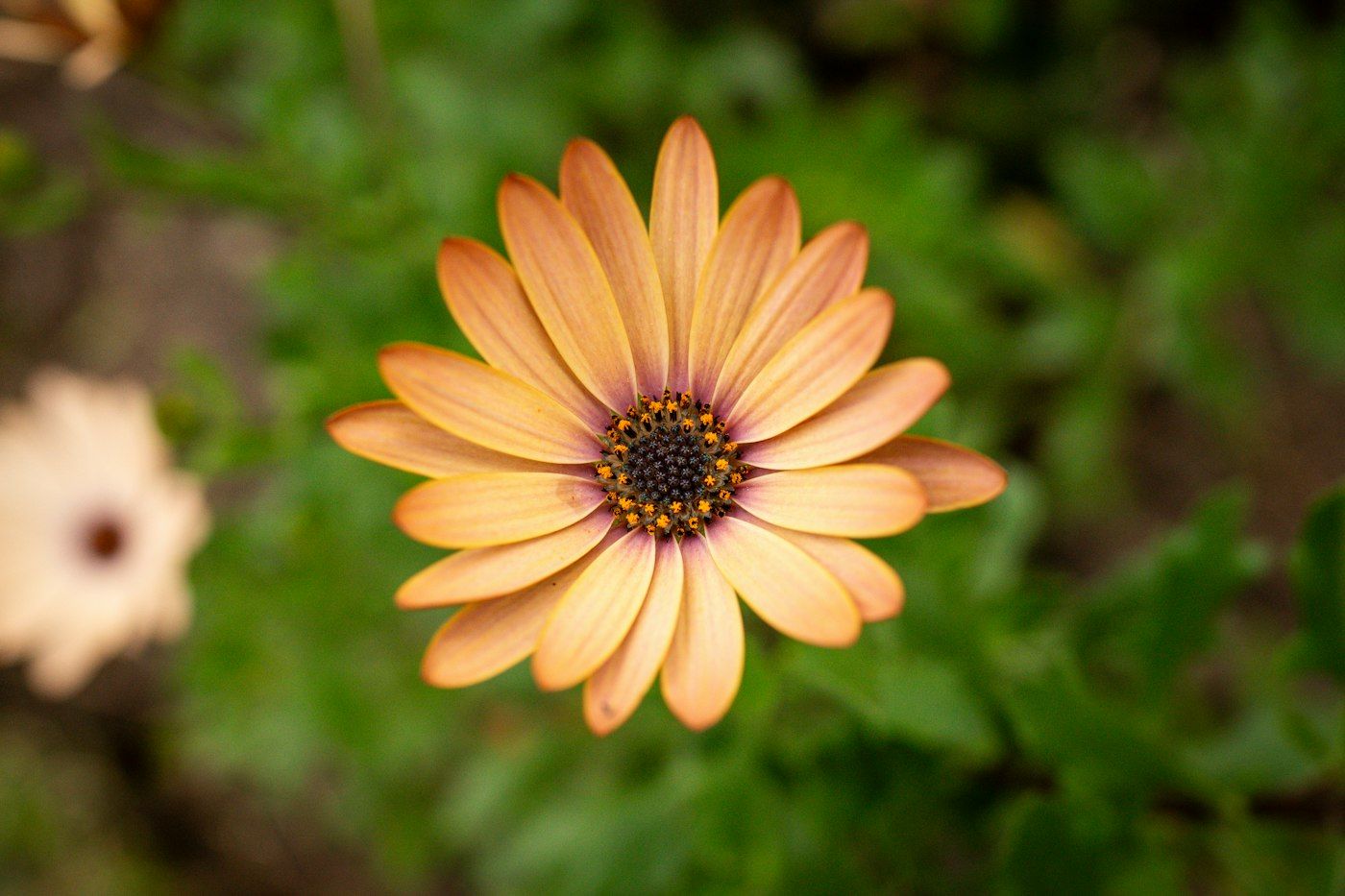
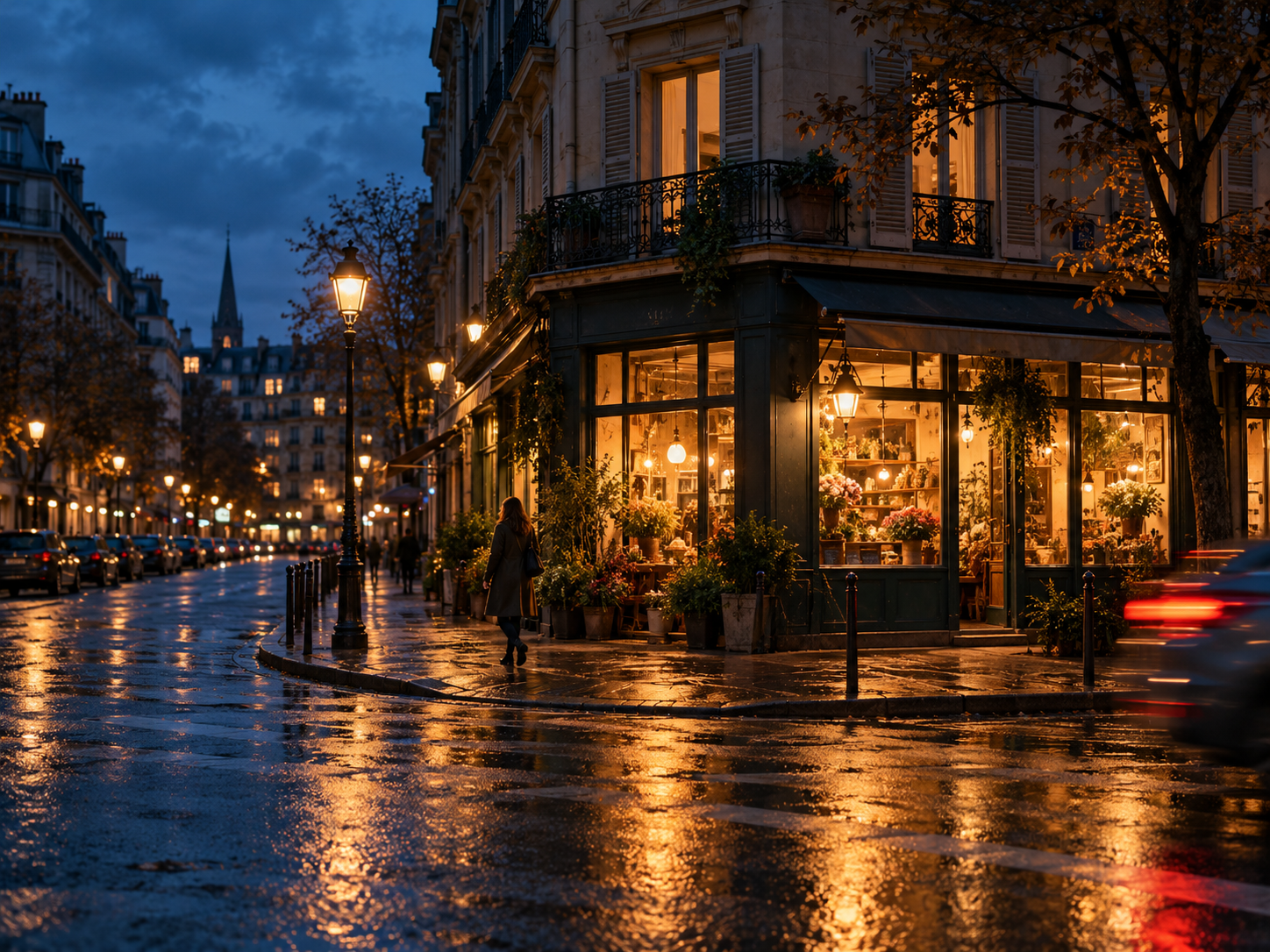
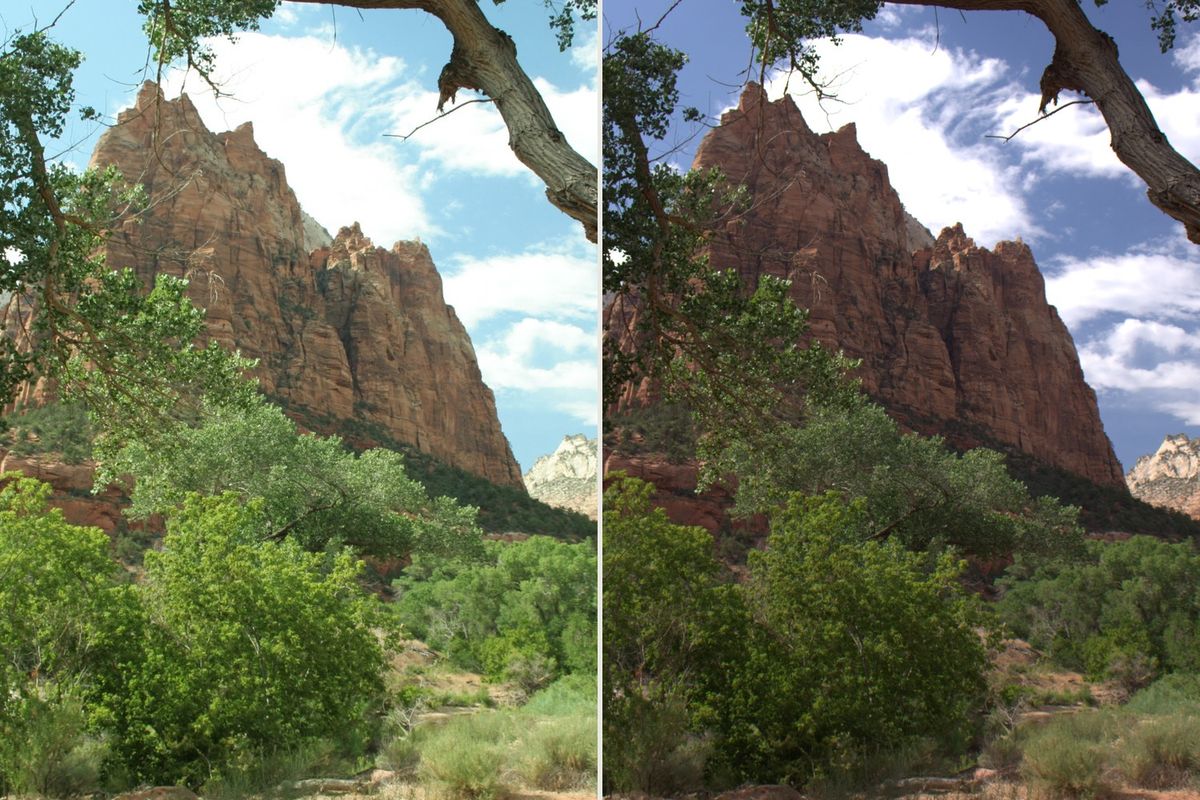
A camera JPEG is already rendered: choices about color, contrast, sharpening and other processing have been applied. You can still edit it, but the file carries less tonal and color information than the corresponding RAW capture. RAW gives a compatible editor more to work with, especially when changing white balance or adjusting tones. In the cover image, the camera’s JPEG preview is on the left and a new edit from the same RAW capture is on the right.
That flexibility is not a rescue guarantee. If the sensor never recorded useful detail in an area, choosing RAW cannot invent it. Getting the exposure and focus right still matters. A different-looking preview in two applications is also not proof that one file has gone bad; rendering choices can differ.
When should you keep the RAW original?
Imagine a portrait you like, but with skin that looks too warm under an indoor lamp. If you expect to revisit its color, keep the camera original as well as the finished export. The original is the starting point for a new interpretation; the export records the version you wanted to share.
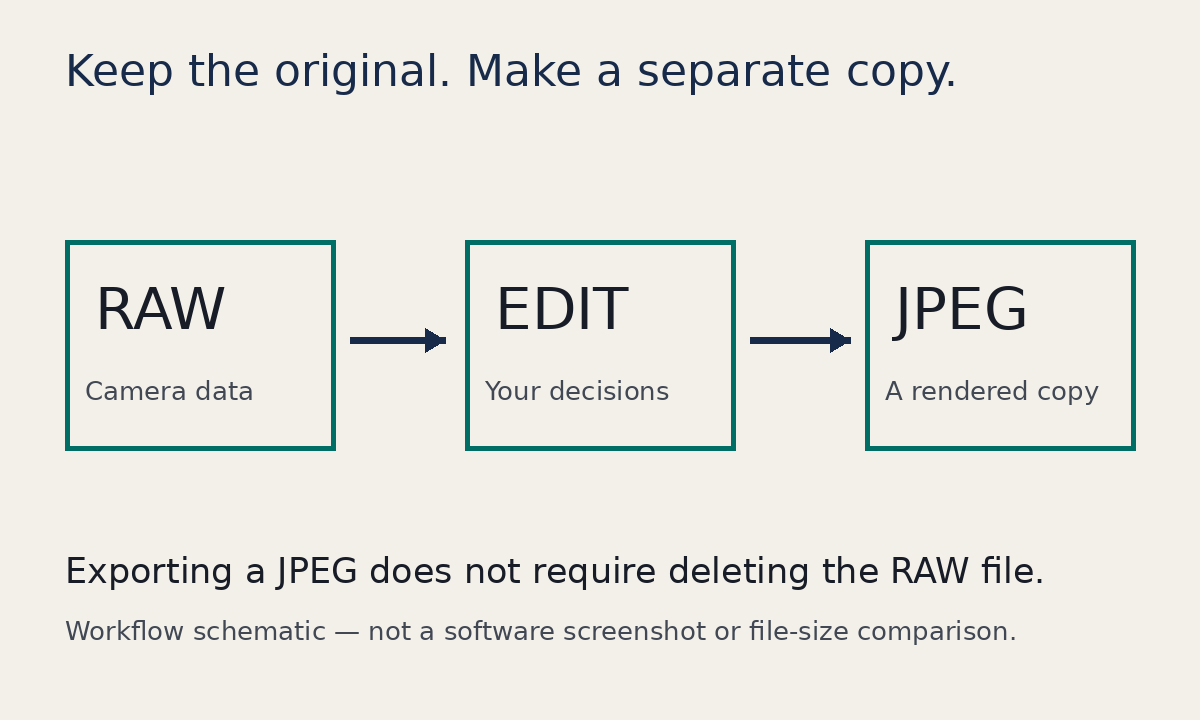
A RAW file is not a universal finished-image format. Check that your editor supports the exact camera and RAW type. Keep any separate editing instructions your workflow uses if you want to preserve the work as well as the source picture. Do not assume that copying the RAW alone transfers every adjustment from an application’s catalog.
When is a JPEG enough?
A camera JPEG that already looks right can be a sensible keeper. So can an exported JPEG of your final edit. For a picture you only need to send, print at a known size or revisit lightly, the practical value may be in that finished version. JPEG is editable; it simply offers a different starting point.
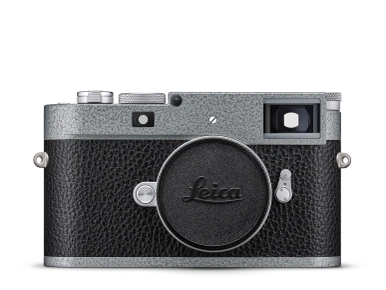
RAW + JPEG capture can give you a camera-rendered version and a camera original from the same shot. It also creates more files to sort and store. Try it on a small, ordinary shoot before making it the default for a long trip. Look at what your import software actually brings in and how it pairs the files.
What should you check before clearing the card?
Before removing anything from a card, open the copied files, check that the photographs you need are present, and keep another backup. A thumbnail is not the same as checking the original. If storage is tight, choose deliberately: important originals, finished versions, or both. There is no useful prize for keeping a format you cannot find or open later.
For a separate problem that often gets blamed on file format, see our mixed-lighting guide. Changing RAW to JPEG does not make two different light sources match.