Now available on iOS

Real color science.
Right from your camera roll.

Professional LUTs built from real film stocks. Log‑to‑Rec709 conversion. Color wheels, curves, and halation — one app instead of four.

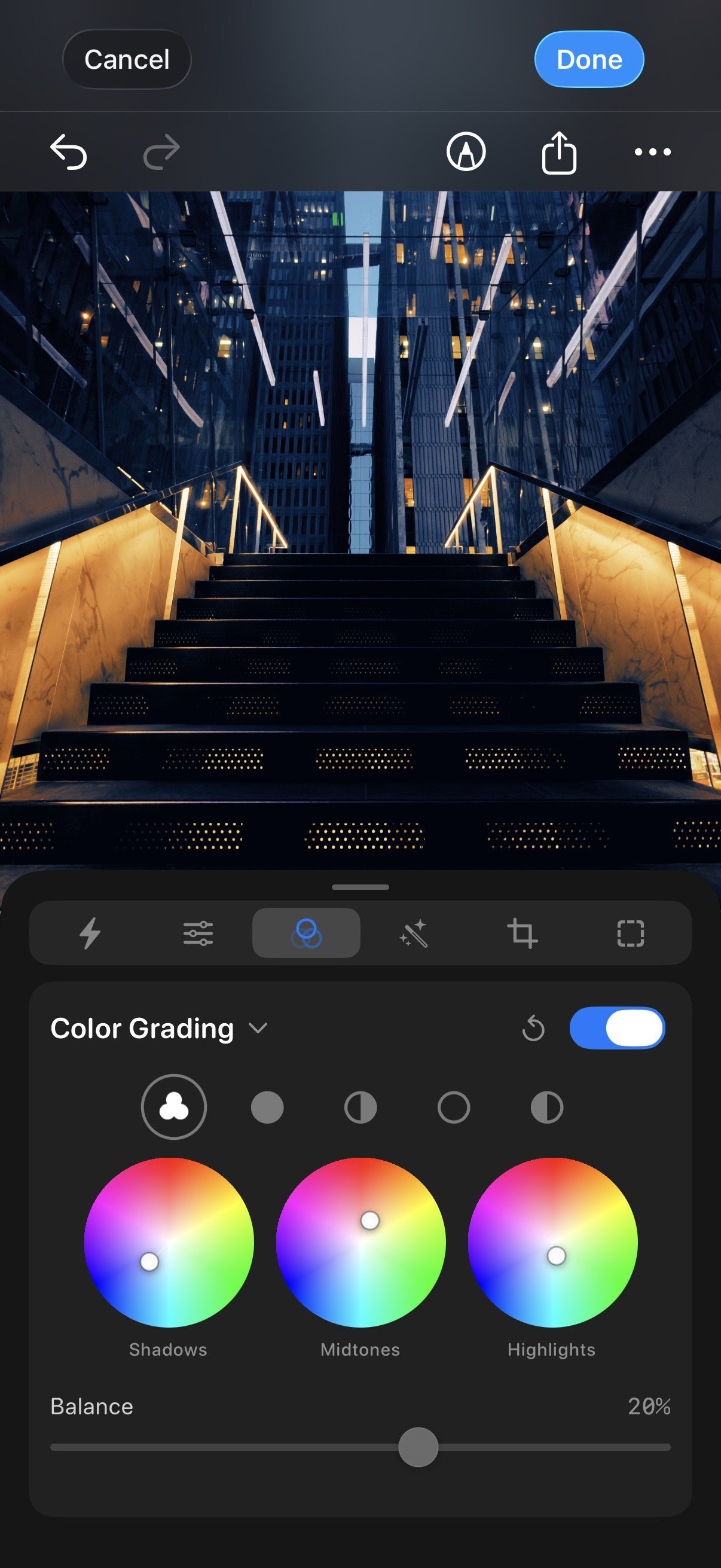
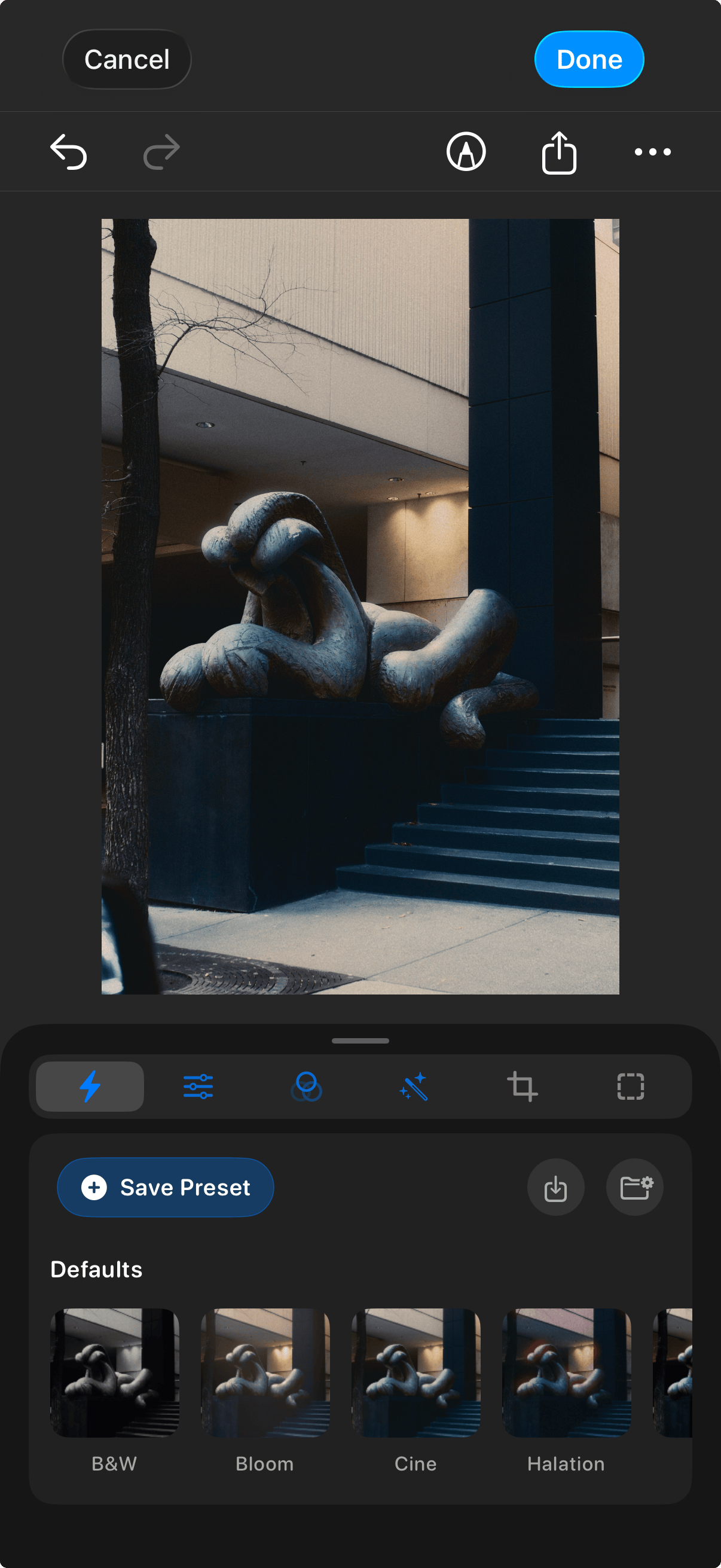
Remjet color grading interface

Works with footage from all major camera systems

Everything you need.
Nothing you don't.

Professional LUTs from real film stocks, log-to-Rec709 conversion, color wheels, curves, and physics-based film effects — all built natively for your phone, not ported from a desktop app.

Zero-Friction Workflow

Grade straight from
your camera roll.

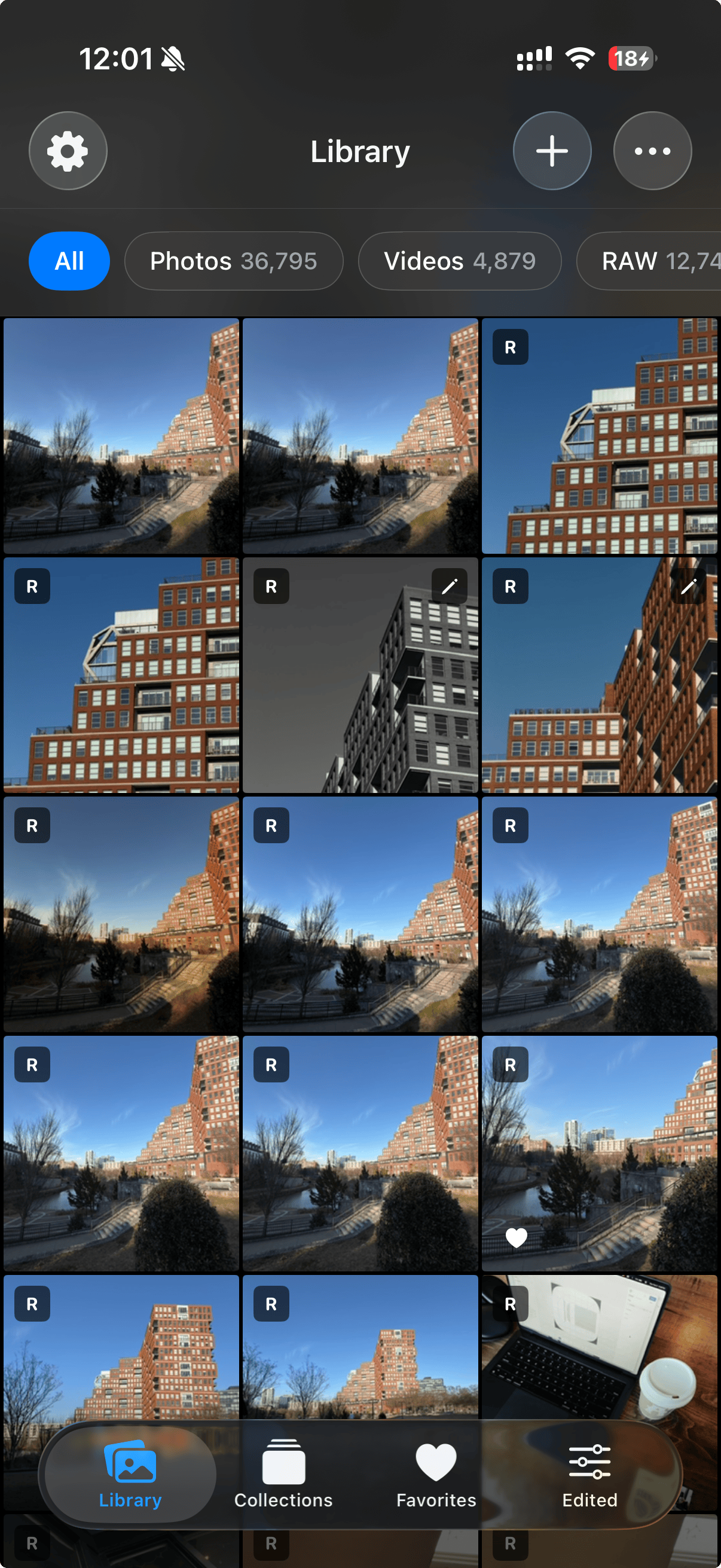
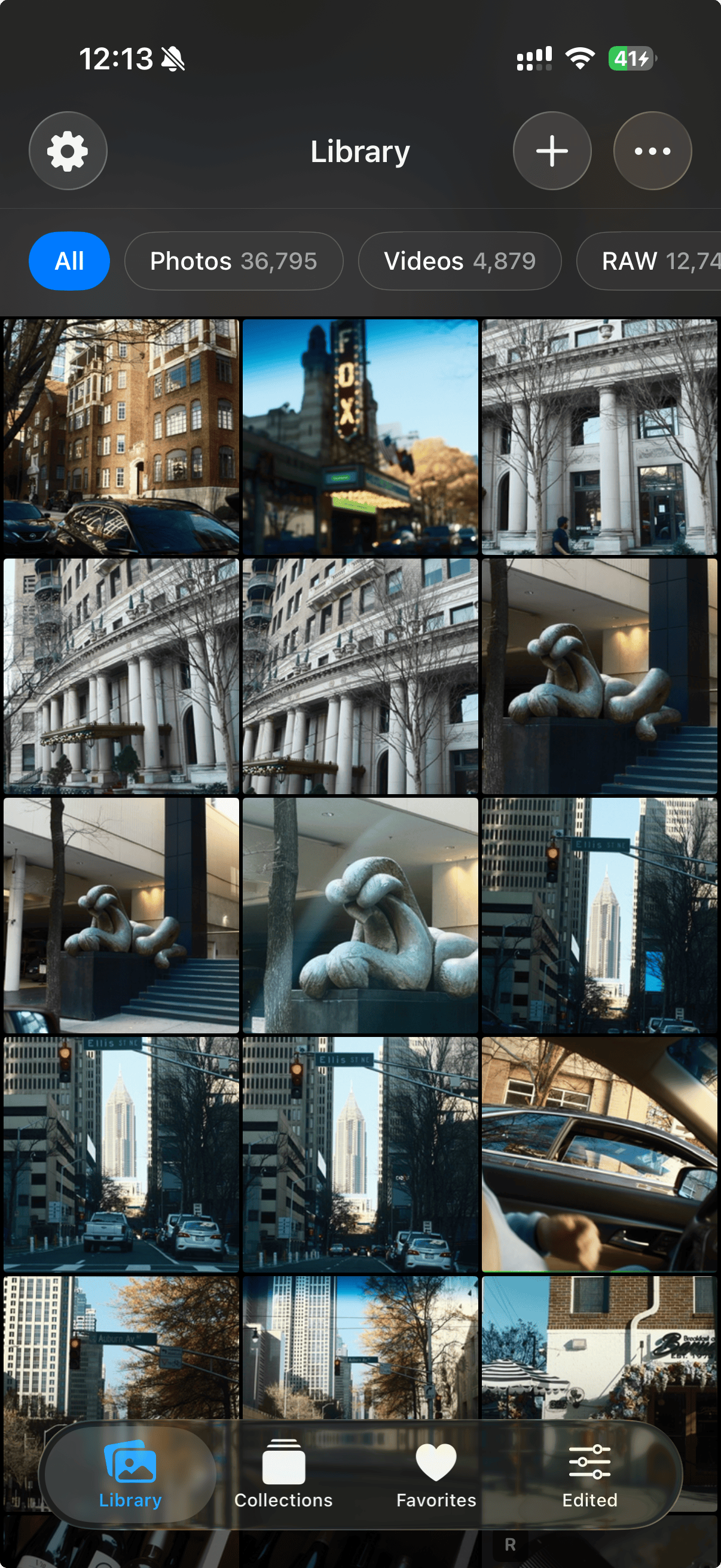
Tap any photo or video. Start grading. No importing, no file management, no waiting.

Remjet camera roll view
Log-to-Rec709

From flat log
to Rec.709.

Correct conversion LUTs for 13+ camera profiles. The same transforms used in post houses.

S-Log3 C-Log3 LogC4 Apple Log V-Log N-Log
Professional Color Tools

Color wheels.
Curves. The real thing.

Shadows, midtones, highlights. HSL selective color. Batch-apply across an entire shoot at once.

Physics-Based Film Effects

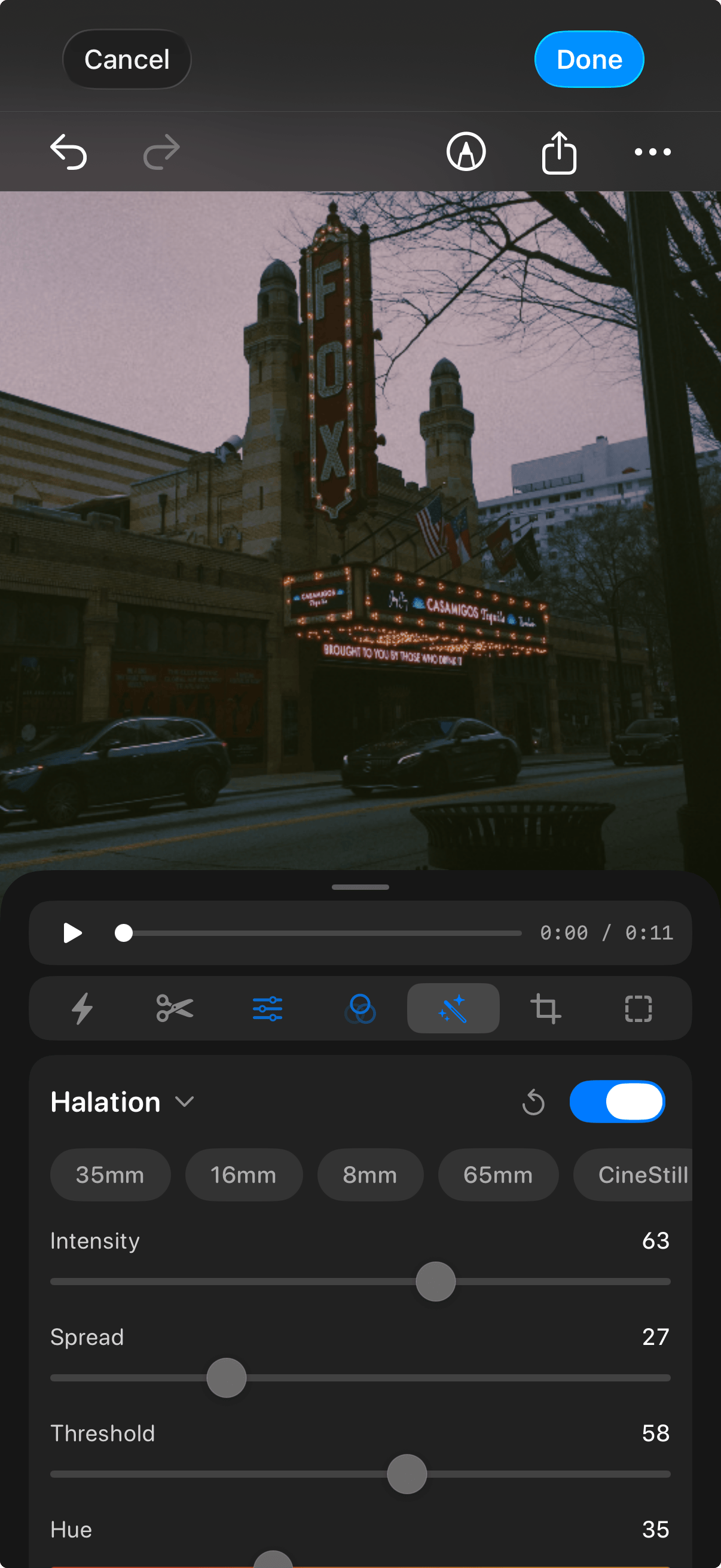
Real halation.
Not a glow filter.

Modeled from actual film emulsion physics. Grain scanned from real stocks. Kodak 2383, not Instagram.

Halation Bloom Film Grain Vignette Chromatic Aberration
Remjet halation effects
RAW Support
Video Editing
Histogram & Waveform
Export Anywhere
Crop & Straighten
Non-Destructive

Three steps. That's it.

No project files to create, no import dialogs to sit through, no waiting around. Tap a photo or video in your camera roll, grade it with professional tools, and share it — your entire workflow from start to finish in under a minute.

01

Open

Your full camera roll. Tap anything.

Open your camera roll
02

Grade

Apply LUTs, dial in color, add film effects.

Grade your photos and videos
03

Share

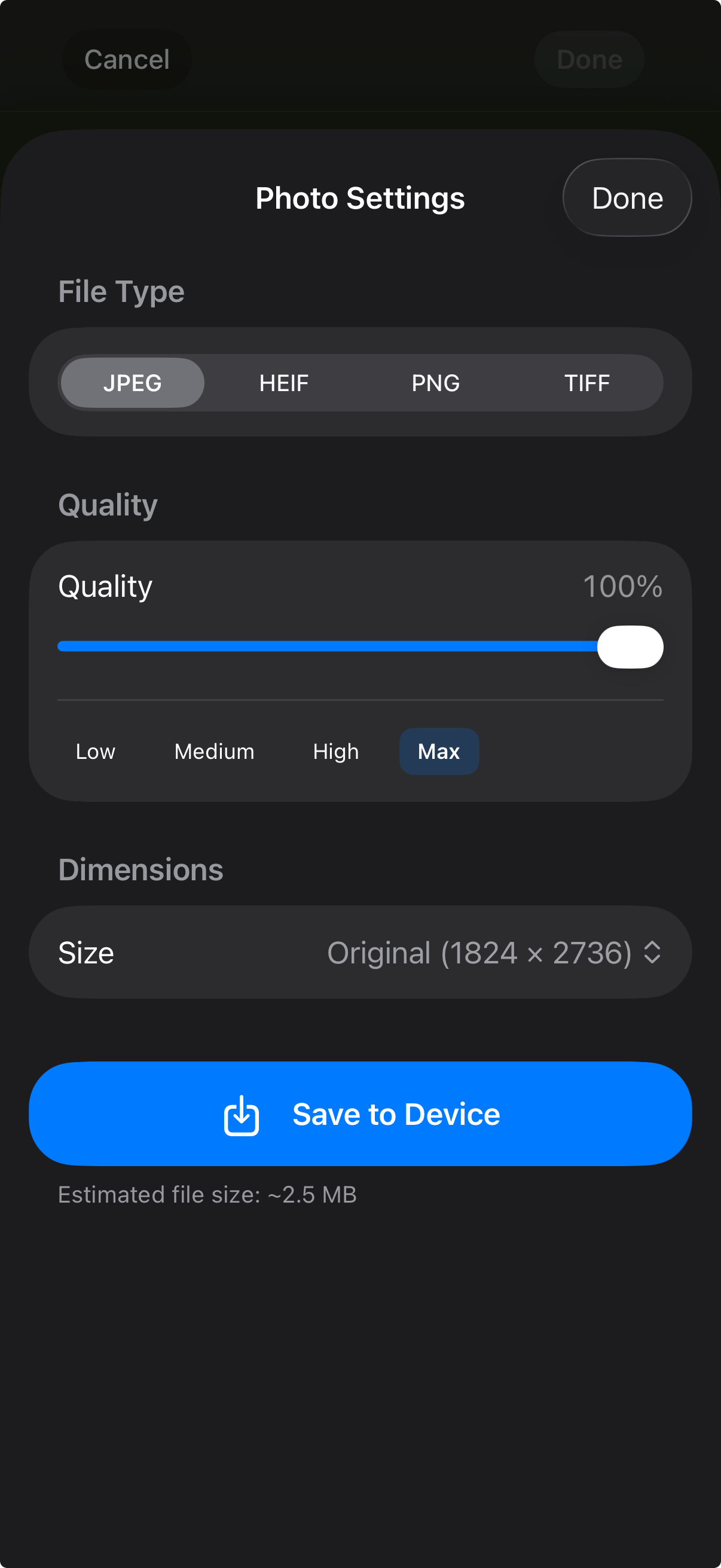
Full quality export. ProRes, Instagram, anywhere.

Export and share

Not just grading.
Full video projects.

Arrange clips on a real timeline, trim and reorder, and export complete video edits — all without leaving the app or switching to a separate editor.

Timeline Editor

A real timeline.
On your phone.

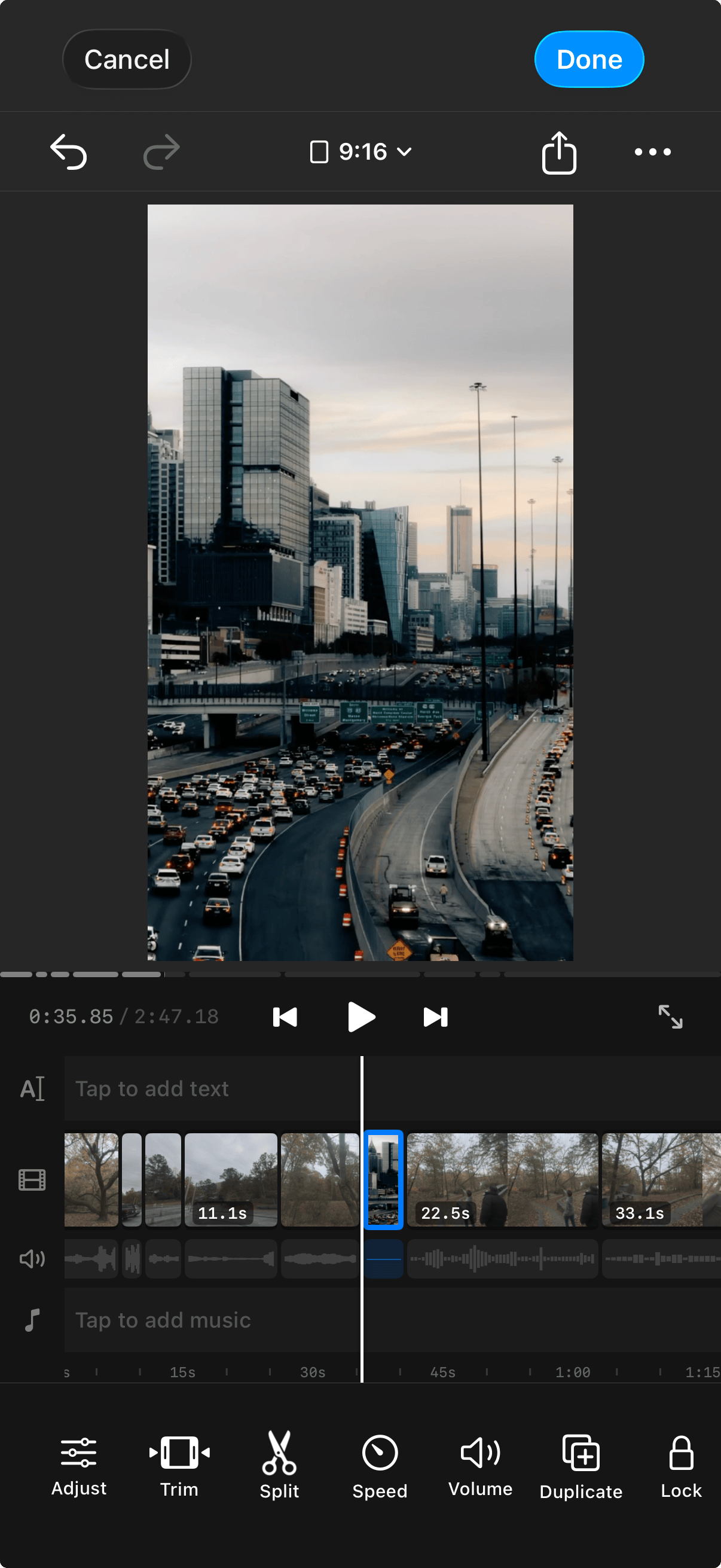
Arrange clips, trim, reorder. A proper timeline you can actually use on your phone.

Remjet timeline editor
Slideshow Shortcut

Select. Set duration. Done.

Pick a batch of photos or clips, choose a duration per slide — 1 second, 2 seconds, whatever — and Remjet builds the project for you. Perfect for fast-paced reels and TikToks.

More reasons to make Remjet
your go-to editor.

The small things that add up to a better editing experience every day.

No duplicates. Edits are saved on the original — no copies cluttering your camera roll. Revert anytime.

Privacy first. No account required. No cloud uploads. Your photos and videos stay on your device.

Hi, I'm Tom 👋

I built Remjet because I care about how my content looks — but I don't want to use four different apps to get there. Log conversion in one app, color grading in another, film effects in a third, and then a timeline editor to put it all together. It was too much.

So I built one app that does all of it. Real film science, professional tools, and a workflow that stays out of your way. Straight from your camera roll.

Hopefully when you use it, it helps you as much as it's helped me.

Thomas
Thomas Garcia Remjet developer

One app.
Everything you need.

Free for 3 days. No commitment.

Download for iOS